Detects the product temperature and change the agitating speed according
to setting.
During processing, the operator can:
Press or to increase or decrease the target hardness;
Press Take Out to finish the processing and turn to take out the product;
Press High speed or Low speed to switch the agitating speed;
Press STOP to stop the processing and turn to Standby mode.
TIPS
The controller will automatically record the new setting and repeat from next time.
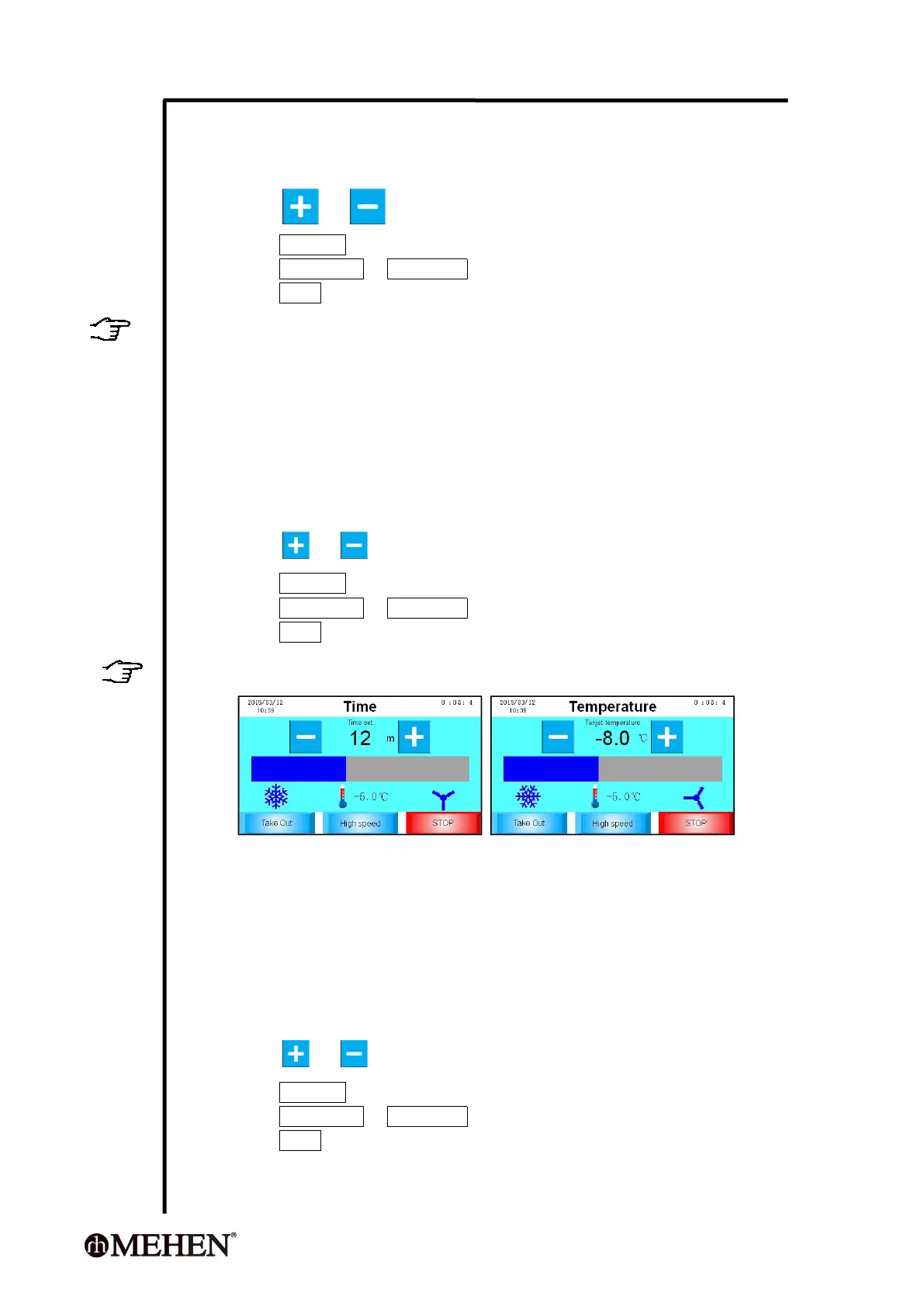
5.5.2 Time Mode
Under this mode, the controller will:
Perform a freezing processing according to the Time setting, it will finish
the freezing and turn to agitating only when the setting time is over;
Detects and display the product temperature.
During processing, the operator can:
Press or to increase or decrease the time setting;
Press Take Out to finish the processing and turn to take out the product;
Press High speed or Low speed to switch the agitating speed;
Press STOP to stop the processing and turn to Standby mode.
TIPS
The controller will automatically record the new setting and repeat from next time.
5.5.3 Temperature Mode
Under this mode, the controller will:
Perform a freezing processing according to the Temperature setting, it will
stop freezing and turn to agitating when the setting temperature is
achieved;
The compressor will restart if the product temperature increase 2 °C;
Detects and display the product temperature.
During processing, the operator can:
Press or to decrease or increase the temperature setting;
Press Take Out to finish the processing and turn to take out the product;
Press High speed or Low speed to switch the agitating speed;
Press STOP to stop the processing and turn to Standby mode.



 To Next Page