SLM770A Module Hardware Design Manual
MeiG Smart Technology Co., Ltd 77/77
⚫ 1: Control module shutdown with PWRKEY pin; pull down the POWERKEY pin for at least 650ms to
start the power-off process
⚫ 2: Send AT+POWEROFF command into the power-off process
3.7.2.1 AT Command to Turn Off
The AT+POWEROFF command can be used to control module power off.
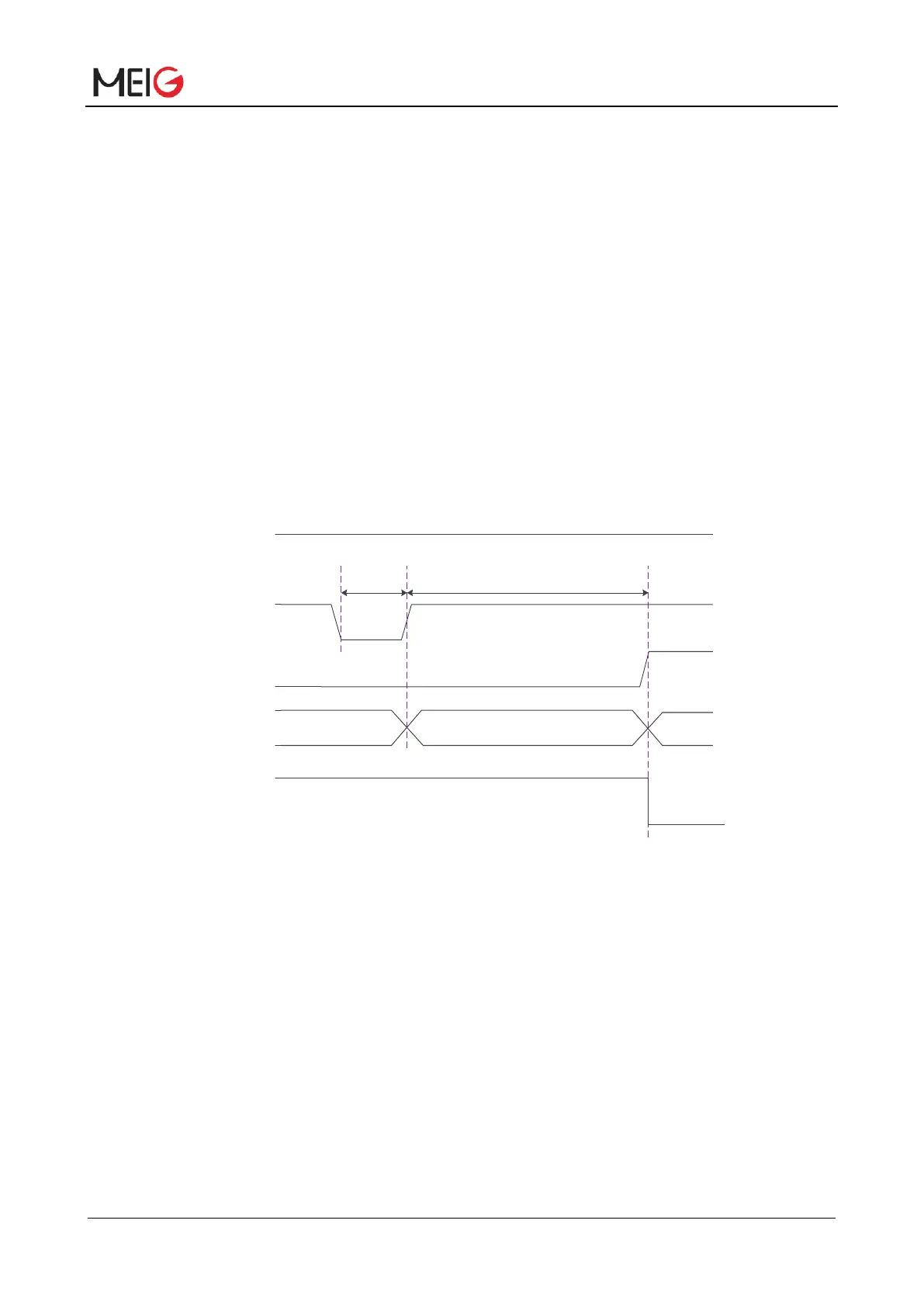
3.7.2.2 PWRKEY Pin to Turn Off
When the module is turn on, pull the PWRKEY pin down for at least 7s and release it, the module will
execute the power off process. The sequence is shown below:
Figure 10 Timing of turning off module
Note:
1. When the module is working normally, do not immediately cut off the power supply of the module to
avoid damaging the Flash data inside the module. It is recommended to close the module through the AT
command before disconnecting the power.
2. When using AT command to turn off, make sure that PWRKEY is always in high level state after the
turn off command is executed; otherwise, the module will start up again automatically after complete the
turn off.



 To Next Page