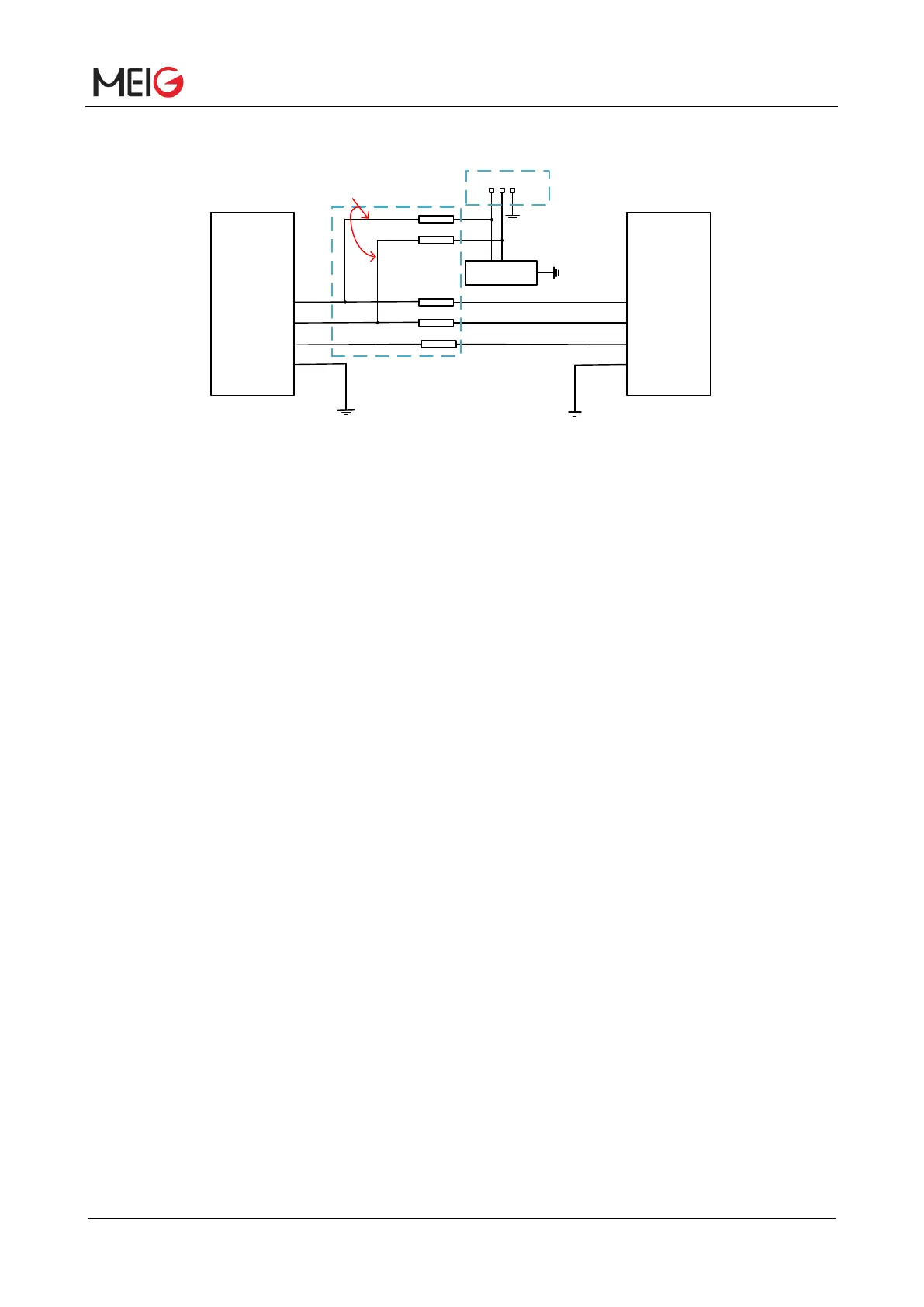
Figure 16 USB reference circuit design
In order to meet the signal integrity requirement of USB data line, R1/R2/R3/R4 resistors must be placed
close to the module and between resistors close to each other. The branch connecting the test point
must be as short as possible.
In USB interface circuit design, to ensure USB performance, the following principles are recommended
in circuit design:
⚫ In order to reduce the USB high speed data transmission of signal interference, in USB_DM
USB_DP interface circuit and concatenated R1 and R2 can improve the accuracy of data
transmission, 0Ω R1 and R2 are recommended;
⚫ In order to improve the antistatic performance of USB interface, ESD protective devices are
recommended to be added to USB_DP and USB_DM interface circuits, and ESD devices with
junction capacitance less than 2pF are recommended. USB ESD protection device should be
placed as close as possible to USB interface;
⚫ In order to ensure the USB work reliable, the design still needs more consideration to the protection
of USB, such as the Layout of the protection of the USB, need to do to USB_DP and USB_DM 90 Ω
impedance control, strictly in accordance with the requirements of the differential line, as far as
possible away from the interference signal;
⚫ Do not use USB cable under crystal oscillator, oscillator, magnetic device and RF signal. It is
recommended to use inner differential wiring and wrap the ground left, right, up and down.
3.10.3 USB Driver
SLM770A module support various operating systems, such as PC operating system: Windows 7/8, 10,
Windows embedded operating system: Linux version 2.6 or higher, Android2.3/4.0/4.2/4.4/5.0/5.1/6.0


 To Next Page