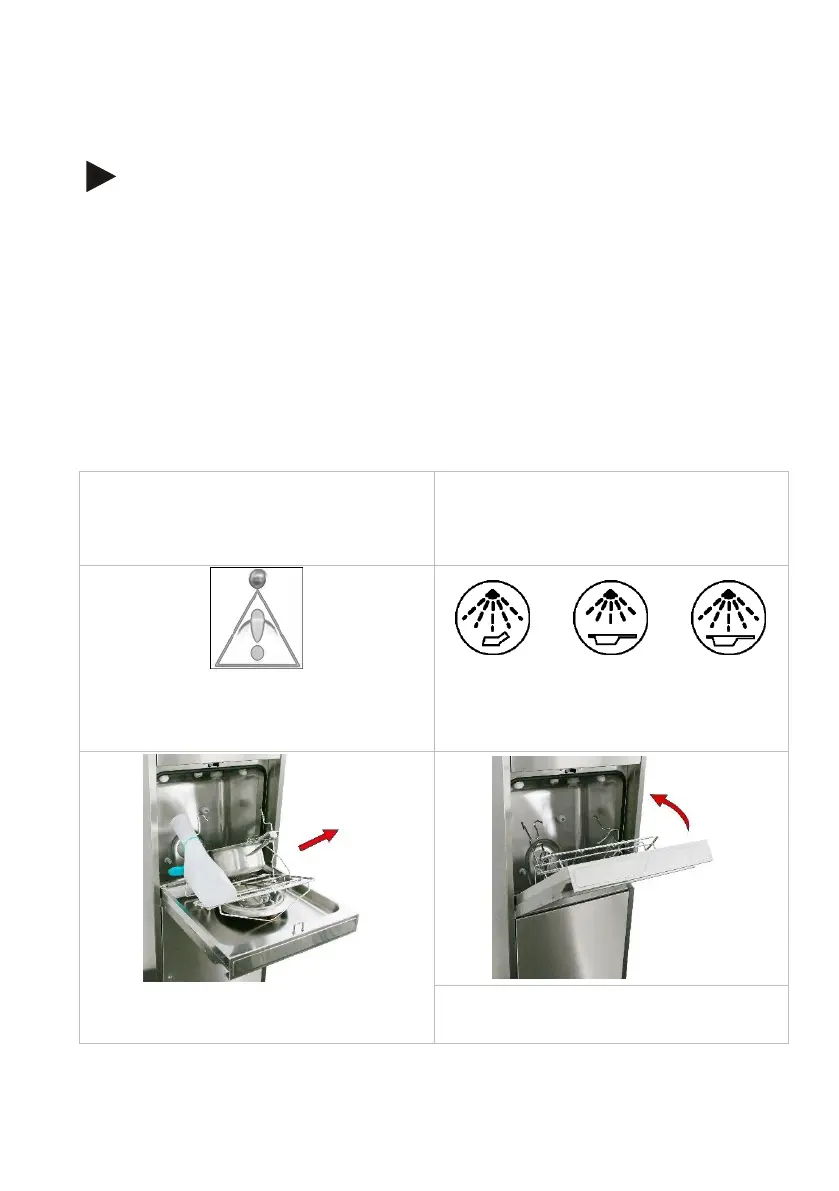
8.2.6 Door lock with code lock / code entry (option)
Note
Operations that can be protected with code lock:
• Open the door after end of programme
• Programme start
• Both
The code is set to 1 ex works.
It can be changed by the service technician.
• Cleaning programme finished.
AND/OR
• Appliance has been equipped with care utensils and is waiting for the pro-
gramme to start
The code entry prompt appears.
1. Use the arrow keys to set the
value.
2. Confirm the entered code by press-
ing the error acknowledgement
key.
3. Start cleaning programme, see
page 30, OR
• Remove care utensils as usual,
see page 28.
4. Close the wash chamber door.


 To Next Page