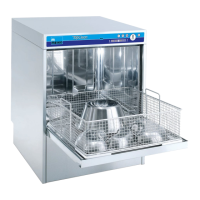
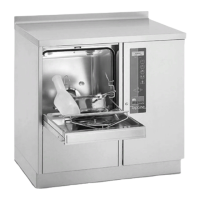
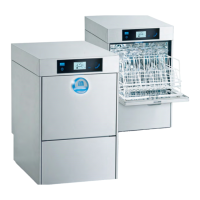
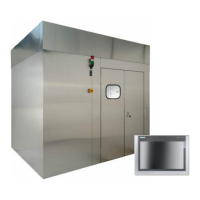
MEIKO TopLine
• Navigate in the menu.
If a setting is being edited (selected value flashes):
• Increase or lower value.
• Leave menu item.
If a setting is being edited (selected value flashes):
• Select the previous or next position.
Error acknowledge-
ment key
• Access selected menu item.
If a setting is being edited (selected value flashes):
• Confirm entry.
9.2 Display or change the list of service parameters
1. In the service level, call Change parameter list.
2. Press the error acknowledgement key .
3. Navigate in the parameter list with the or arrows.
To change parameters:
1. Call desired parameter.
2. Press the error acknowledgement key .
3. Use arrows to change parameter setting.
4. Press the error acknowledgement key to save the setting.
- or -
5. Press the arrow to cancel the setting and to return to the parameter list.


 To Next Page