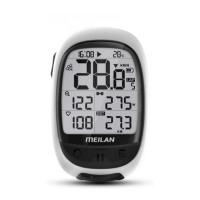
1. Power on and get setup
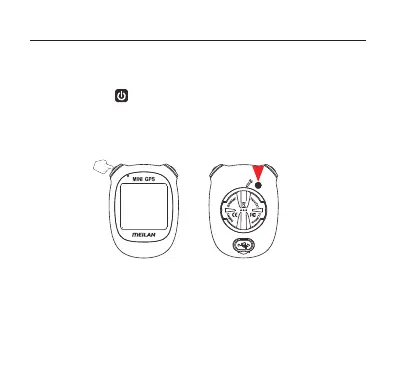
Press and hold the left top button of M3 for 2 seconds turns on and enter
the setting mode.
Perform the following operation when you use the unit for the first time.
2. Setting the time zone
Select the time zone for the city nearest from your current location, while
searching on Internet.
• Initial settings
SETTING Button
7
( If it is not the first time, press the SETTING button to go to setting menu)


 To Next Page