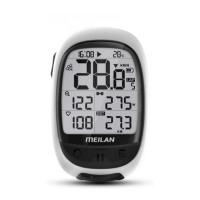
History
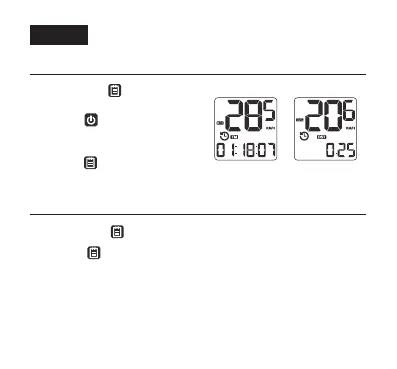
• View histroy record
• Delete the riding data
2. Press the left top button quickly to
check different measurement data
in the record you are viewing.
3. Press the right top button quickly
to scroll to the next one.
1. Long press the right top button
to enter or exit history view.
1. Long press the right top button to enter or exit history view.
2. Press the right top button quickly to scroll to the record view you
want to delete.
3. Then press the SETTING button on the back of M3 to delete. Just
delete this record.
16


 To Next Page