• Accessories
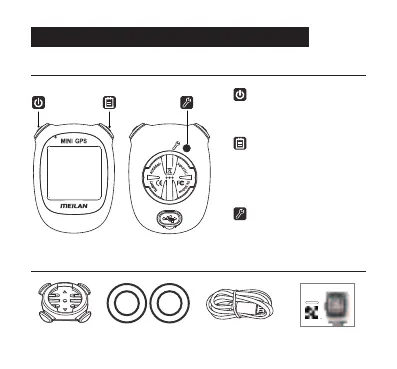
Description of the Device and Accessories
Bike mount Rubber bands*4 Charging cable Instruction
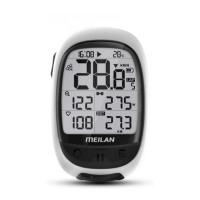
• Computer
SETTING button
Accesses the Settings
menu or save the Setting;
Delete saved data in history
view
(POWER) button
Turns the power on and off,
Switch display of speed data;
Change data in settings mode
Smart (right top) button
Switch display of data menu;
Confirm and go to the next in
settings mode;
Save the cycle data and exit or
enter history.
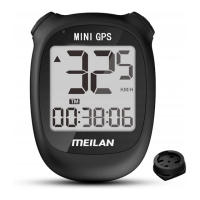
M3
Mini GPS
Bike Computer
Scan the QR code above to view
manuals in other languages
Instruction manual
(Français/Italiano/Русский язык/
中文简体/日本語/한국어/ภาษาไทย)
5


 To Next Page