Infrared Remote Control
Included with the MA3 is an infrared remote control. You can use the infrared remote control
to select or toggle between the various digital inputs available on the MA3.
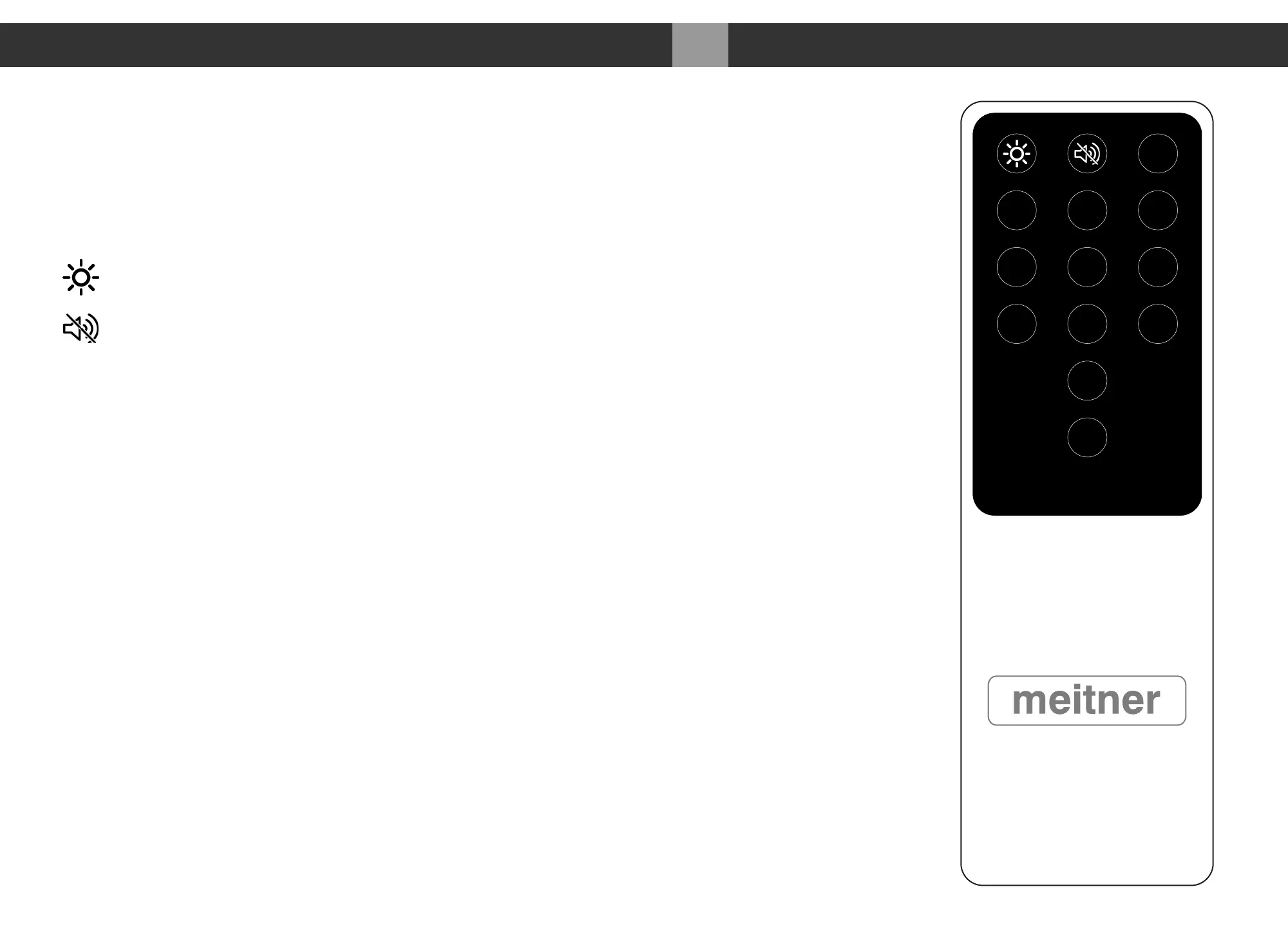
Please refer to a picture of the remote control to the right, as reference:
: Display brightness settings
: Mutes/Unmutes the outputs. When engaged “MUTED” will be
displayed below a dimmed volume setting
Ø
: Polarity inversion is performed in the digital domain. When engaged
“INV” will be displayed below the volume setting
USB : Selects the USB Audio input via USB Audio interface
AES : Selects the AES/EBU input via AES/EBU XLR connector
NET : Selects the Ethernet/Network input via RJ45 connector
COAX : Selects the COAXIAL SPDIF input via COAX RCA connector
TOS : Selects the TOSLINK SPDIF input via TOS 1 optical connector
AUX : Not in use
VOL : Use the +/- buttons to increase/decrease the MA3’s analog output
A, B, C : Not in use
030
Infrared Remote Control MA3 Integrated D/A Converter Manual
meitner © 2020 Meitner Audio, All Rights Reserved. Meitner Audio reserves the right to amend specifications & design without notice.
USB AES NET
COAX TOS AUX
Ø
A B C
+
-
VOL


 To Next Page