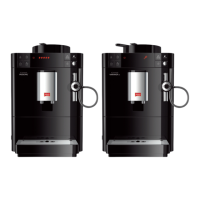
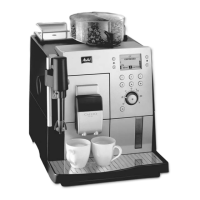
Navigating in the menu or changing a numerical value
Press the arrow buttons to navigate down or up in the menu.
Press the arrow buttons to increase or decrease a numerical value.
Press and hold an arrow button to quickly reach the required posi-
tion or numerical value.
Exiting a menu
Select the Exit command with the arrow buttons and conrm with
"menu/ok" to exit a menu.
Exit submenus that only display information and where no settings
are made with "menu/ok".
Calling up submenus
Certain of the appliance's programmes are reached by calling up several
submenus in succession.
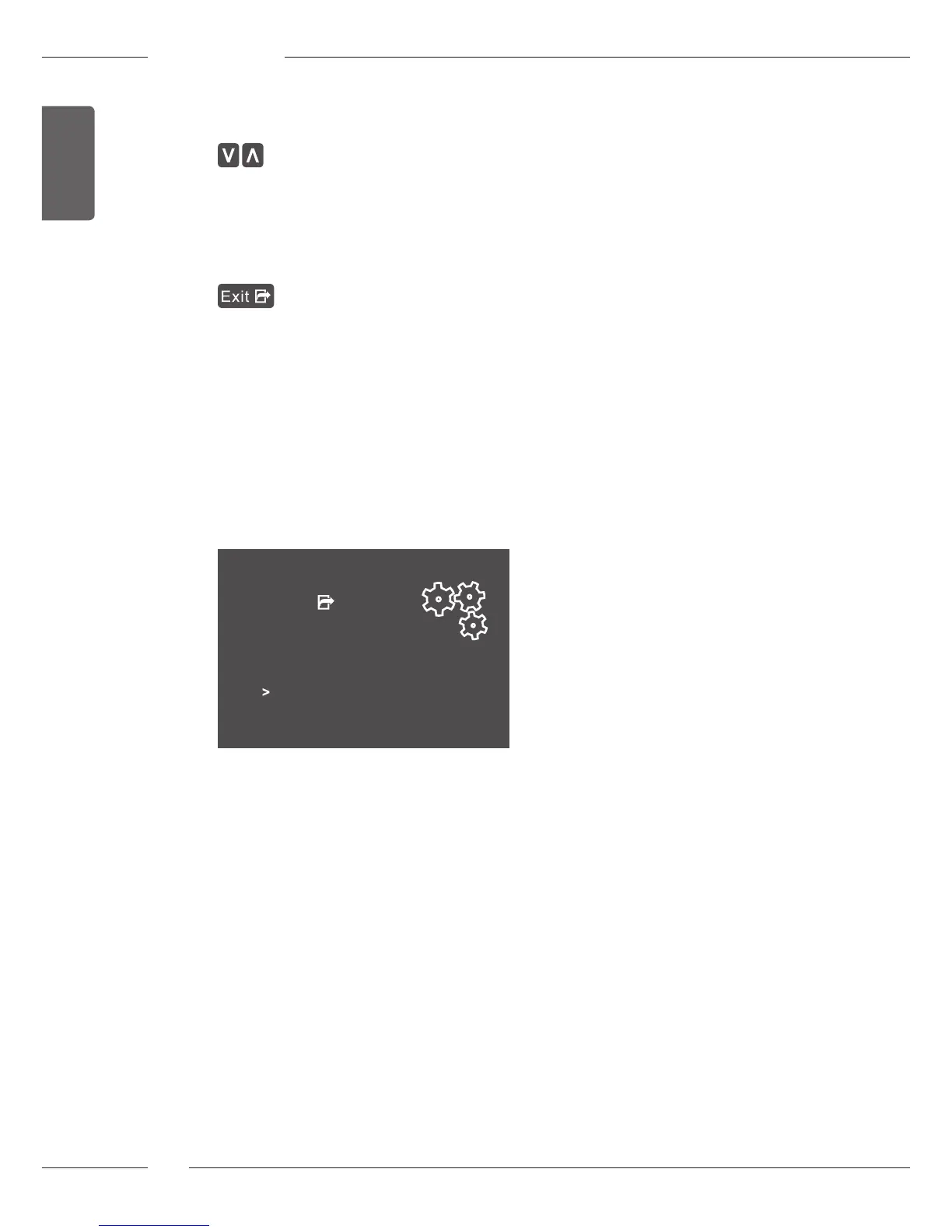
Submenus are always called up in a similar manner. Navigation to the Des-
caling programme is described here as an example.
Care
Exit
Rinsing
Easy cleaning
Cleaning milk system
Cleaning coffee system
Descaling
Filter
Fig. 7: Navigating to the Descaling programme
1. Press the "menu/ok" button for 2 seconds.
» The menu appears on the display.
2. Use the arrow buttons to select Care and conrm with
"menu/ok".
3. Use the arrow buttons to select Descaling and conrm with "menu/ok".
The selection of a programme is always shown in shortened form in these
operating instructions:
Navigate to the Care > Descaling menu.



 To Next Page
 Loading...