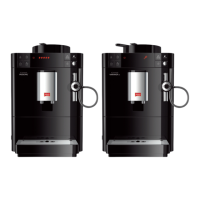
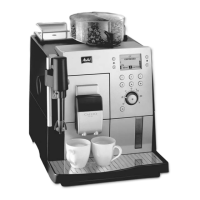
4.2 Using the control panel
The essential programmes can be accessed using the control panel.
Press the required button. Use the following actions to operate the buttons:
Brief press
Briey press a button to select a programme.
2s
Long press
Press a button for longer than 2 seconds to select a second
programme that may be available.
4.3 Navigating in the menu
To set individual beverages and for maintenance and care, call up the menu
on the display and navigate in the menu.
Observe the instructions on the display.
Direct keys
Espresso
Coffee strength
Strong
Confirm with OK:
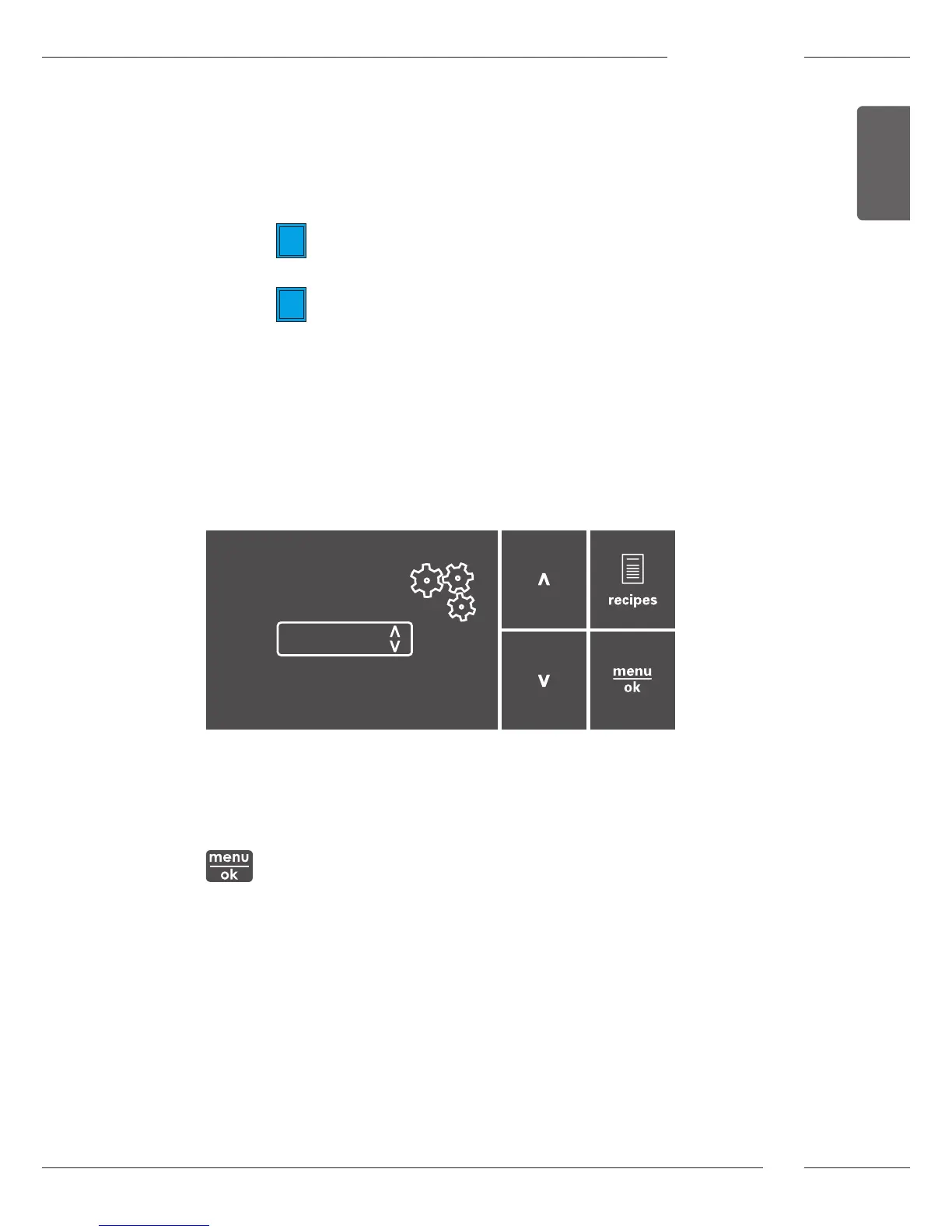
Fig. 6: Display (example) and buttons for navigation
Use the following options to navigate in the menu:
Calling up the menu and conrming the selection
Press the "menu/ok" button for longer than 2 seconds to call up the
menu.
Briey press the "menu/ok" button to conrm your selection.



 To Next Page
 Loading...