10-12 Melitta Cana XT4 Touch Display Service Manual V1.0 -270320
The Cleaning tab
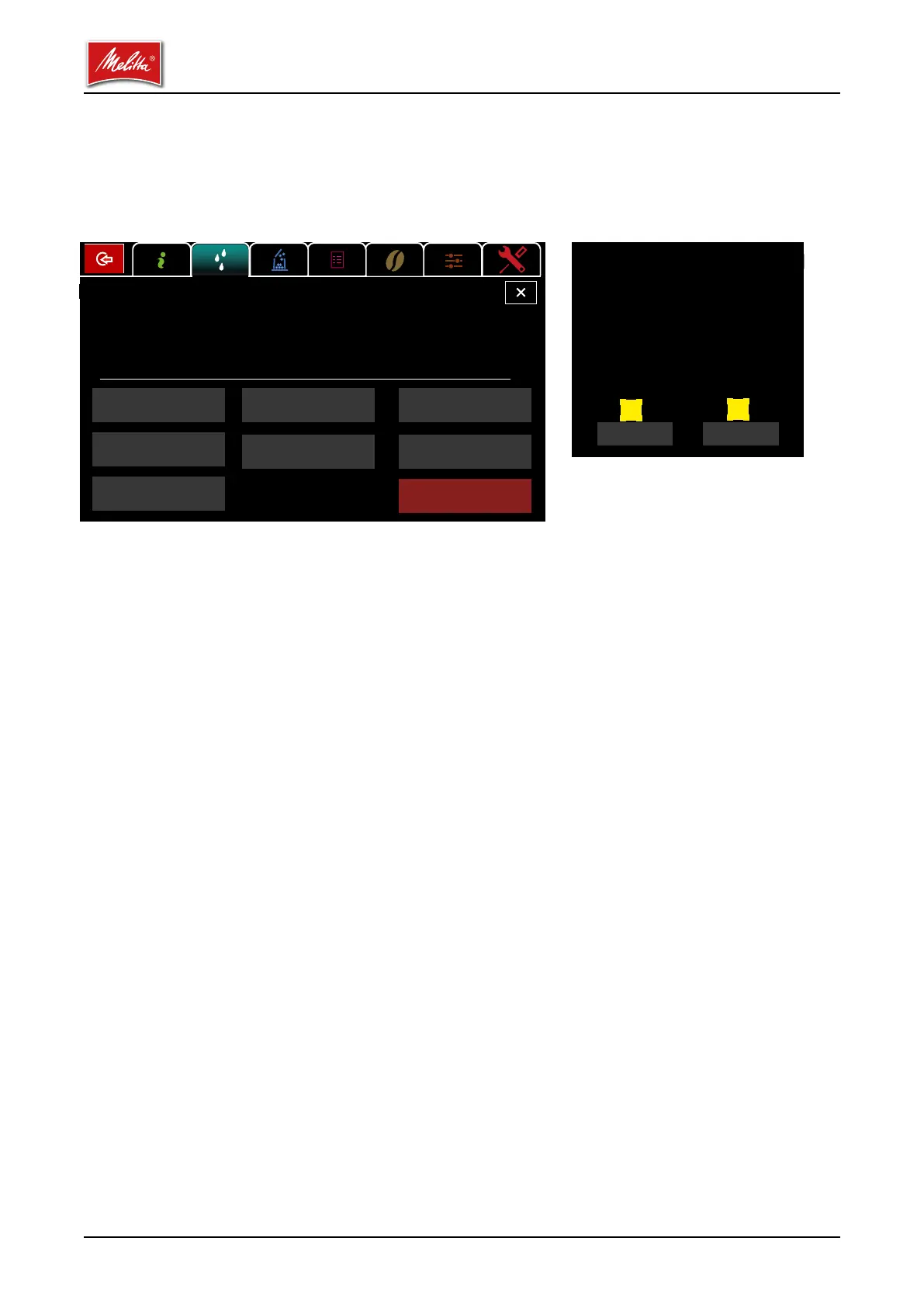
After you have pressed the start button for a particular cleaning program, a conrmation window
appears, which you must acknowledge with Continue [1] in order to start the cleaning program.
The operation cannot be canceled after this point. If you do not want to start the selected cleaning
program, choose the Cancel button [2] instead.
Clean full system button
All activated systems, e.g., the brewing system and the milk system, are cleaned. After the
cleaning programs end, the coee machine is ready to dispense again.
Clean and switch o full system button
All activated systems, e.g., the brewing system and the milk system, are cleaned. Afterwards,
the coee machine enters standby.
RESET enforced cleaning button
An upcoming forced cleaning operation can be temporarily bypassed for service purposes.
Clean touch screen button
The Clean touch screen button [4] can be used to lock the touch display so you can clean the
screen without accidentally activating a button. Then tap the numbers 1, 2, 3, and 4 in order to
reactivate the screen for operation.
Rinse mixer button
The mixer of the instant system is rinsed with water to clear any powder residue.
Clean brewing system button
The brewing system is cleaned separately. Afterwards, the coee machine is ready to dispense
again.
Cancel Next
Cleaning
Do you want to start the next cleaning?
The process cannot
be canceled.
1
2
Cleaning
Clean
full system
Clean and switch o
full system
RESET forced cleaning
Clean touch
screen
Clean
brewing system
Rinse mixer
Clean
milk system
Switch o



 To Next Page
 Loading...











