Interfaces
Rev 2.2
71Mellanox Technologies
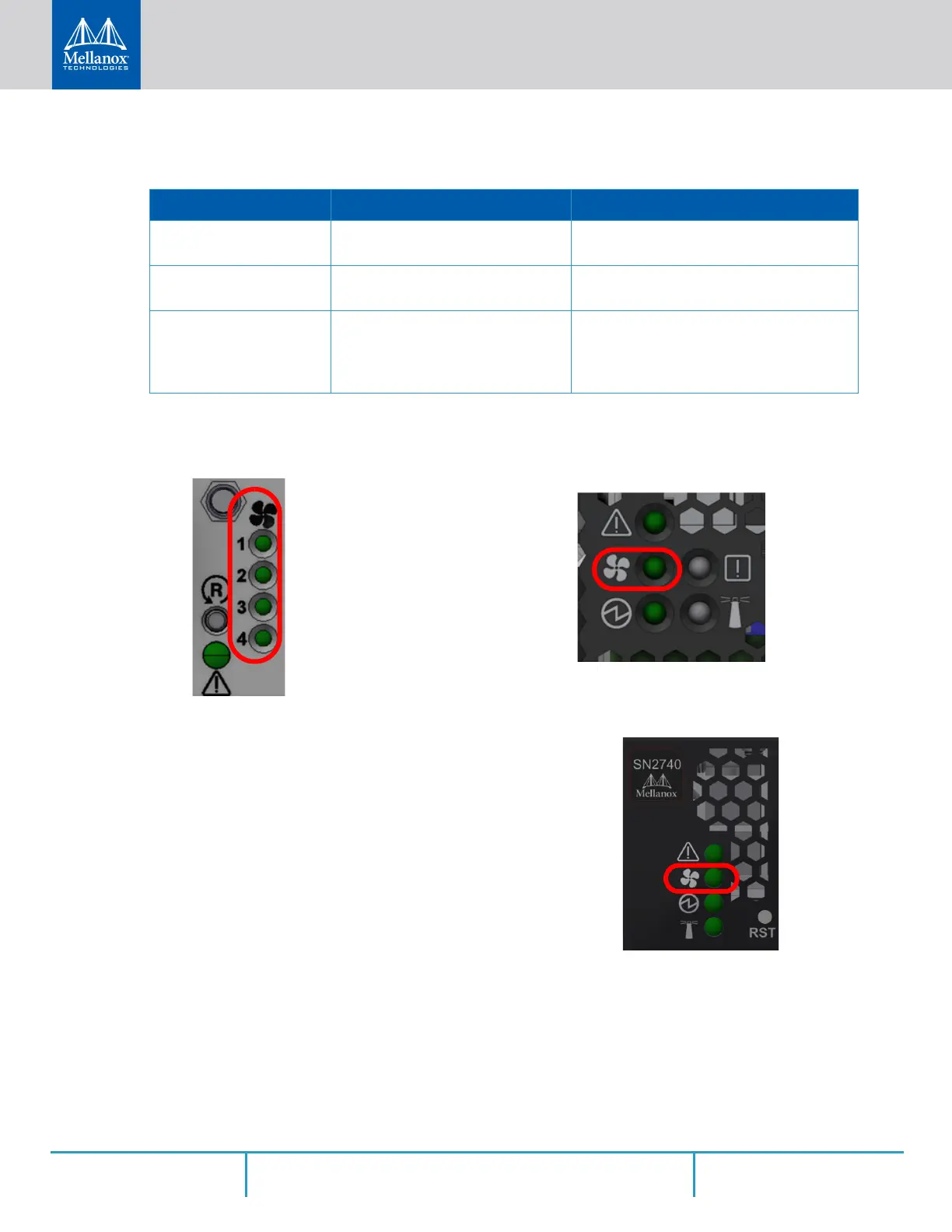
3.2.1.2 Fan Status LED
Figure 67: Fan Status LED in SN2700 - Front and Rear Sides
Figure 68: System Status LEDs - Front Side in SN2740
Table 16 - System Status LED Assignments
LED Behavior Description Action Required
Solid Green The system is up and running nor-
mally.
N/A
Flashing Green The system is booting up. Wait up to five minutes for the end of the
booting process.
Solid Red Major error has occurred. For
example, corrupted firmware, sys
-
tem is overheated etc.
If the System Status LED shows red five
minutes after starting the system, unplug
the system and call your Mellanox repre
-
sentative for assistance.
Both of these LEDs in the red
ovals show the fans’ status.
The LED in the red oval shows the fans’ status.



 To Next Page
 Loading...






