OPEROPERAATIONTION
18
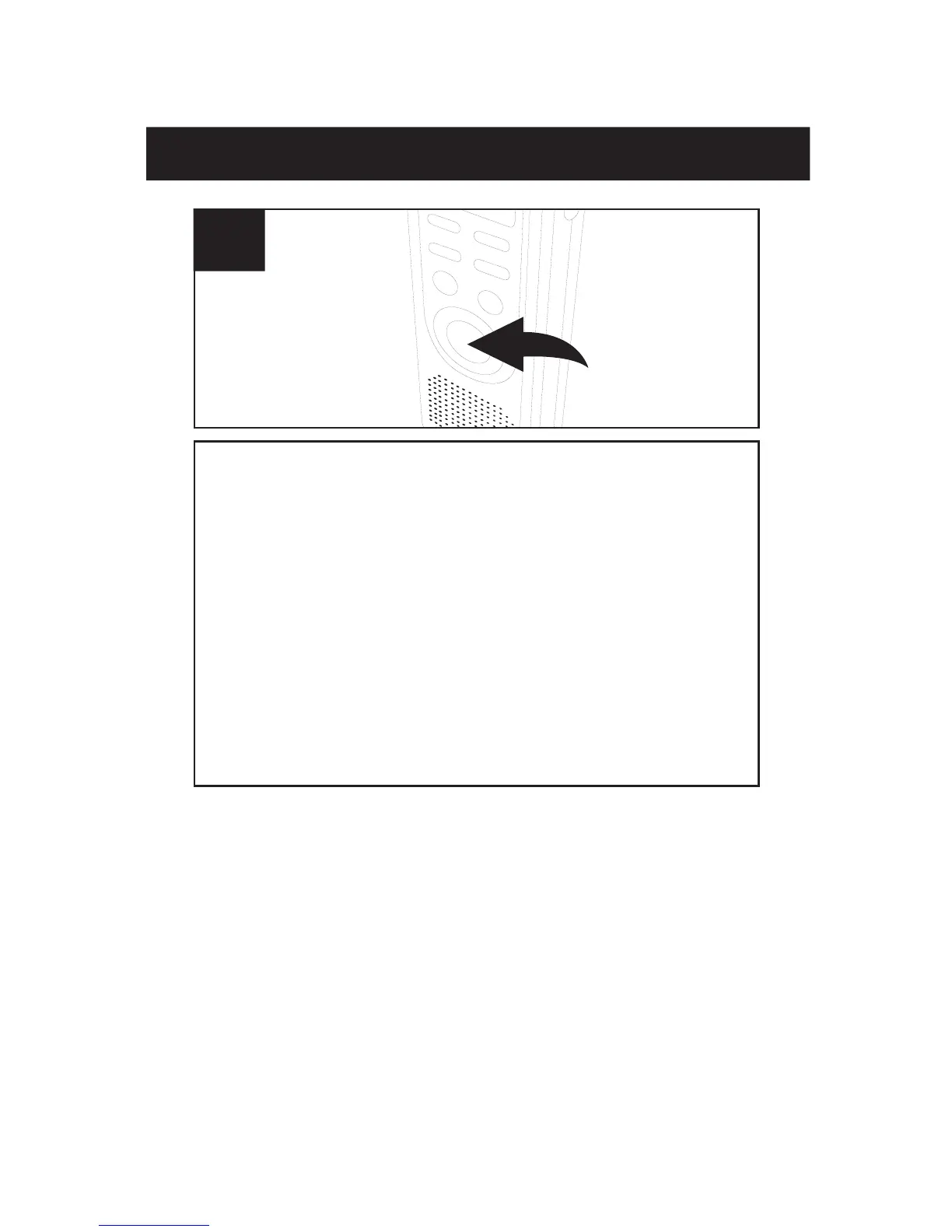
Press the REC/STOP button and the REC
indicator
will light and the elapsed time will
appea
r. Speak into the built-in microphone
or insert
a microphone into the MIC jack and
when
the unit picks up sound, it will record.
When
there is no sound, it will not recording,
the REC indicator will blink and PAUSE will
blink in the display until sound is detected.
Press the REC/STOP button again to stop
recording.
3
NOTES:
• The first few sounds activate the recorder and
may not be recorded.
• A variation in voice level during recording will not
stop the unit, two seconds of silence is required
to stop the recording.
• For constant recording, see page 15.
• To pause, press the MODE/PAUSE button.
• The built-in audio level automatically sets the
recording level.
• For normal voice levels, a distance of 5-9
inches is appropriate.



 To Next Page