OPERATION
17
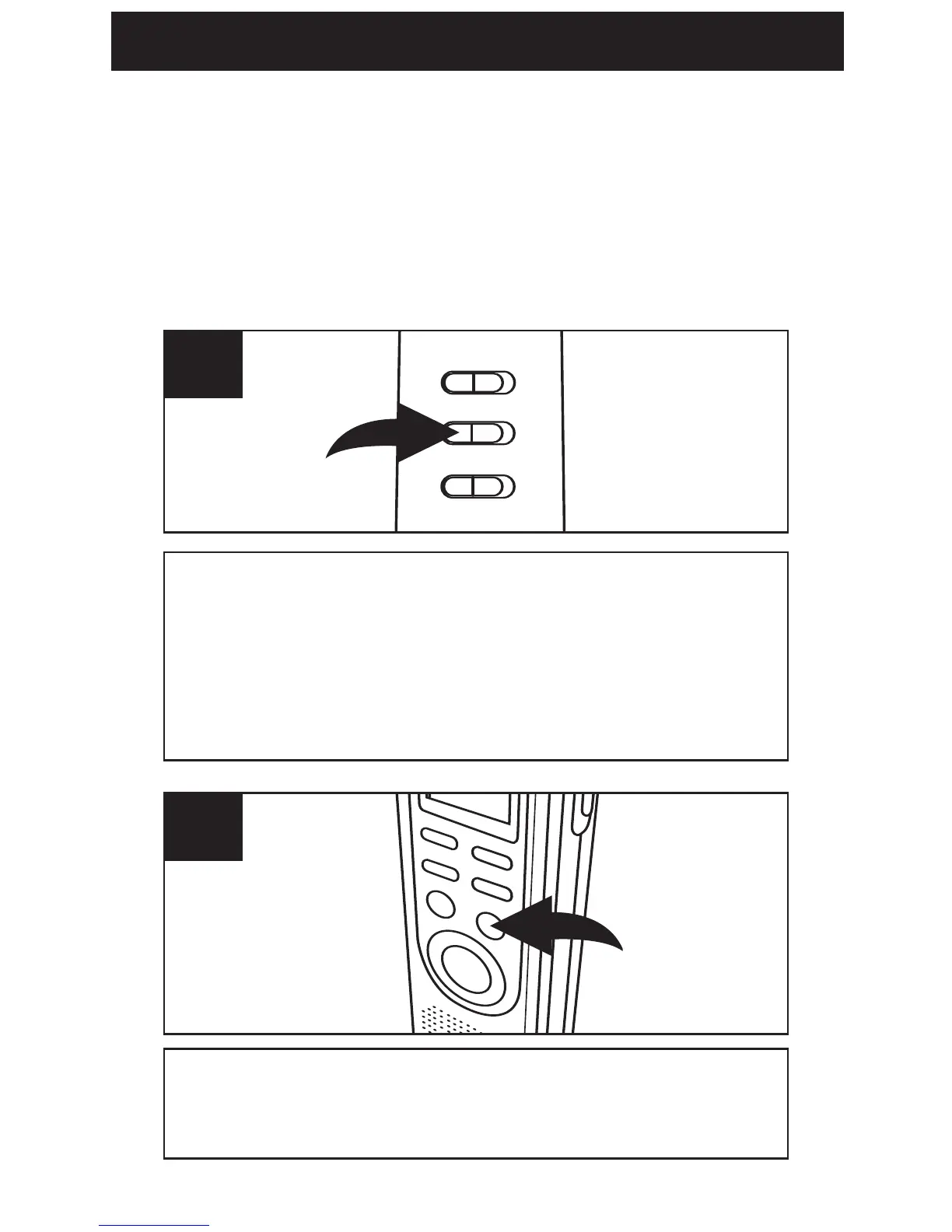
Slide the VOX switch on the rear of the unit to
the ON position. Turn the unit on (by pressing
the REC/STOP or PLAY/STOP button), and
select the desired sound quality as described
on page 11.
1
Select a File Folder by pressing the
FILE/TIME button (see page 13).
2
VOICE ACTIVATED (VOX) RECORDING
Voice activated recording will allow dictation
only when you speak. When the unit detects
a pause of a few seconds, it will temporarily
stop recording until it detects sound again.



 To Next Page