OPERATION
25
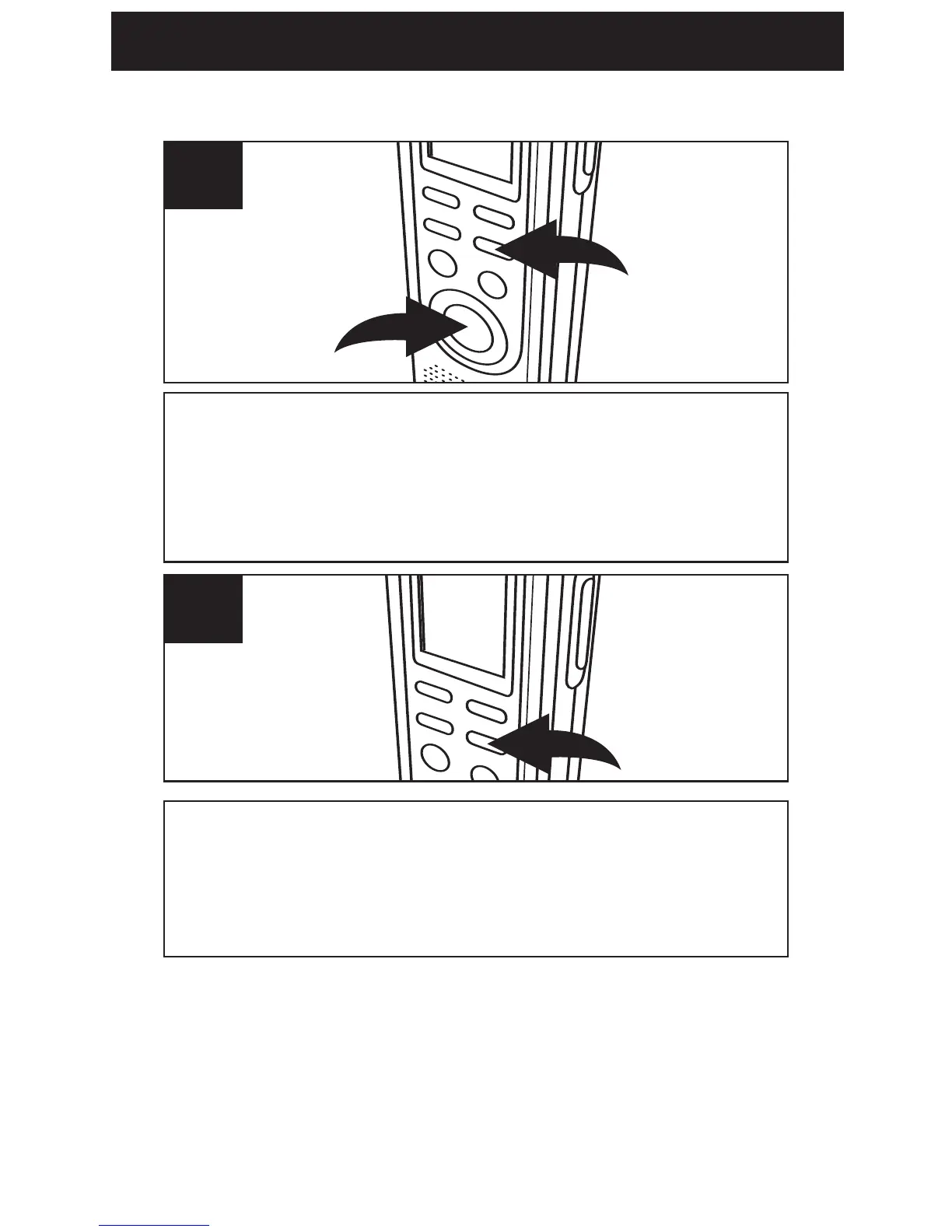
While in the Standby mode, press and hold the
DEL/REPEAT button
1 first, then press and hold
the REC/STOP button 2 for two seconds; ALL
and ERASE will blink in the display.
1
To erase all the messages, press the DEL/REPEAT
button again within five seconds. If the
DEL/REPEAT button is not pressed again within
the five seconds, the messages will not erase.
2
ERASING ALL MESSAGES
IMPORTANT NOTES:
• Once message(s) are deleted, they cannot be
recovered.
• If the memory is full, FULL will appear in the
display when you press the REC/STOP button to
start recording. The recording will be disabled.



 To Next Page