OPERATION
21
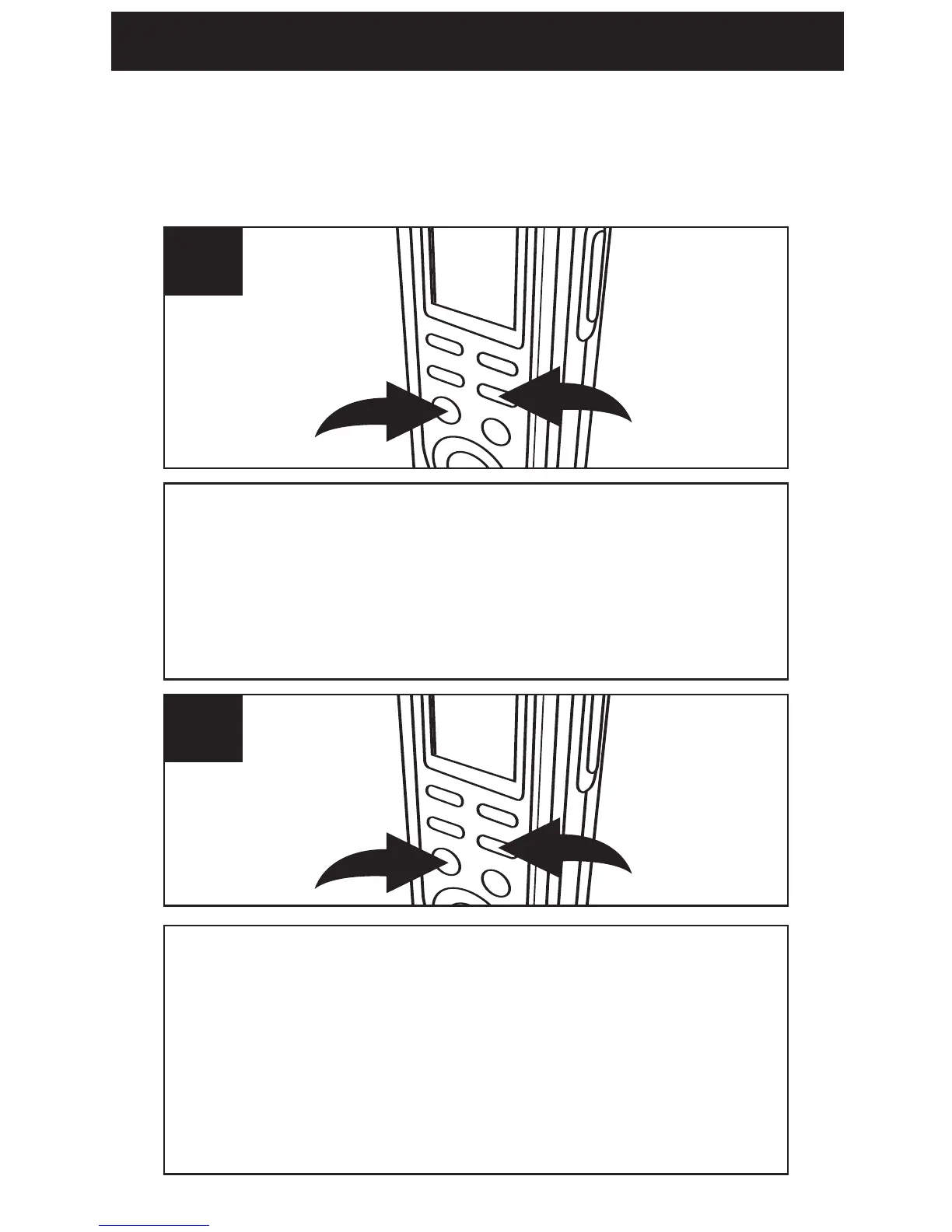
REPEAT MESSAGE: While playing back a
message, press the DEL/REPEAT button
1
once; “REPEAT” will appear in the display and
the message playing will repeat over and over
until the PLAY/STOP button
2 is pressed.
1
REPEAT ALL MESSAGES IN THE SELECTED
FILE FOLDER:
While playing back a message,
press the DEL/REPEAT button
1 twice; “REPEAT
ALL” will appear in the display and all messages in
the selected file folder will repeat over and over
until the PLAY/STOP button
2 is pressed.
2
TO REPEATEDLY PLAY BACK MESSAGES
You can set the unit to repeat 1 or repeat all
messages in the selected file folder as follows:



 To Next Page