OPERATION
23
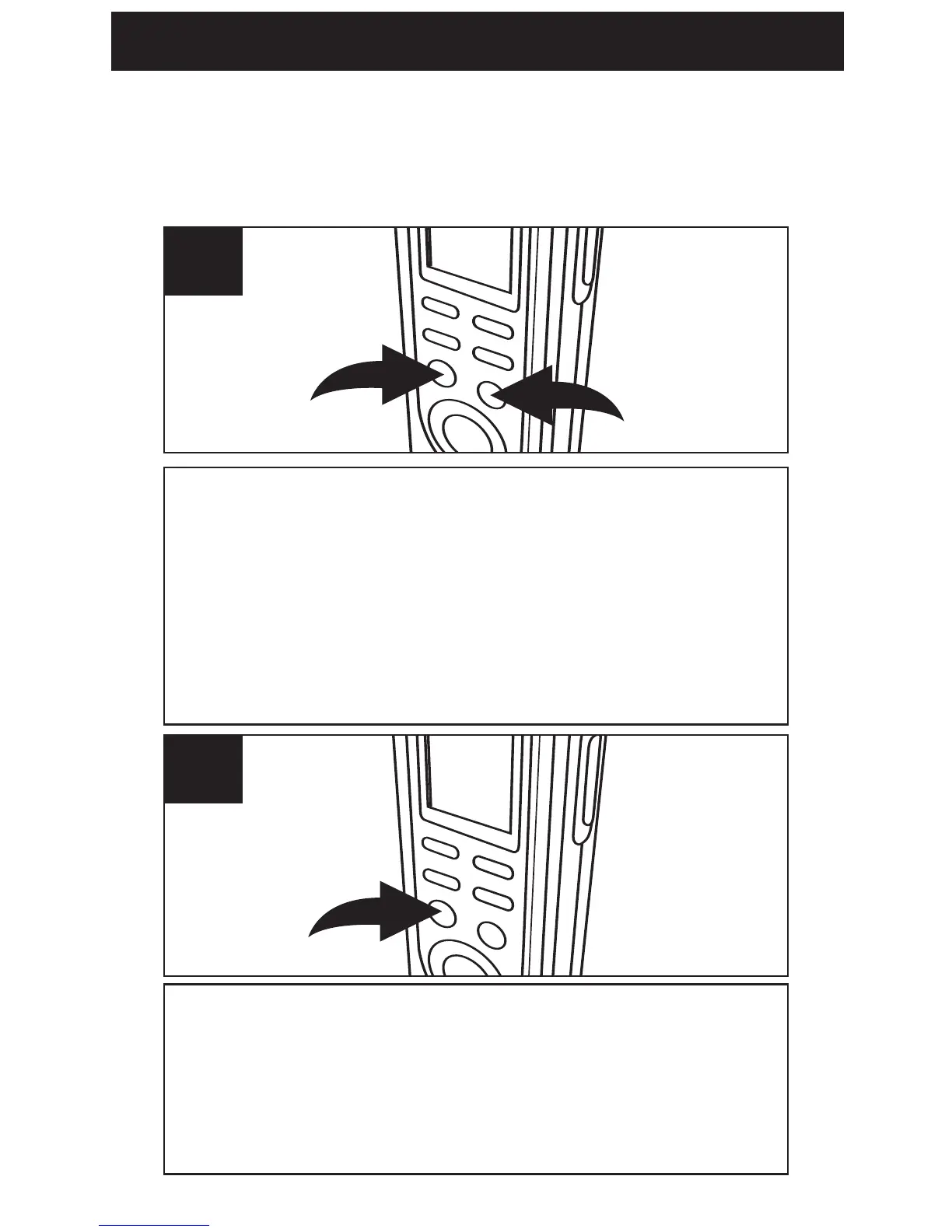
While in the Standby mode, select the file folder
(A,B,C,D) using the FILE/TIME button
1. Press
and hold the PLAY/STOP button 2 for 2 seconds;
SCAN will appear in the display. The unit will
automatically scan and play the first five seconds
of each message in the selected file folder,
starting at message one.
1
The unit will automatically stop after all messages
have been played. To play back the message
during scanning, press the PLAY/STOP button
once to change to Playback mode. To stop Scan
Playback, press the PLAY/STOP button twice.
2
SCAN PLAYBACK
This unit can play back the first five seconds of
each recorded message as follows:



 To Next Page