OPEROPERAATIONTION
7
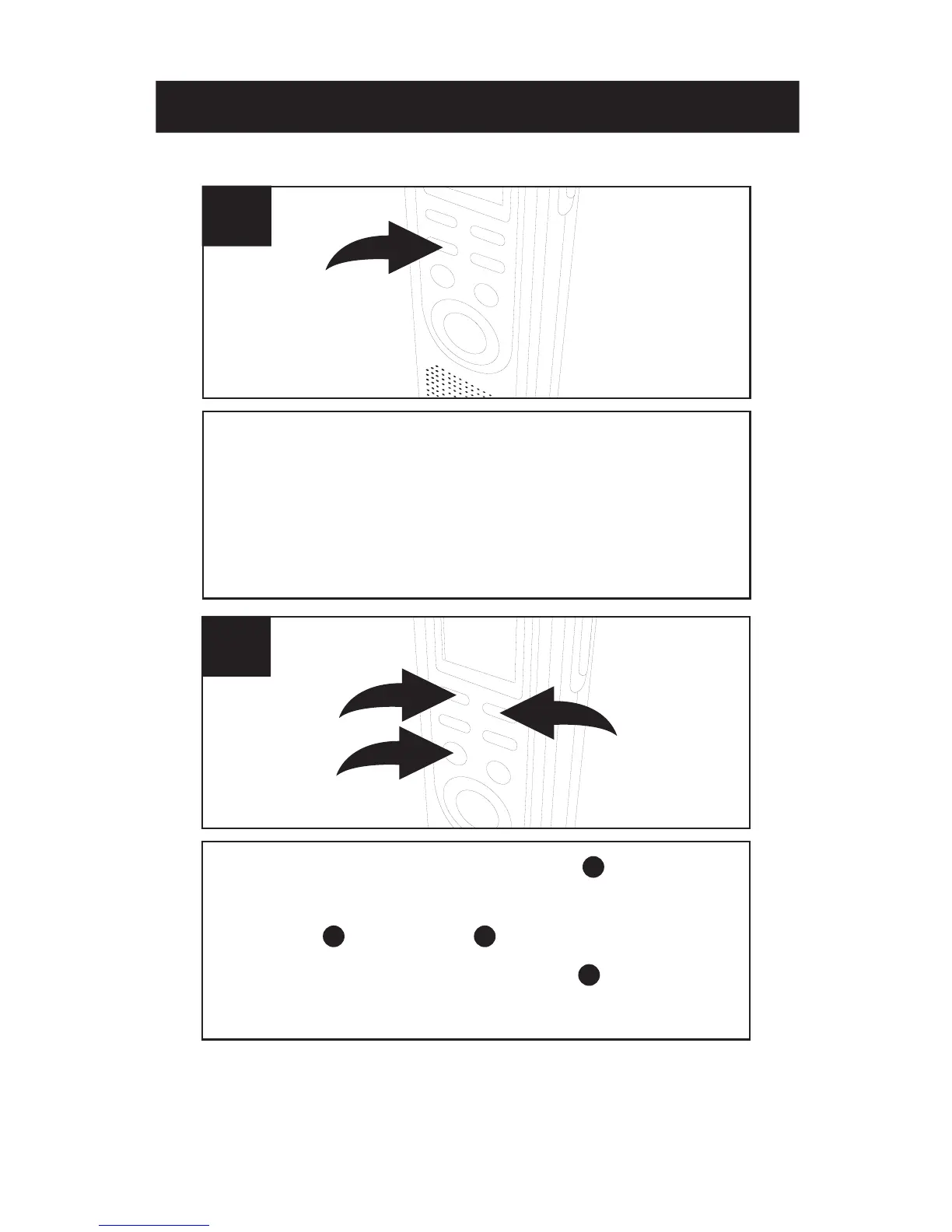
Press the PLAY/STOP button to confirm
and the year will blink. Set the year using
the REV and FWD buttons, then press
the PL
AY/STOP button again to
confirm.
3
1
2
2
Press and hold the MODE/PAUSE button
for two seconds, then release; “SET” will
appear in the display. Press the MODE/
PAUSE button once again to enter the Set
Date mode.
1
1
2
3
1
1
SETTINGSETTING THETHE TIMETIME ANDAND DDAATETE



 To Next Page