4
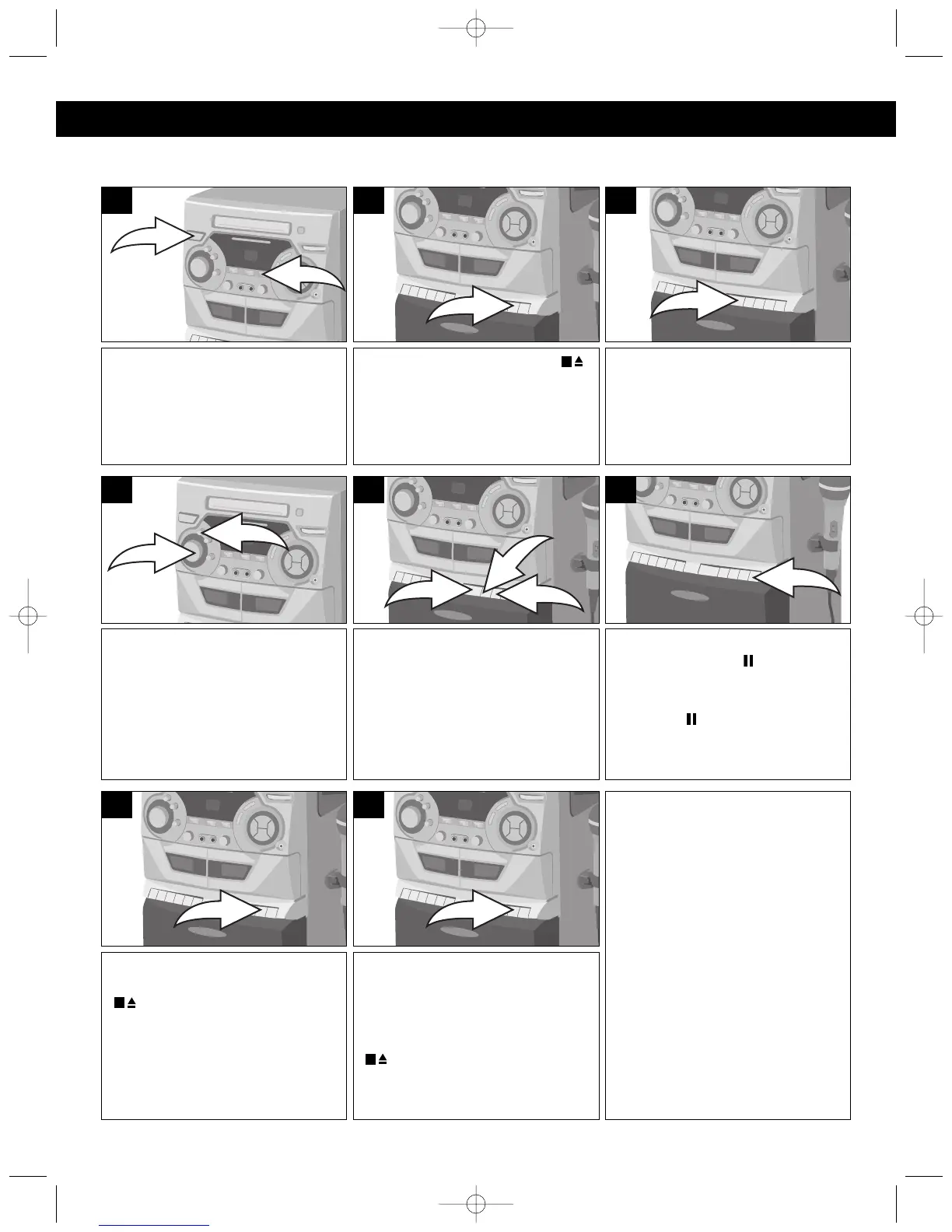
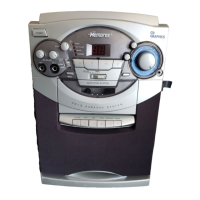
Press the PLAY (❿) button to
begin playback.
3
Press the STOP/EJECT ( )
button to open the Cassette Door
and insert a cassette with the
open end facing down.
2
To stop playback before the tape
ends, press the STOP/EJECT
( ) button. The PLAY (❿)
button is released and the tape
motor shuts off.
7
When the tape reaches the end,
the auto-stop mechanism
activates, the PLAY (❿) button is
released and the tape motor
shuts off. Press the STOP/EJECT
( ) button to open the Cassette
Door and remove the tape.
8
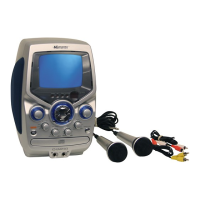
KARAOKE:
If you would like to sing along with
a tape, simply play the tape,
insert the microphones and sing
along!
If you insert a Karaoke tape, you
can set the VOCAL ON/OFF
switch to one of the following
positions:
VOCAL ON: Plays instruments
with vocals, but the vocals will
stop when you start singing into
the microphone.
OFF: Plays instruments and
vocals.
To advance or rewind the tape
rapidly, press either the F.FWD
(❿❿) ❶ or REWIND (➛➛) ❷
button. When you reach the
desired point, press the PLAY
(❿) button ❸ to resume normal
playback.
5
To pause playback momentarily,
press the PAUSE ( ) button. The
tape movement stops but the tape
motor is still running. Press the
PAUSE ( ) button again to
release pause and resume
normal playback.
6
PLAYING CASSETTE TAPES/KARAOKE
OPERATION (CONTINUED)




 To Next Page