14
CD OPERATION (CONTINUED)
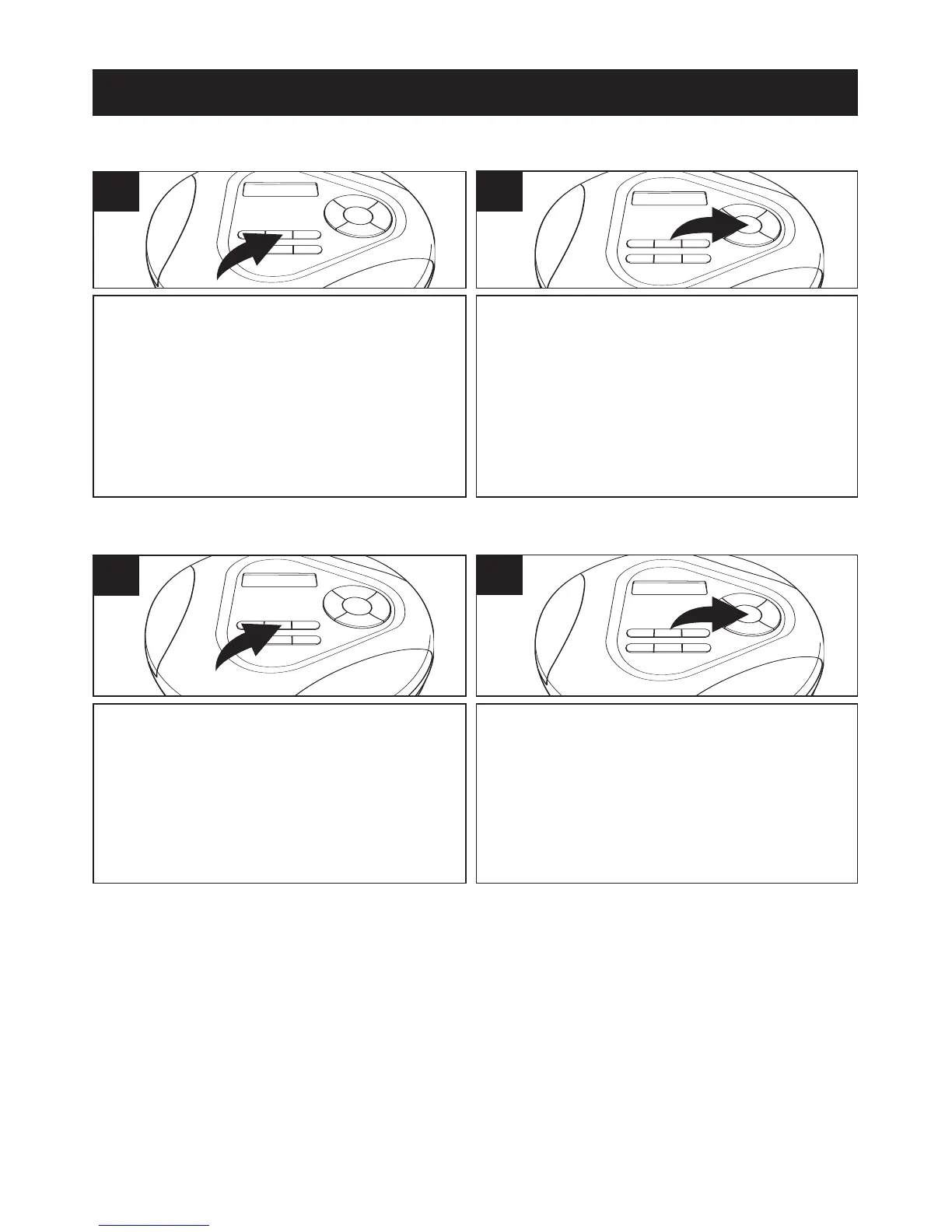
While in the Stop mode, press the
MODE/
√ button 3 times (4 times if an
MP3 CD with multiple directories is
inserted); “INTRO” will appear in the
display.
1
INTRO PLAYBACK (Will play the first 10 seconds of each track)
Press the PLAY/PAUSE (®p)/POWER
ON button to begin Intro playback. The
"INTRO" indicator will disappear from
the display after a few seconds and the
first 10 seconds of all tracks on the disc
will be played in sequence.
2
While in the Stop mode, press the
MODE/
√ button 4 times (5 times if an
MP3 CD with multiple directories is
inserted); “RANDOM” will appear in
the display.
1
TO RANDOMLY PLAY BACK A CD
Press the PLAY/PAUSE (®p)/POWER
ON button to begin playback. The
"RANDOM" indicator will disappear from
the display after a few seconds and the
unit will play all the tracks in random order.
When all the tracks have been played, the
unit will stop.
2
TO CANCEL INTRO OR RANDOM PLAYBACK:
1. Press the STOP (■)/POWER OFF button to stop playback, the selected
indicator will appear again, press the MODE/
√ button repeatedly until the
MODE indicators disappear from the display.
2. If in INTRO mode, press the MODE/
√ button once, the “RANDOM” indicator
will appear in the display. Press the MODE/
√ button until the Mode indicators
disappear from the display to return to normal playback. In Random mode,
press the MODE/
√ button once to return to normal playback.



 To Next Page