15
CD OPERATION (CONTINUED)
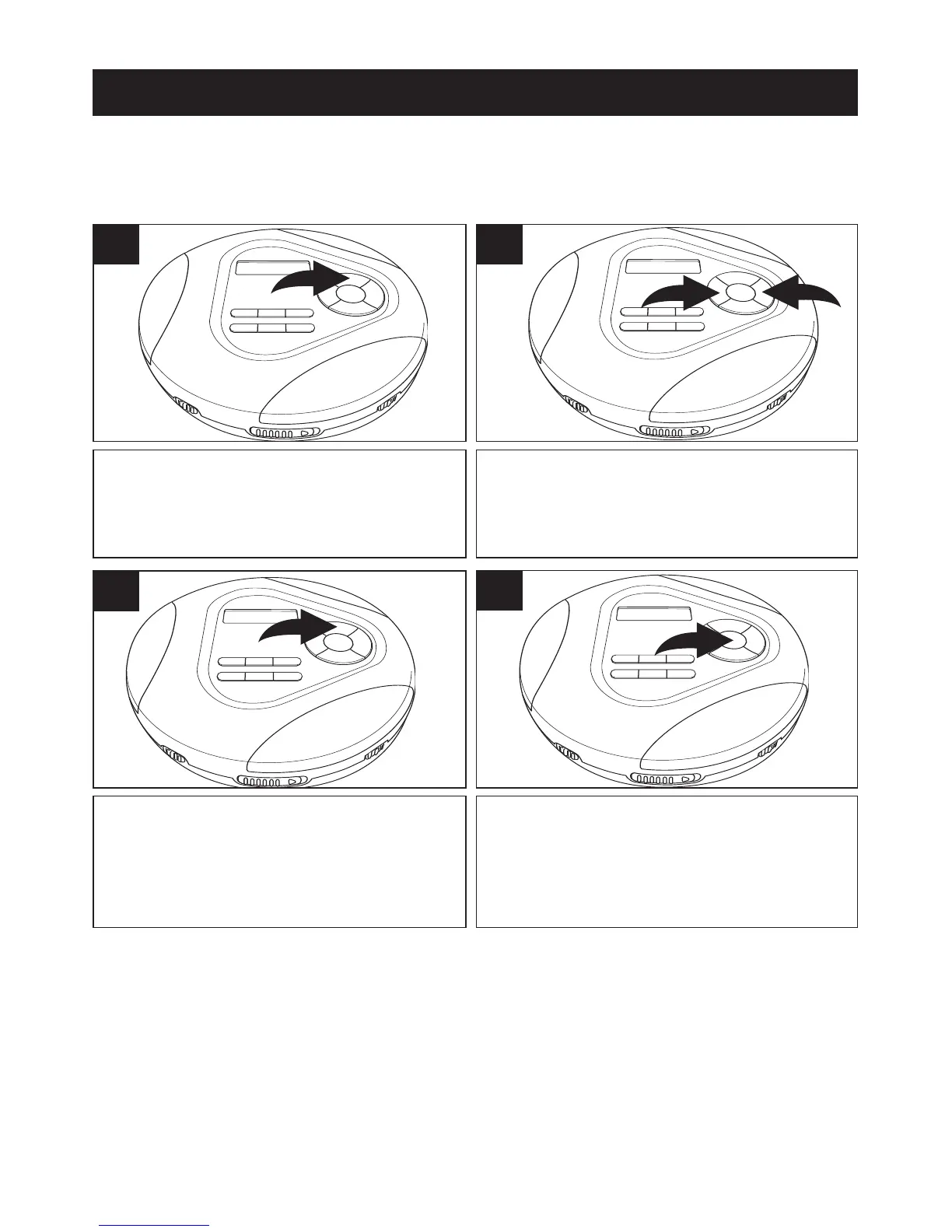
While in the Stop mode, press the PROG
button. The track number will blink and
“P-01” will appear in the display.
1
TO PROGRAM THE MEMORY (UP TO 24 TRACKS)
Programming is the ability to preselect the order in which a series of tracks will be
played.
Select a track to be programmed using the
Skip/TUNING
o 1 or n 2 button. If using
a MP3 disc, see note below.
2
Press the PROG button to memorize
the track. Repeat steps 2 and 3 to
program additional tracks up to a
maximum of 24 tracks.
3
Press the PLAY/PAUSE (®p)/POWER
ON button to begin program playback.
4
NOTES:
• While in the Stop mode and “P” is in the display, press and hold the
ENTER/CLEAR button for 2 seconds to clear the memory.
• MP3: If an MP3 CD is inserted, you will first select the directory number in
step 1, press the PROG button and then enter the file/track number.
SEE TOP OF NEXT PAGE FOR MORE NOTES ON PROGRAMMING
THE MEMORY.



 To Next Page