18
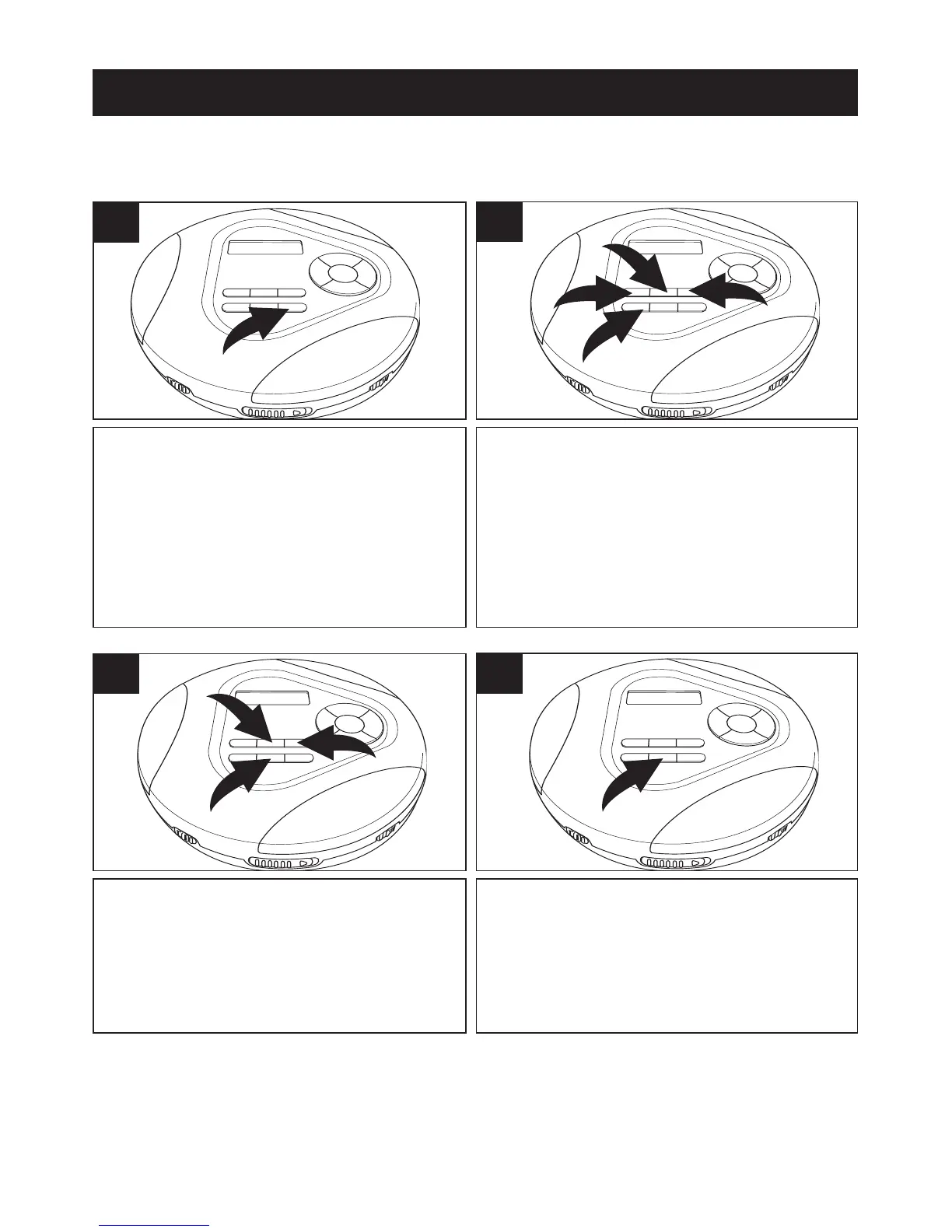
With an MP3 disc inserted, press the
MENU/ESP/BAND button; the alpha-
bet will appear in the display.
1
SELECTING SONGS BY MP3 TITLE
You can search for a song by title as follows:
Select the first letter of a file you would
like to listen to using the MODE/
√ 1
and/or RESUME/® 2 buttons. Press
the PRESET DOWN
▼ button 3 to
access the lower letters or PRESET
UP
▲ button 4 to access the higher
letters.
2
Press the ENTER/CLEAR button 1
and a list of files starting with the
selected letter will appear. Press the
MODE/
√ 2 and/or RESUME/® 3
buttons to scroll through the list.
3
When the desired file appears, press
the ENTER/CLEAR button and the file
will automatically start playing.
4
CD OPERATION (CONTINUED)
NOTE:
If you select a letter that does not contain any files, “No File” will appear
in the display.



 To Next Page