26
CD/VCD BASIC OPERATION (CONTINUED)
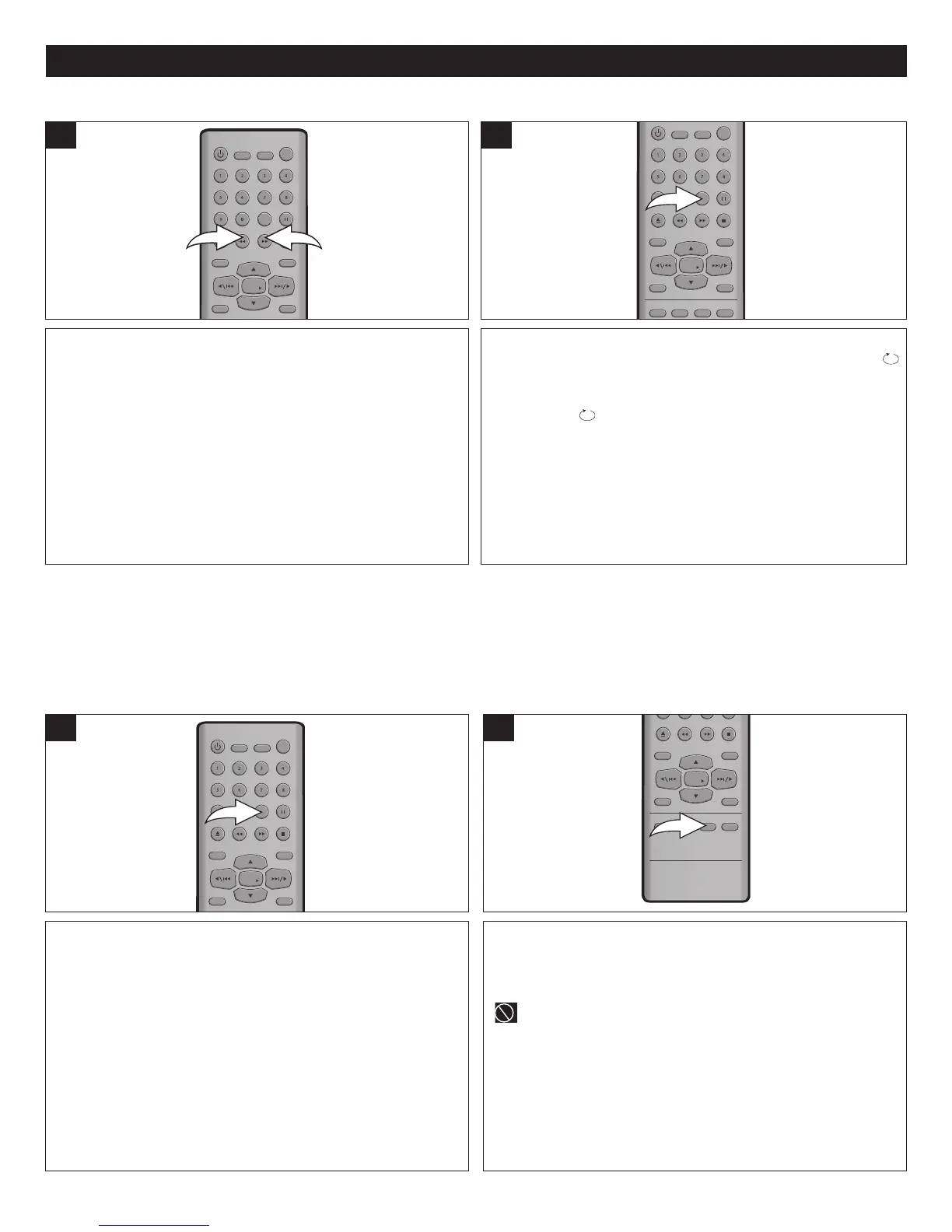
Each press of the SEARCH ®® 1 or √√ 2 button will
increase the search as follows:
1st press: x 2
2nd press: x 4
3rd press: x 8
4th press: x 16
5th press: Resume Normal Playback
1
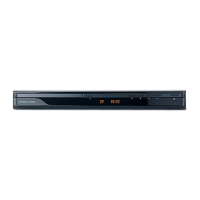
To repeat play a track, simply select the track as described
previously, then press the REPEAT/A-B button once; “
TRACK” will appear on the screen and the unit will repeat the
selected track continuously. Press the REPEAT/A-B button a
second time; " ALL" will appear on the screen and the unit will
repeat all the tracks on the disc. To cancel Repeat play, press the
REPEAT/A-B button a third time.
1
FORWARD®®/REVERSE √√
REPEAT ONE/ALL PLAY (For CD Only)
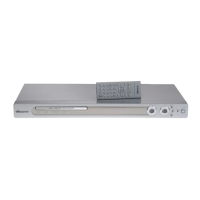
IMPORTANT NOTE ON VCD REPEAT PLAYBACK:
PBC must be Off to use Repeat playback with VCDs.
W
ith
PBC ON, each press of the REPEA
T/A-B button will
operate as follows:
1st press: Select A-B Repeat starting point.
2nd press: Select A-B Repeat ending point.
3rd press: Cancel A-B Repeat.
With
PBC OFF, each press of the REPEA
T/A-B button will
operate as follows:
1st press: Repeat the track.
2nd press: Repeat all.
3rd press: Select
A-B Repeat starting point.
4th press: Select A-B Repeat ending point.
5th press: Cancel A-B Repeat.
1
VCD REPEAT/REPEAT A-B PLAYBACK
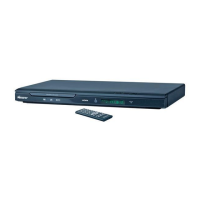
Press the AUDIO MODE button to cycle through the audio
modes. The audio modes vary depending on the disc
inserted, but include LEFT MONO, RIGHT MONO,
STEREO MIX MONO.
“ ” will appear if the disc does not support audio mode
changing.
1
AUDIO MODE (For VCD Only)
While playing a VCD (not DVD), you can cycle between the
audio modes as follows:






 To Next Page