- 8 -
7. User Interface
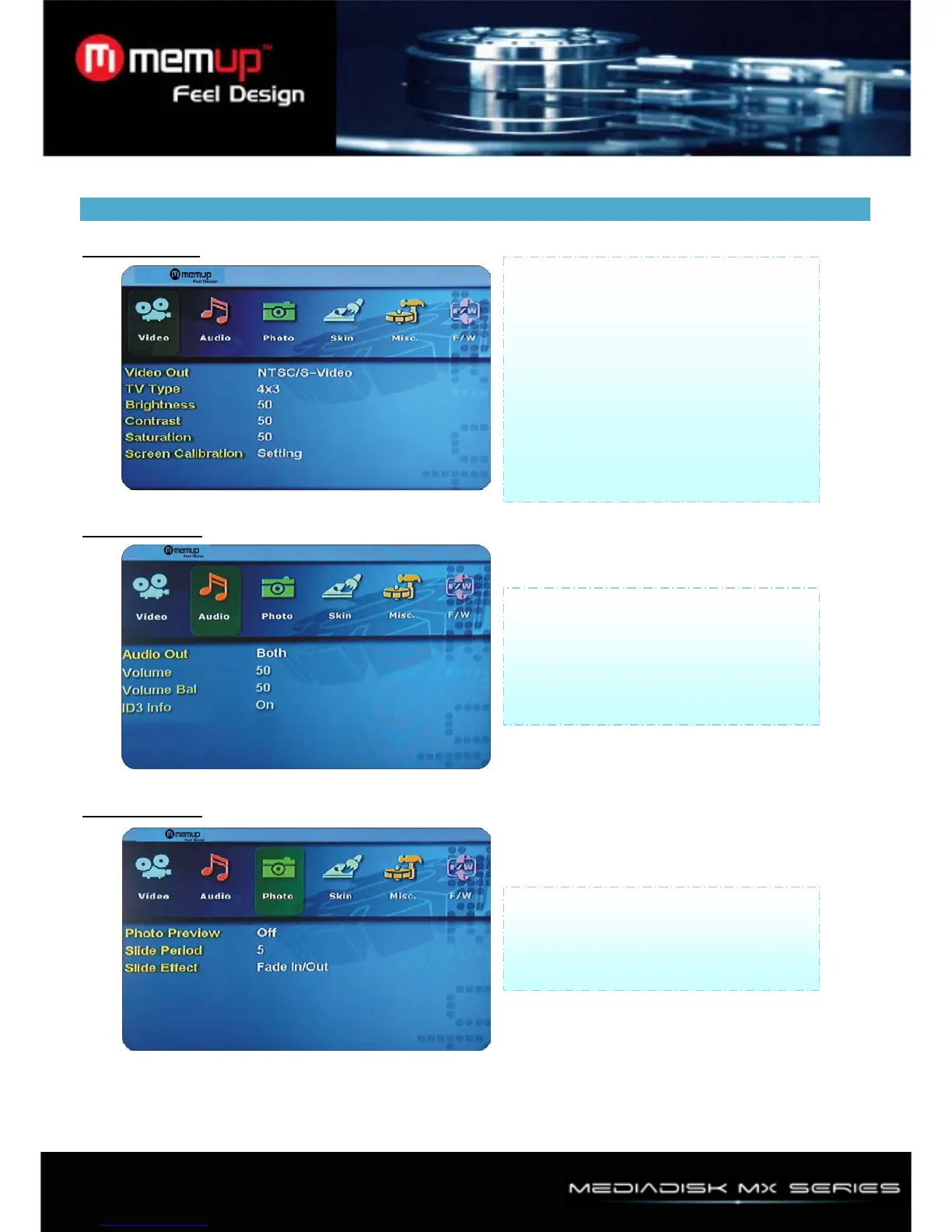
1、Video Setup
2、Audio Setup
3、Photo Setup
1) Video Out Support NTSC/S-Video,
YPbPr480i, YPbPr480p. YPbPr720p,
YPbPr1080i, PAL/S-Video, YPbPr/PAL.
2) TV Type: Support 4 × 3, 16:9
3) Brightness: You can control brightness
in range 0 ~ 100
4) Contrast: You can control contrast in
range 0 ~ 100
5) Saturation: You can control contrast in
range 0 ~ 100
1) Audio out Analog, Digital, both
2) Volume: You can control volume in
range 0 ~ 100
3) Volume balance: You can control
volume bal. in range 0 ~ 100
1) Photo Preview: on, off
2) Slide Period: You can set slide show
time interval (2 ~ 100 sec.)
3) Slide Effect: Fade in/Out, Zoom in/out



 To Next Page