- 9 -
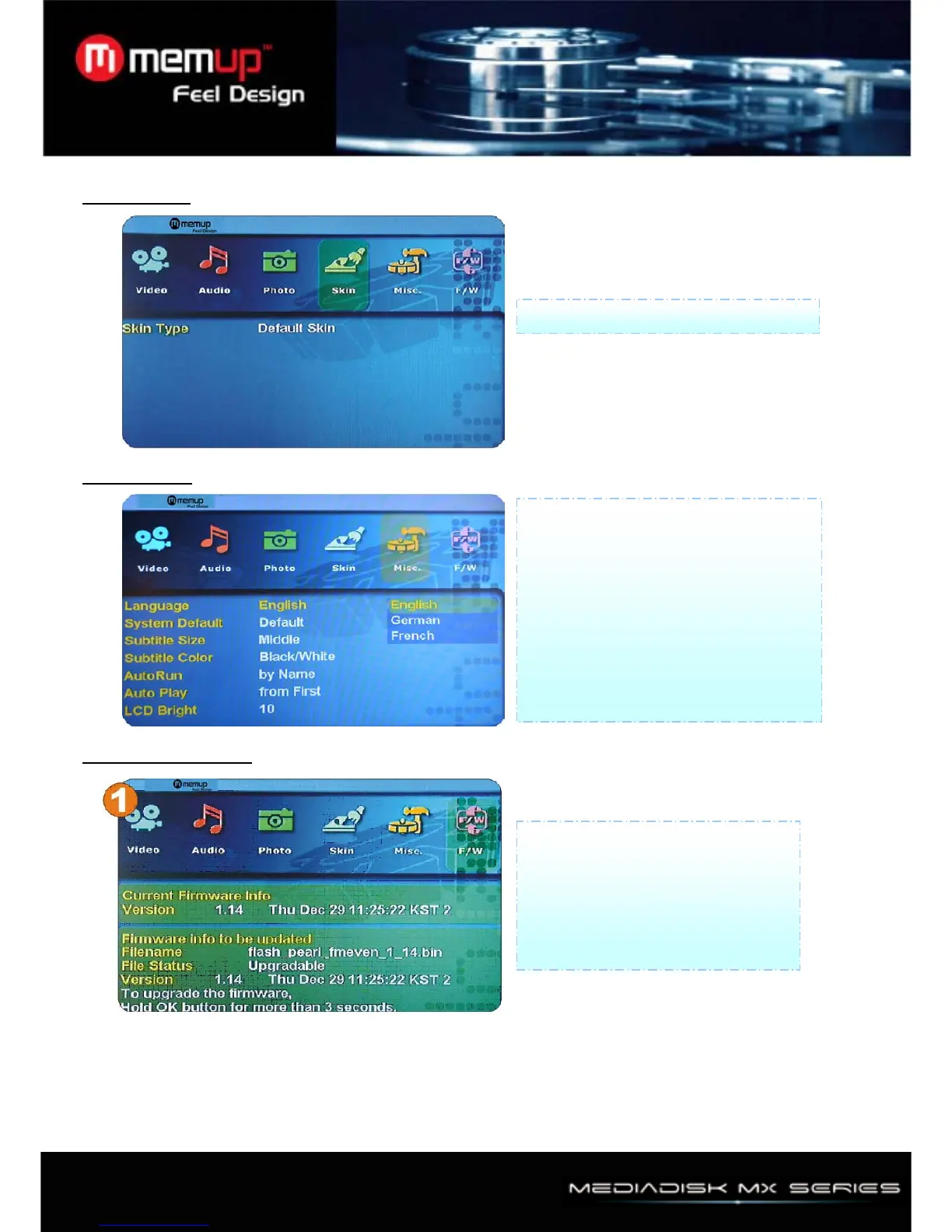
4、Skin Setup
5、Misc Setup
6、Firmware Setup (1)
Skin Type: Default Skin
1) Language: Multilingual
2) System Default: You can change
setting of the system default
3) Subtitle Size: You can select subtitle
font size (Middle/Large)
4) Subtitle Color: You can change color
of subtitle and its outline (Black /White,
Black/Yellow, White/Yellow)
Firmware upgrade:
To upgrade firmware, should make
"firmup" folder at root directory and
should copy download file at "firmup"
folder .And then you can browser
this file at setup F/W menu



 To Next Page