- 10 -
7、Firmware Setup (2)
8、Play Video Files
9、Play Audio Files
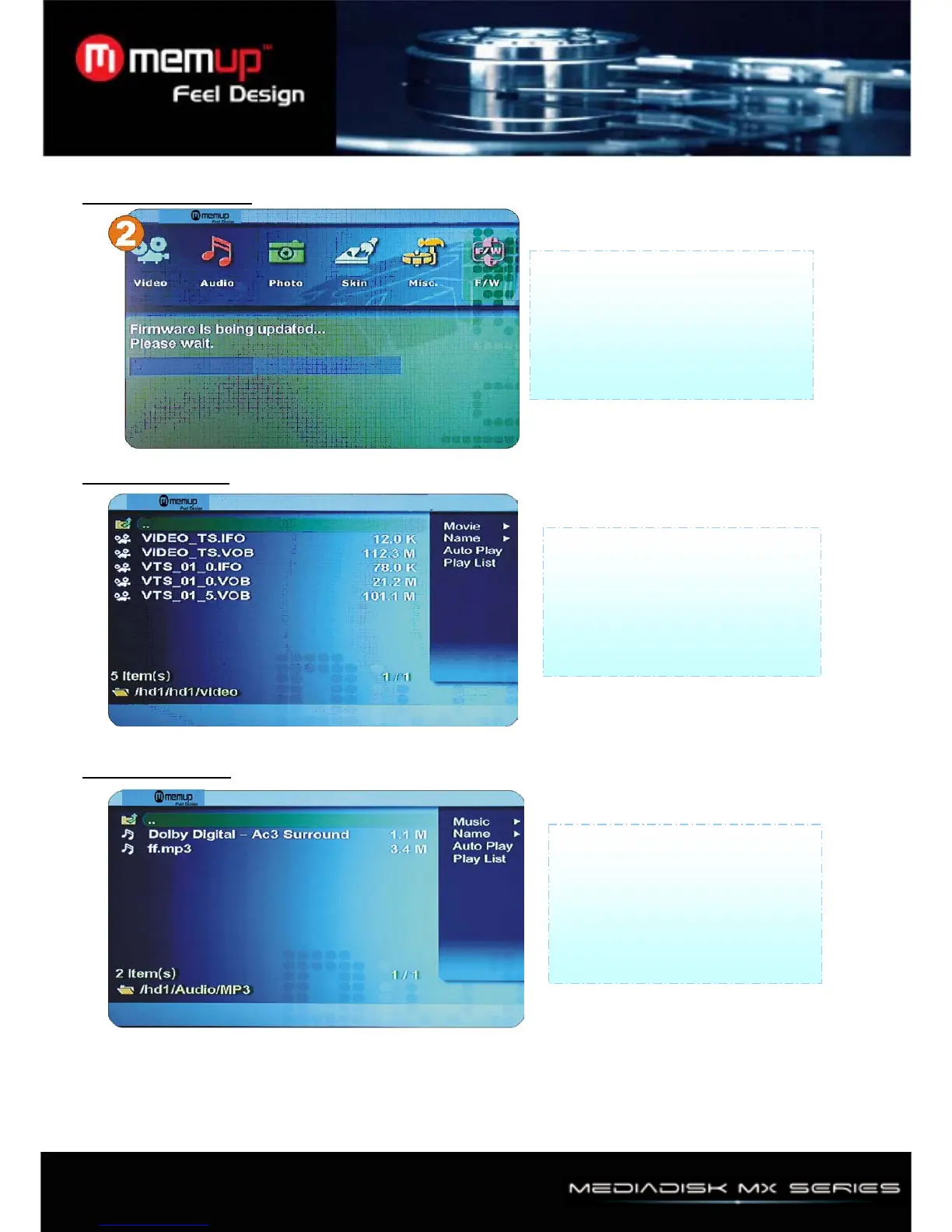
Select [Media] ->Movie -> Then you
will see video files you saved into
Player.
Select a file you would prefer and
press [OK] button then file will be
played.
Select [Media] ->Music ->Then you
will see video files you saved into
Player.
Select a file you would prefer and
press [OK] button then file will be
played
Firmware upgrade: To upgrade
firmware, should make "firmup"
folder at root directory and should
copy download file at "firmup" folder.
And then you can browser this file at
setup F/W menu



 To Next Page