- 6 -
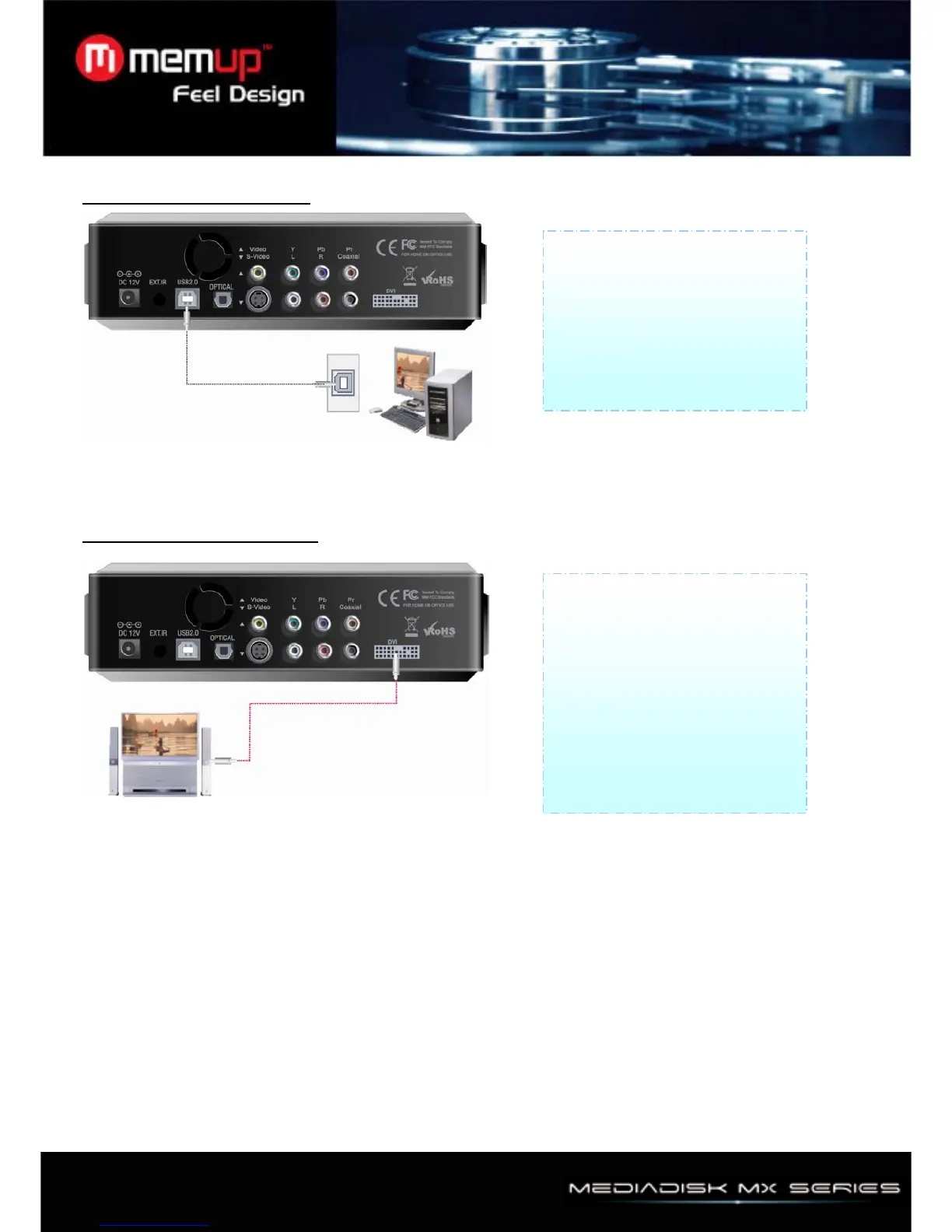
7、Connection with computer
8、Connection with DVI output
Connect Player with your
computer by USB cable data will
be transferred from PC to Player.
(Player should be powered on)
and then can check new drive at
PC without installing driver at
Windows ME/2000/XP
Connect the player and TV with
DVI cable, Turn on the player and
your TV, please confirm your TV
is on DVI mode, then set the
player to DVI mode by pressing
“TV out” button of the remote
controller several times until the
picture appears (it supports
computer display with a DVI-RGB
adapter)



 To Next Page