Section 1 - Getting Started
Page 8 90-8M0109374 eng JUNE 2016
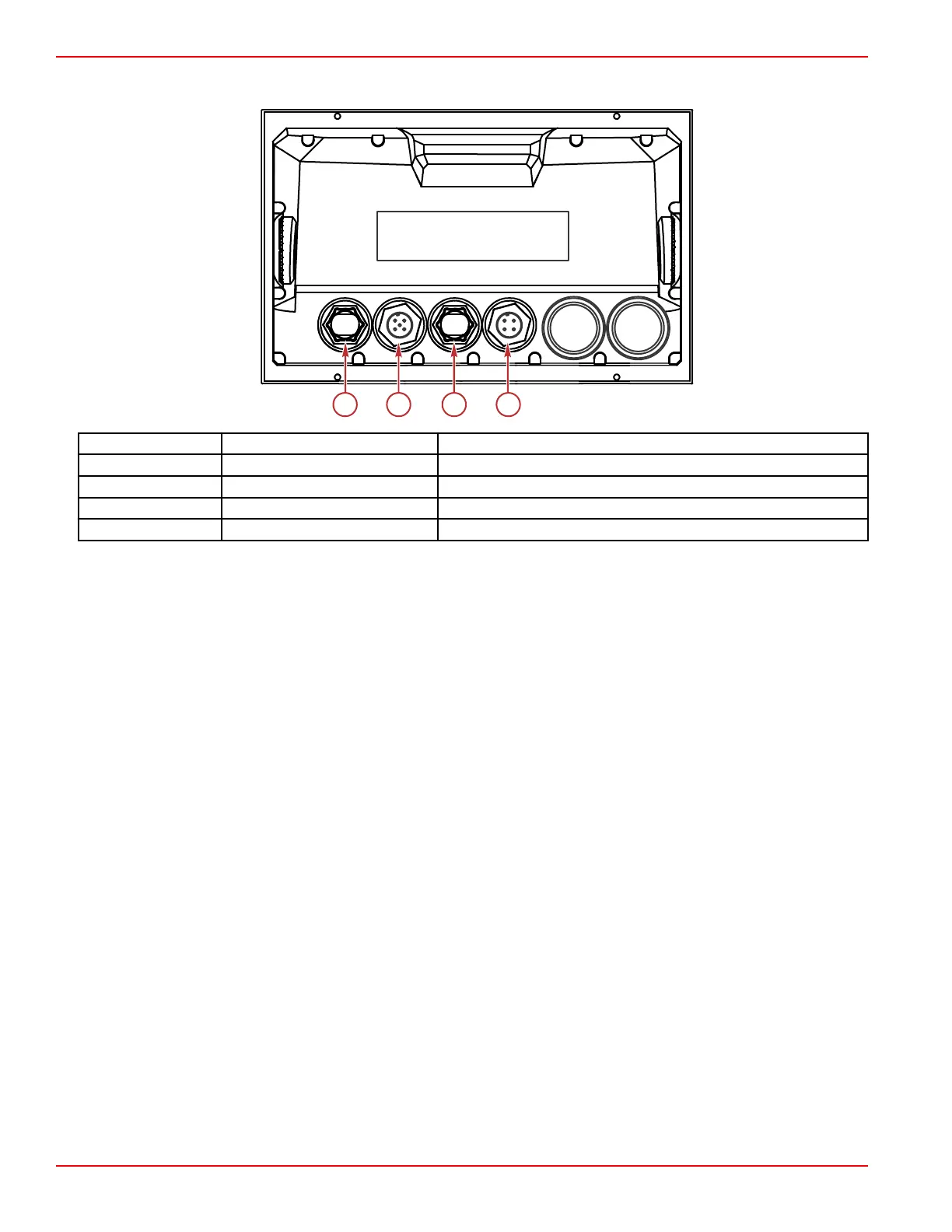
VesselView 702 Rear Panel Connections
Item Function Description
a Ethernet Connects to an Ethernet network
b NMEA 2K Connects to NMEA 2K network
c Video in Provides two composite video inputs
d Power Provides the power connection
VesselView Link Overview
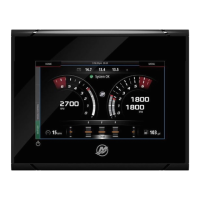
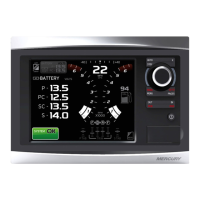
VesselView Link integrates a Mercury‑powered boat’s SmartCraft data and control system with specific Simrad and Lowrance
instruments, providing a fully functional Mercury VesselView user interface on those units' displays. Available as a
single‑engine or multiengine (two to four engines) interface, Mercury VesselView Link easily installs beneath the boat's dash. It
is engineered to work with the following instruments:
• VesselView 502
• VesselView 702
• Simrad NSS evo2
• NSO evo2 marine processors
• Lowrance HDS Gen 2 Touch
• Lowrance HDS Gen 3 fish finder/chartplotters
Mercury’s new VesselView Link provides the user with instant access to advanced Mercury SmartCraft features, including:
• ECO mode
• Troll Control in 10‑RPM increments
• Cruise Control—RPM or speed‑based
• Smart Tow tow sport launch control system—RPM or speed‑based, with customizable user launch profiles and a new
intuitive interface
• Descriptive fault text for any potential propulsion issue available in 16 user‑selectable languages.





 To Next Page