41
Chapter 4 Congure the Router in Wireless Router Mode
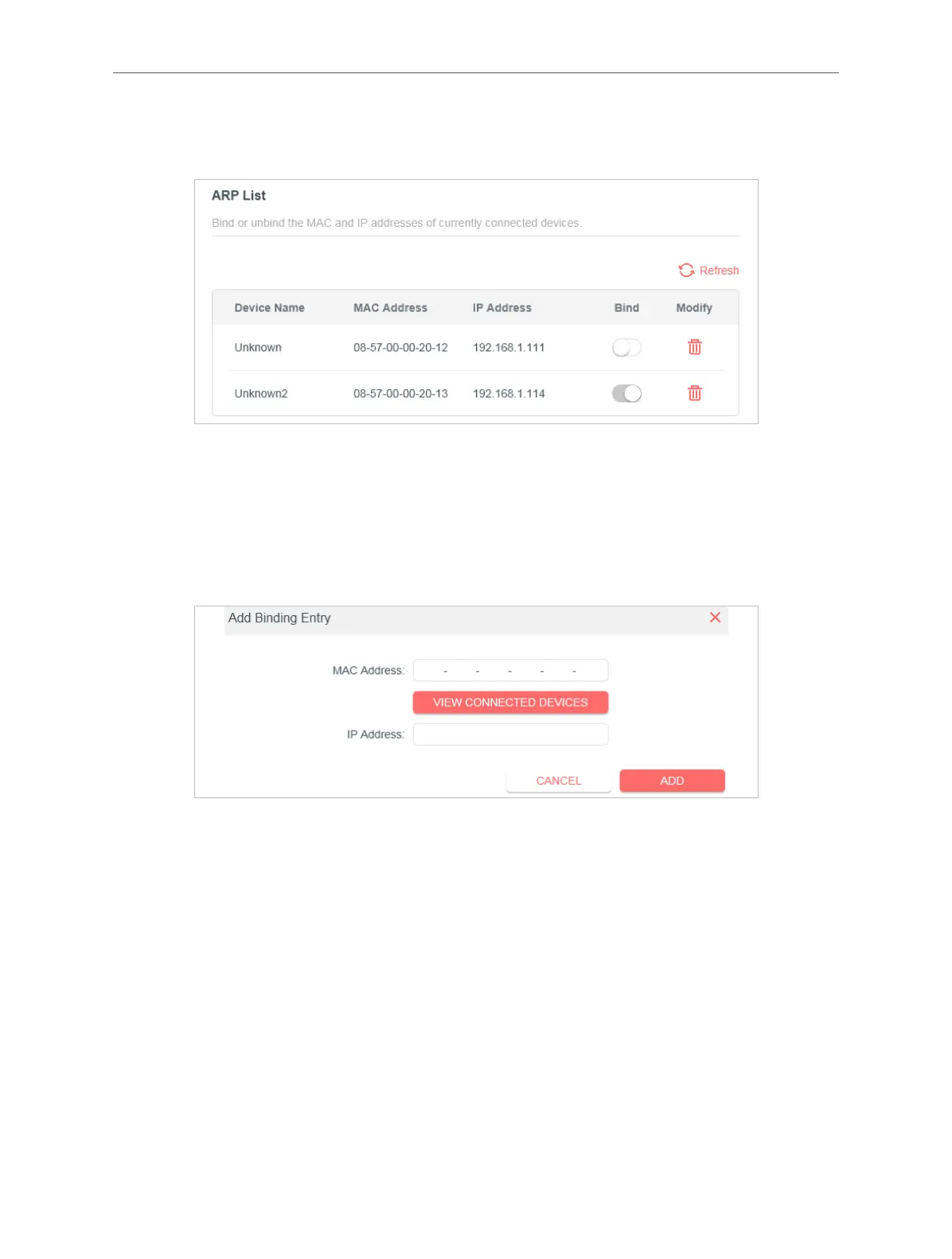
Locate the ARP List section and enable Bind to bind the IP and MAC addresses of a
specific device.
To add a binding entry:
1 ) Click Add in the Binding List section.
2 ) Click VIEW CONNECTED DEVICES and select the device you want to bind. Or enter
the MAC Address and IP Address that you want to bind.
3 ) Click ADD.
4. 7. 4. ALG
You can view ALG (Application Layer Gateway) settings at Advanced > Security> ALG. It is
recommended to keep them as default.



 To Next Page