56
Chapter 4 Congure the Router in Wireless Router Mode
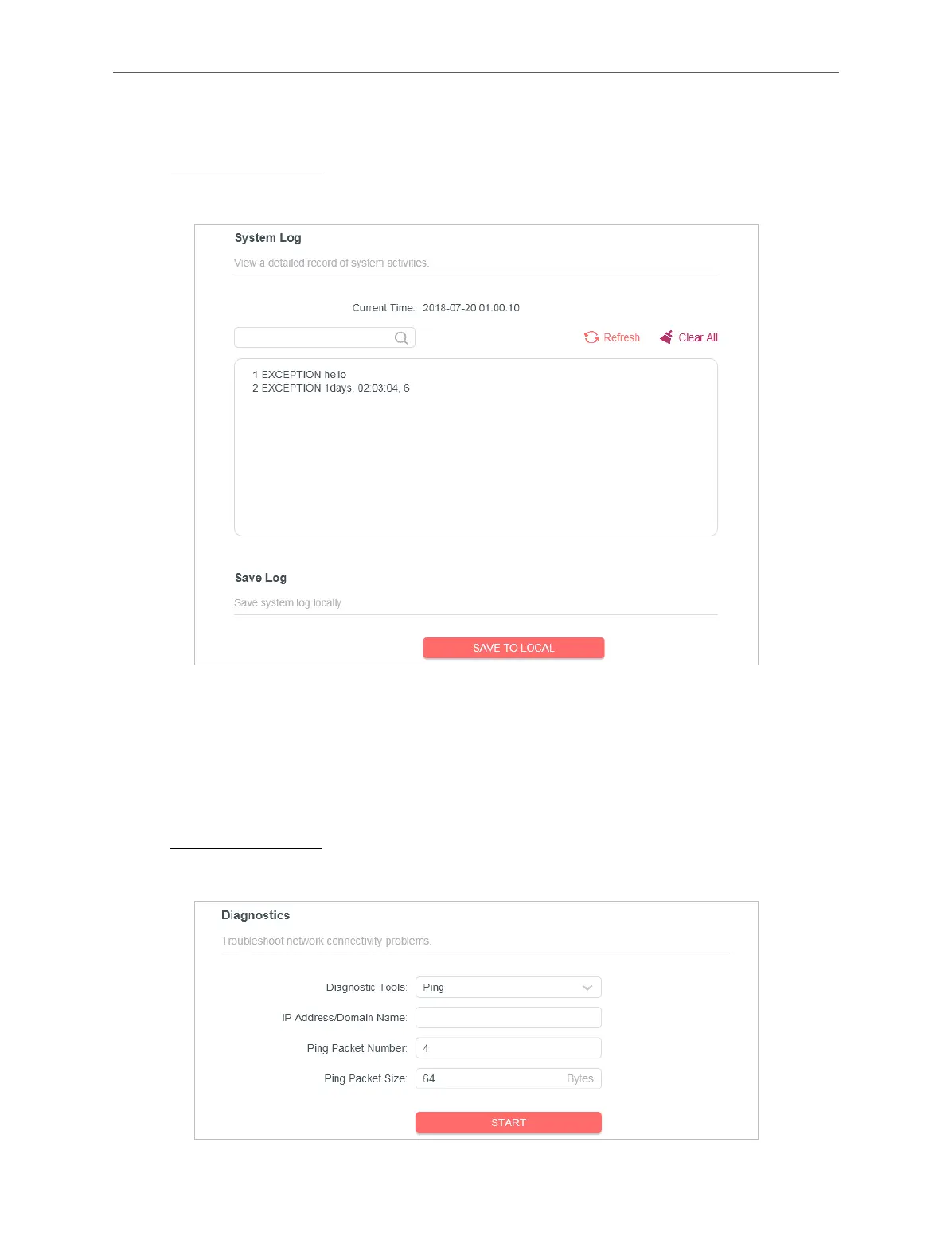
4. 10. 6. System Log
1. Visit http://mwlogin.net, and log in with the password you set for the router.
2. Go to Advanced > System > System Log, and you can view the logs of the router.
3. Click SAVE TO LOCAL to save the system logs to a local disk.
4. 10. 7. Diagnostics
Diagnostic is used to test the connectivity between the router and the host or other
network devices.
1. Visit http://mwlogin.net, and log in with the password you set for the router.
2. Go to Advanced > System > Diagnostics.



 To Next Page