Chapter 3 –Connect to a Wireless Network
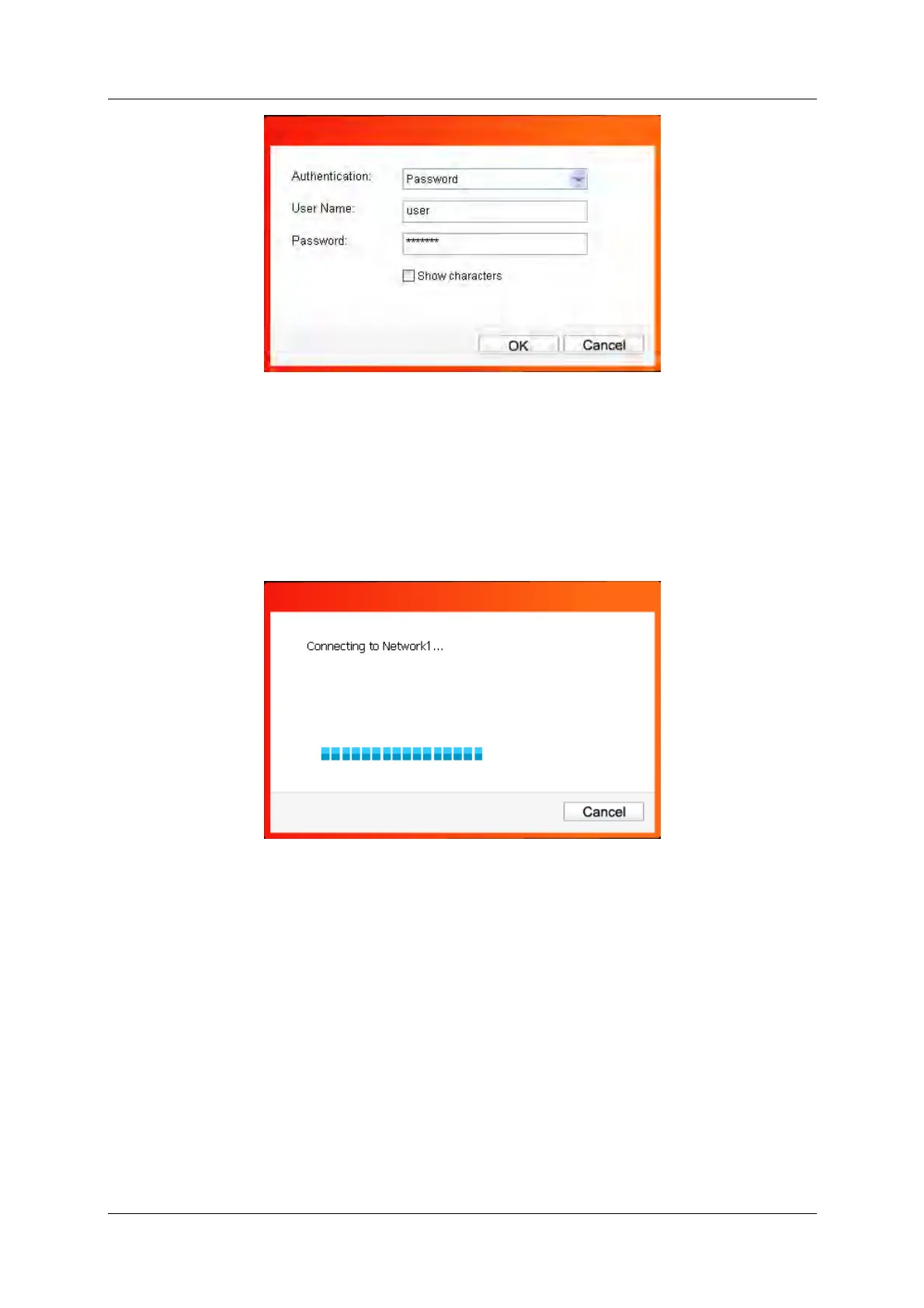
Figure 3-5
3) Wireless network of None
If you selected a wireless network of None (that is, no security is set.), you can get directly
connected to this network without any further configuration.
4. Please wait a few minutes for the connection process.
Figure 3-6
5. You have now successfully connected to your network. Click Close to enjoy the Internet.
150Mbps Wireless N Nano USB Adapter 11



 To Next Page