Chapter 3 –Connect to a Wireless Network
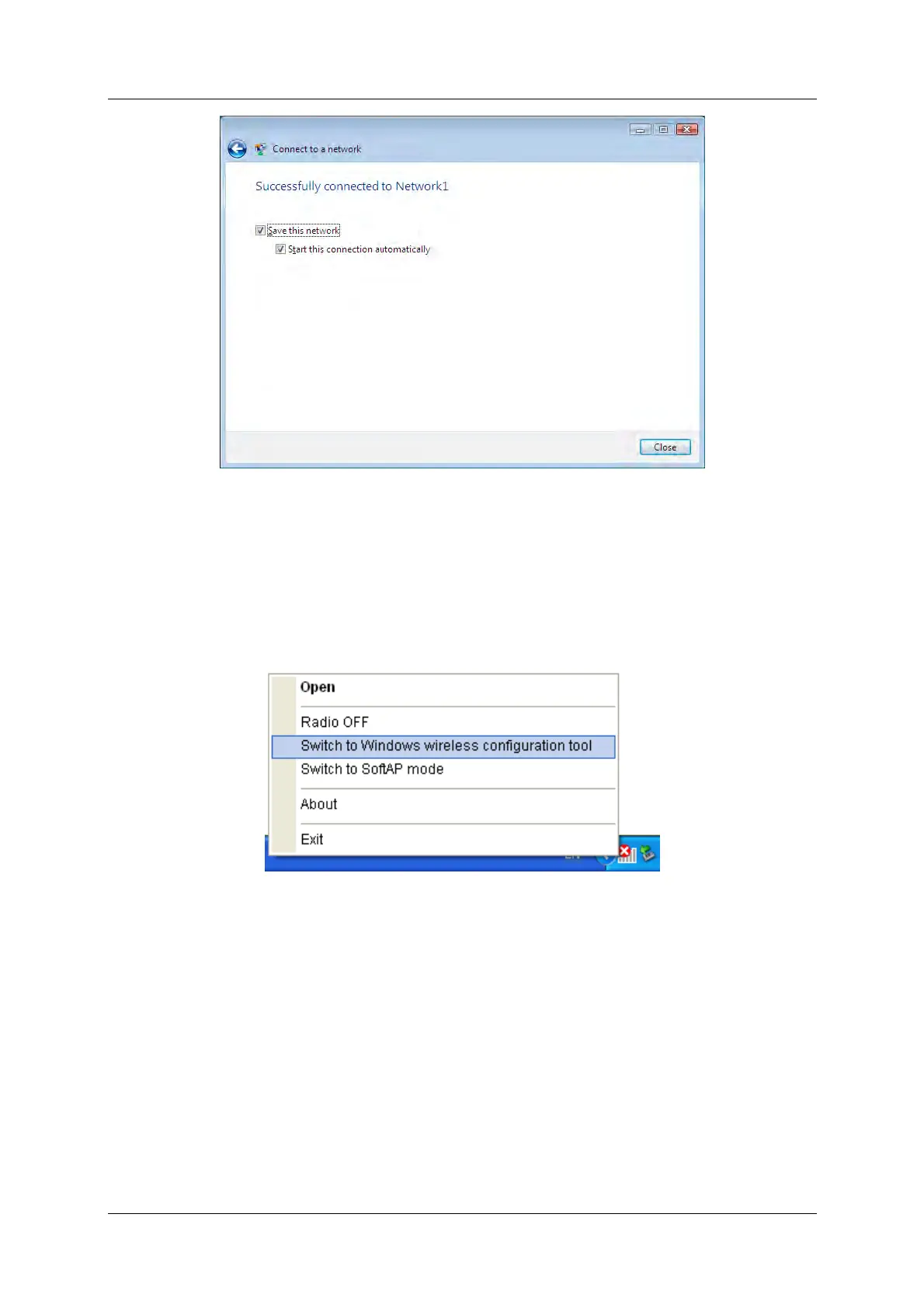
Figure 3-24
3.3.3 In Windows XP
Windows XP users may use the built-in wireless utility. Follow the steps below.
1. Right-click on the utility icon in your system tray (lower-right corner). Select Switch to
Windows wireless configuration tool.
Figure 3-25
Or double-click the utility icon to load the utility configuration page. Click Advanced in the
tools section and then select Use Windows wireless configuration tool in the figure shown
below. Click OK when Figure 3-27 appears to continue.
150Mbps Wireless N Nano USB Adapter 21



 To Next Page