Chapter 3 –Connect to a Wireless Network
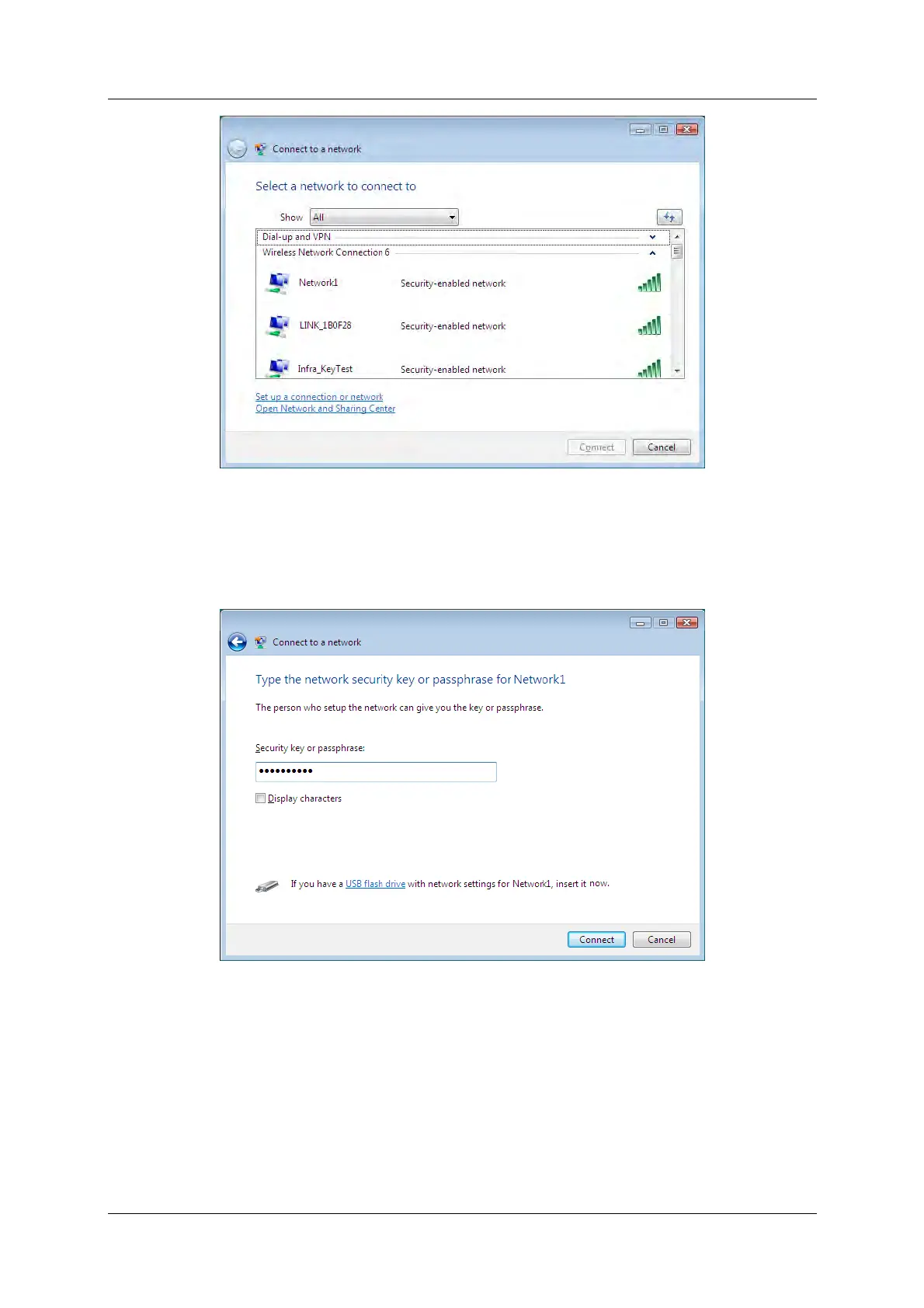
Figure 3-22
3. If the network you would like to connect is security-enabled, enter the same security key or
passphrase that is on your router. If the network to be connected is not secure, the connection
will be built without entering a key.
Figure 3-23
4. You have now successfully connected to the network.
150Mbps Wireless N Nano USB Adapter 20



 To Next Page