INSTRUCTION MANUAL ME-104 11
7. TOUCH SCREEN
The touch screen is placed on front of the electrical cabinet, and it allows the following
functions:
• shows error and status messages
• introduce different working modes
• introduce control parameter
• activate elements of the machine
PASSWORD: to operate other than the main screen, a password will be requested. In the
beginning, this password is ‘00000000’. The button PWD (in the DATA screen) allows the user
to change the inner password table and introducing different users
This option can be disconnected by acting over the Switch nº8, on the back of the screen
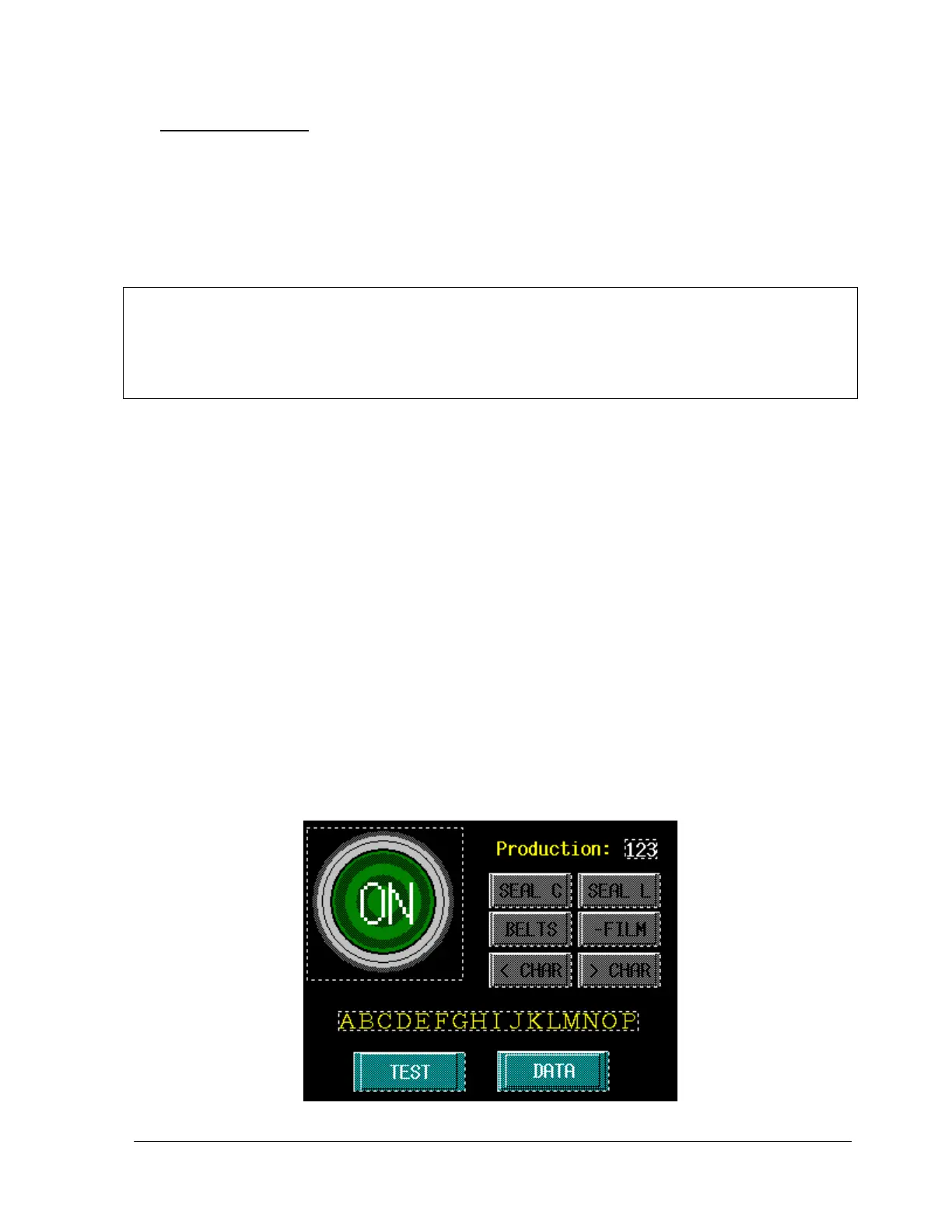
The main screen shows the status message. After an alarm occurs, the message line explains the
alarm that occurs. These messages are:
• Emergency stop (even after it’s been released)
• Door opened (even after it’s been closed)
• Inicializing: while moving the machine to the initial position
• Ready: the machine will accept a new mattress
• Working: there is a mattress in-feed
• Stopped: the START/STOP button was pressed and the machine is waiting
• Error on D3/D4: the length detectors D3 or D4 on M1 (when included) have
been activated with no cycle. They could be broken or to high sensibility. Check
the problem and press START/STOP button to resume
• Error on S3: the movement of the central sealing bar hasn’t reach the final
position. The reason could be: the bar has catch a mattress, the detector has
moved a little down, or the order to move didn’t activate the electro valve
• Error on phase 2: the wrap of the mattress exceeds the time limit. After check
the problem, move the mattress up to pass the sealing bar (F3 key) and press
STAR/STOP button to resume the cycle
• Technical stop: contact technical service


 To Next Page