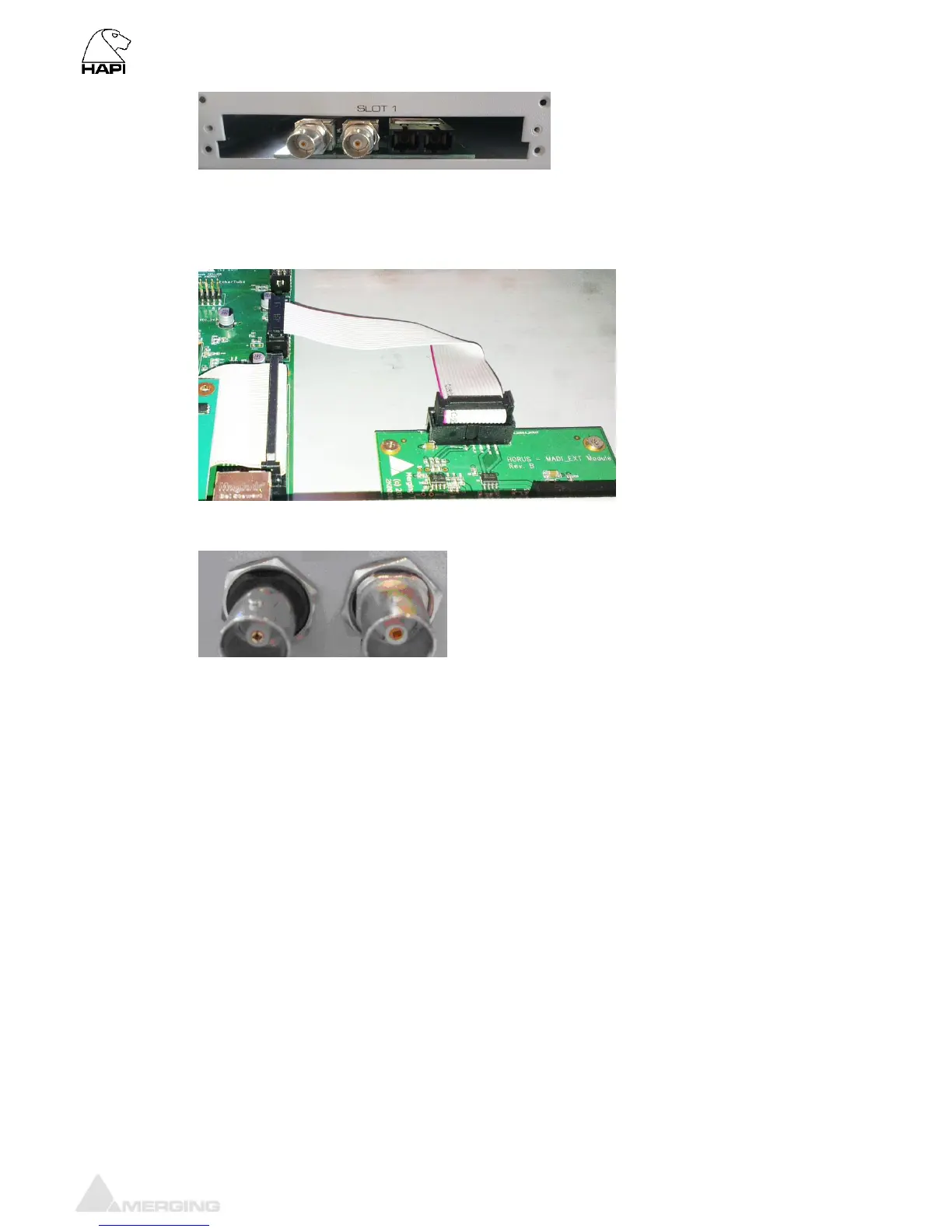
6. Align the MADI Module over the 4 spacers and screen the MADI module using the 4 screws
7. Connect the ribbon cable from the MADI module to the J8 connector on the Main Hapi board
8. Put the back panel cover slot for MADI and screw the 2 nuts onto the I/O BNC connectors.
9. Replace any modules that were removed earlier to provide access
10. Close the Hapi top panel cover and replace the fixing screws
11. Power the Hapi back on and the MADI module will be recognized



 To Next Page