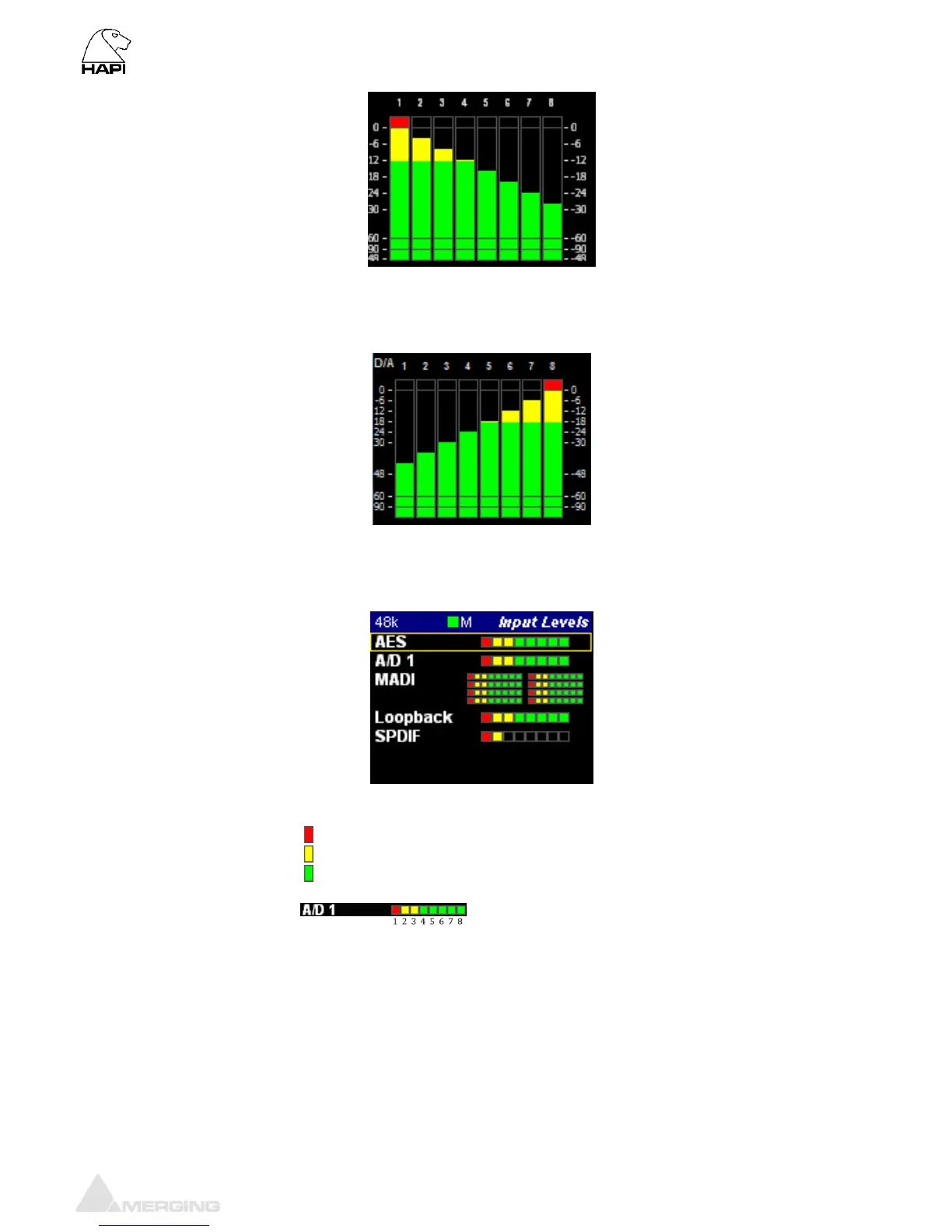
D/A Meters Sub-Menu (Meters)
The D/A meters page will display a VU meter for each D/A output available. If you have 1 x D/A module
you will see 8 VU meters, if you have 2 x D/A modules you will see 16 VU meters, so one for each
physical output.
Input Levels Sub-Menu (Meters)
The Input Meters page will display the input metering of the modules present in the Hapi. A metering
view of one Led per input channel is represented in this page.
LED indications: Peak indication
Alignment range
Signal indicator
The LEDs indicate the inputs levels of the AD1 inputs 1 to 8
Note: You can reset a module Peak by pressing the Rotary Control. In the
example above pressing A/D 1(8ch) will reset the peak displayed on the input 1
This led view ledged also applies to the DA view.
Output Levels Sub-Menu (Meters)
The Output Meters page will display the Output metering of the modules present in the Hapi. A
metering view of one Led per output channel is represented in this page.



 To Next Page