Modules: Loopback (hidden menu, available only for debug use)
Transparency Check: This is a Debug Utility tool that verifies the bit transparency of the audio path
On: Transparency check enabled
Off: Loopback mode enabled
Word Length: Word length of the digital audio data signal (16 bits or 24 bits)
Status: Green: Path transparency valid
Black: Path is not transparent
Numbering: indicates the number of discontinuities measured
Latency: Output to Input delay in samples
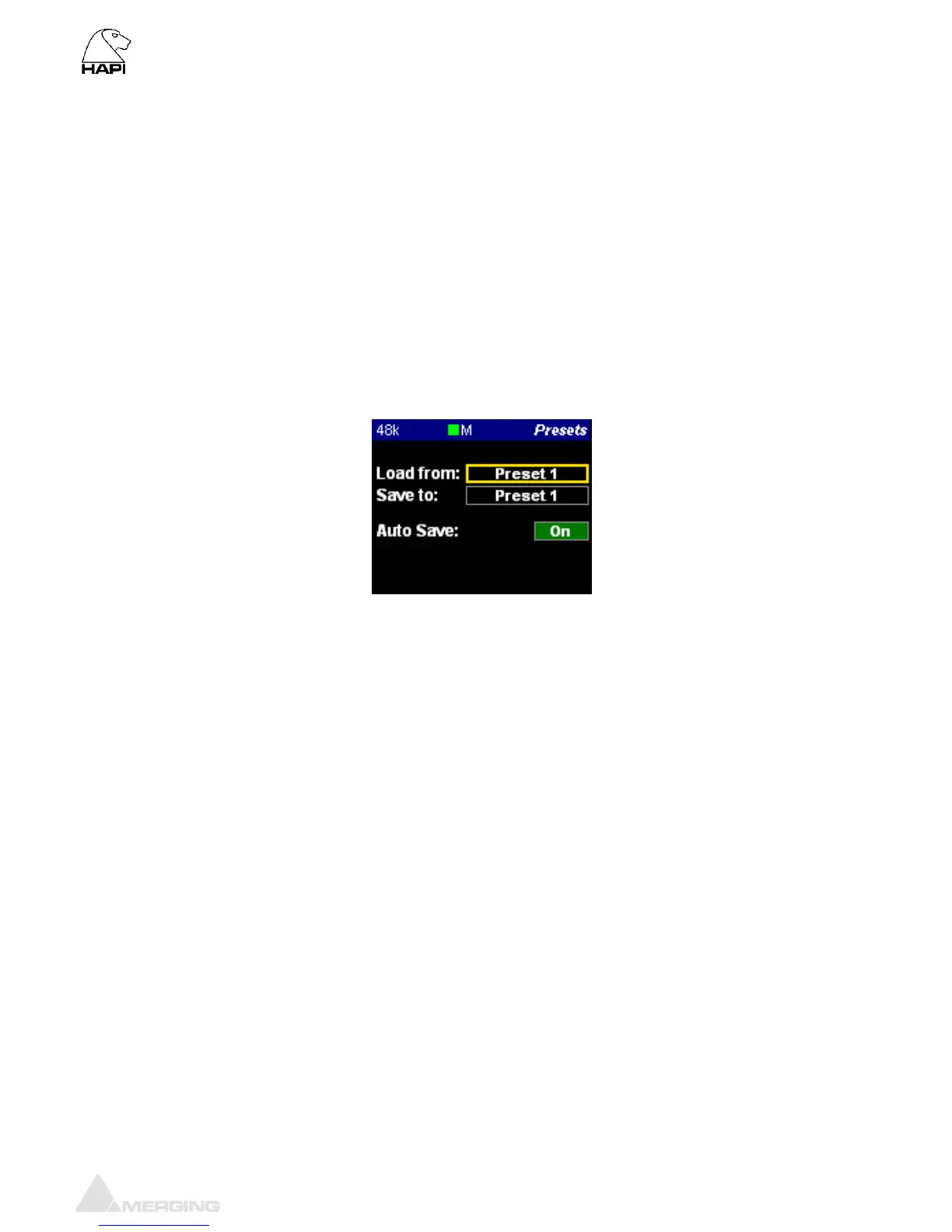
Presets Menu (Setup)
Load: 5 presets banks of different Hapi configurations can be loaded (one at a time)
Save: 5 presets banks are available to store different Hapi configurations
Auto Save: If enabled the save configuration will happen at every 2 minutes.
Note: Since the flash memory which is at the heart of the Hapi storage has a
huge (but not infinite) amount of write cycles, we limit the auto-save of all
configuration and PreAmps settings to once every two minutes if (and only if) a
change has occurred meanwhile.
Furthermore, both Shutdown and Reboot buttons (in Setup page) do also
entirely save the current configuration of the Hapi prior to power down.



 To Next Page