ADAT: Takes you to the ADAT Routing configuration page (refer below)
AES: Takes you to the AES Routing configuration page (refer below)
D/A: Takes you to the D/A Routing configuration page (refer below)
MADI: Takes you to the MADI Routing configuration page (refer below)
HEADPHONE: Takes you to the Headphone Routing configuration page (refer below)
SPDIF: Takes you to the SPDIF Routing configuration page (refer below)
A/D: Disabled as one cannot route TO an Input!
Loopback: Takes you to the Loopback module (present only in debug mode)
Routing: Source Configuration
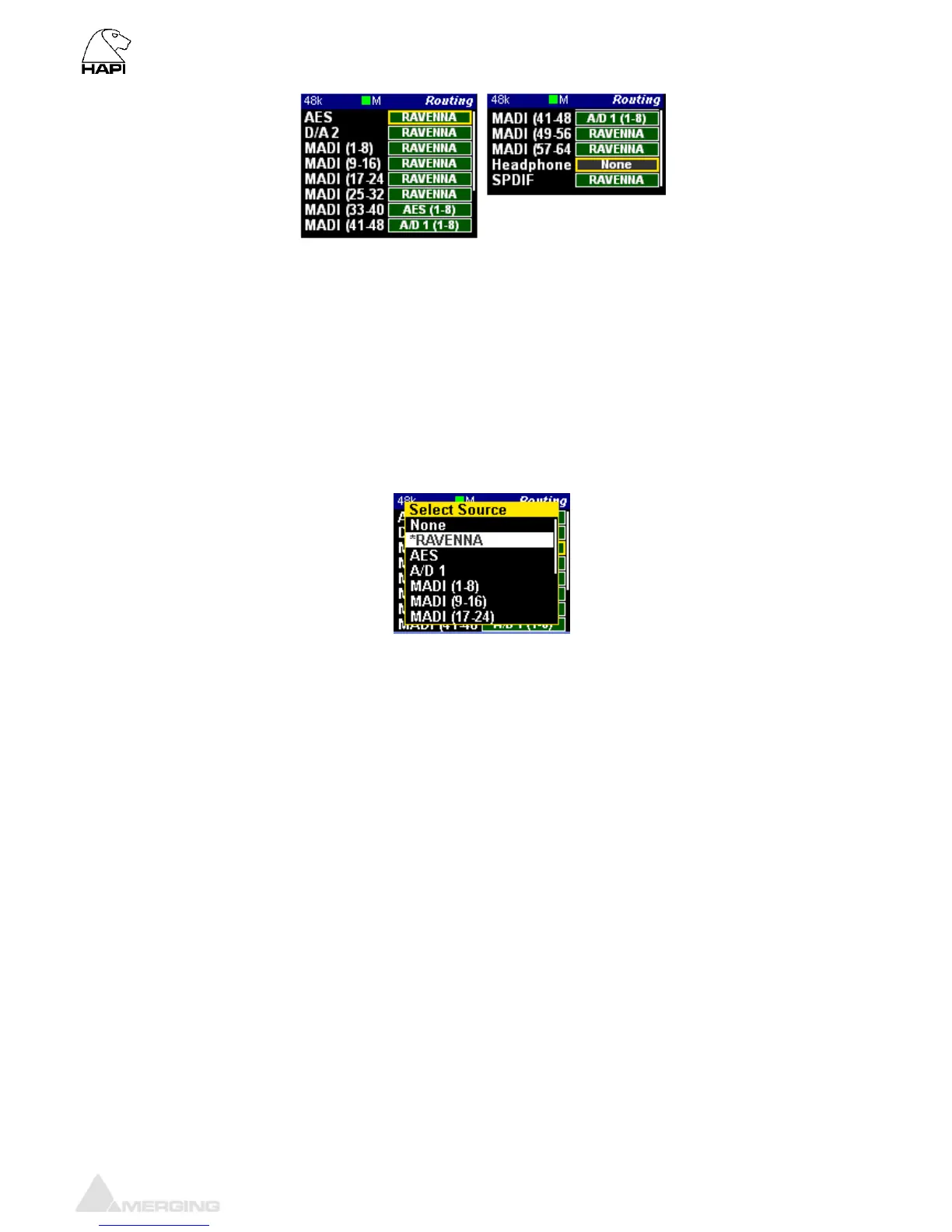
ADAT – AES - D/A - MADI – SPDIF Routing Output Source (similar)
For all of the output modules (ADAT/SPDIF,AES, D/A N, MADI & Headphone Jack) the user can set
where the signal feeding it comes from. Any combination is possible using the Output source page
linked to any of the output modules.
* All routing in the Hapi is currently achieved using banks of 8 channels*
None: Sets the module so that it does not receive a signal from anywhere. Digital
Mute will be output.
RAVENNA: Connects the module to the RAVENNA network and allows any other
RAVENNA device to send signal to it.
ADAT/SPDIF: Sets the module being configured to receive signal from the ADAT/SPDIF
AES: Sets the module being configured to receive signal from a bank of AES-EBU
inputs.
MADI: Enables the module being configured to receive signal from any 8-channel
bank in either of the MADI streams
A/D N: Sends the signal coming in from the Mic or Line input modules to the output
module being configured
Loopback: Should only be used for test purposes.



 To Next Page