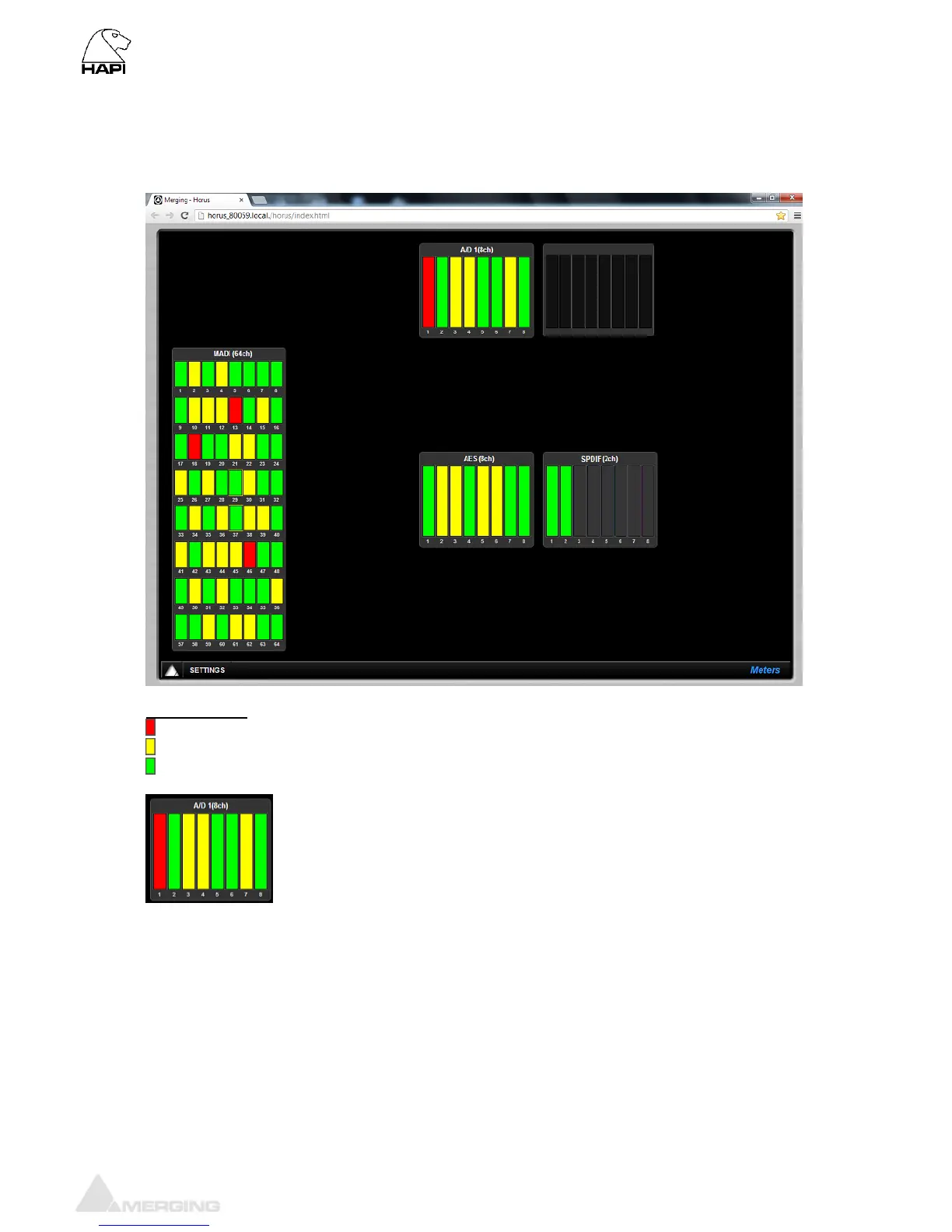
Meters web menu
The Meters web menu will display the input metering of the modules present in the Hapi
Led indications:
Peak indication
Alignment range
Signal indicator
The leds indicate the inputs levels of the AD1 inputs 1 to 8
Note: You can reset a module Peak by doing Mouse + Click on the Module display section. In the
example above pressing A/D 1(8ch) will reset the peak displayed on the input 1.
Meters web Settings:
Hot: Sets the level above which the meter display will be red. If set to 0dB this will
mean clipping. Range -2dBFS to 0dBFS
Alignment: Sets metering level alignment range (yellow leds). Range -24dBFS to 0dB
Decay integration time: Sets the rate at which the level meter display decays after the level falls below
the most recent Peak.
Peak Hold: If ON it will keep the red Peak Hold Overload in display



 To Next Page