05/04
7
Setup
Note: VAL, DEC, INC, and FUN refer to the green, red, blue and yellow buttons on the
M2000PE.
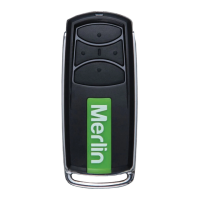
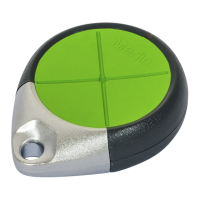
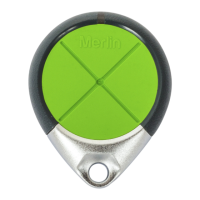
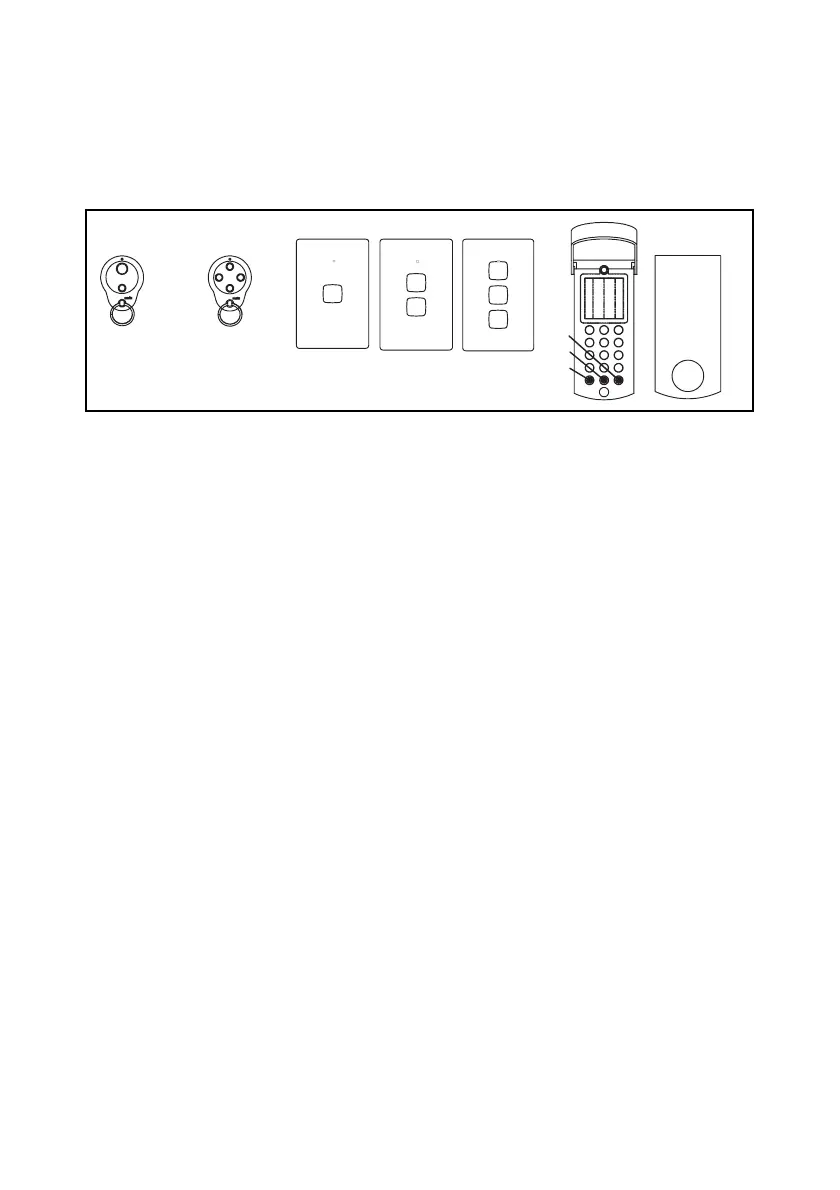
Channels 1 to 4 correspond to the buttons of the Merlin wireless devices as follows:
Assigning codes to memory
Memory locations range from 0001 – 2000. Any combination of wireless devices, proxim-
ity tags, card readers, or Wiegand keypads can be assigned to these locations. This can be
done by accessing programming mode, selecting which memory space is to be used, and
then assigning the device.
a) Simultaneously press INC & DEC to enter programming mode.
b) Select a free location by scrolling with INC & DEC from 0001 to 2000. A free
location is indicated by decimal points being off.
c) Press wireless device button once (any button), or have the badge read by
reader. The decimal points will switch on e.g. 0.0.0.1.
d) Press VAL to confirm. The decimal points will briefly flash when the assignment
is complete.
e) Repeat steps b) to d) to assign more devices, or simultaneously press INC &
DEC to exit programming mode.
Note that codes can alternatively be assigned in blocks using the F6 function described
later.
Deleting codes from memory
Deleting an assignment from an individual location is described below. Bulk and block
erase options are described later.
a) Simultaneously press INC & DEC to enter programming mode.
b) Scroll using INC & DEC to display the location whose code is to be deleted.
Decimal points will be on, e.g. 1.0.2.3.
c) Press VAL to confirm. The letter C will appear on the left of the display.
d) Press VAL again to confirm deletion. The assigned code will be deleted and the
decimal points will go off, e.g. 1 0 2 3
e) Repeat steps b) to d) to delete more devices, or simultaneously press INC &
DEC to exit programming mode.
ch 2
ch 1
ch 3
H128C
ch 3
ch 2
ch 1
ch 4
M840
ch 2
ch 1
H128C
ch 2
H128C
ch 1
ch 2
M842
ch 1
ch 2
ch 4ch 3
M844


 To Next Page
 Loading...