7 Preparing the appliance for use
Merrychef conneX
®
Installation and User Manual
The easyTouch
®
screen display
The easyTouch
®
screen display, layout and icons shown herein are for guidance purposes only and are not intended to be an
exact representation of those supplied with the appliance.
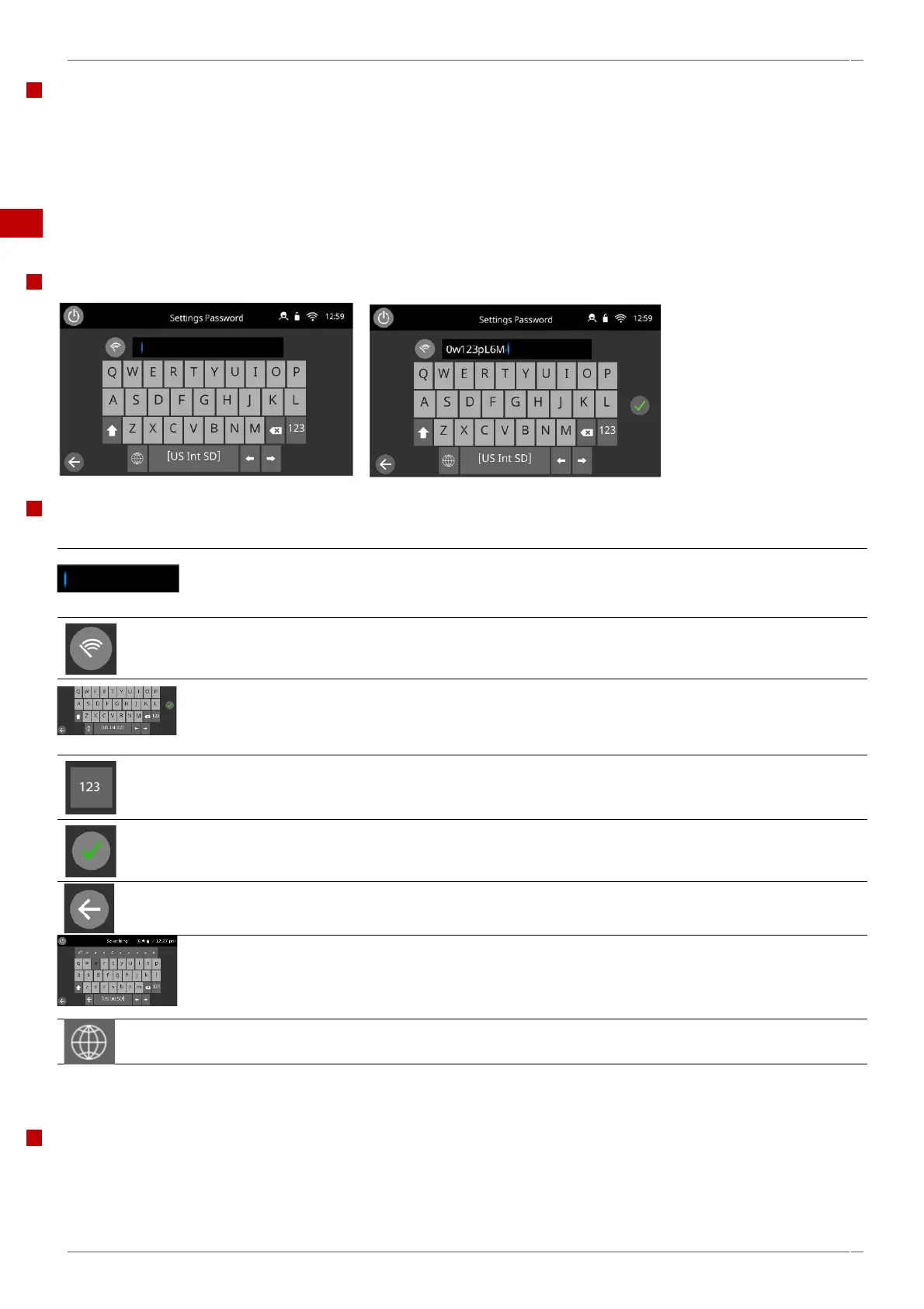
7.4 The keyboard screen
Appearance
The buttons and their functions
The keyboard screen is used to enter an authorised
password to enter data for programmes and may restrict
operator access to some functions.
Select the ‘clear screen’ key to delete all text from the
keyboard screen.
Type in text using the keyboard.
Select the up/down arrows to scroll the keyboard screen, for
lowercase, numbers, etc.
Select the green tick to confirm settings and continue.
Select the ‘backspace’ key to return to a previous screen.
Press and hold the relevant letters to select diacritical/accent
marks
Select the bottom globe icon to change to a Chinese keyboard
(Pinyin), select again for Korean, Arabic and Russian.
Character length
▪ For names of cooking profiles, names of categories and passwords use 1-20 characters in 2 lines max.
▪ For stage instructions of individual cooking profiles use 1-54 characters in 5 lines max.



 To Next Page