EasyManua.ls Logo

Metapace T-40 - User Manual

Metapace T-40
36 pages
Print Icon
To Next Page IconTo Next Page
Loading...
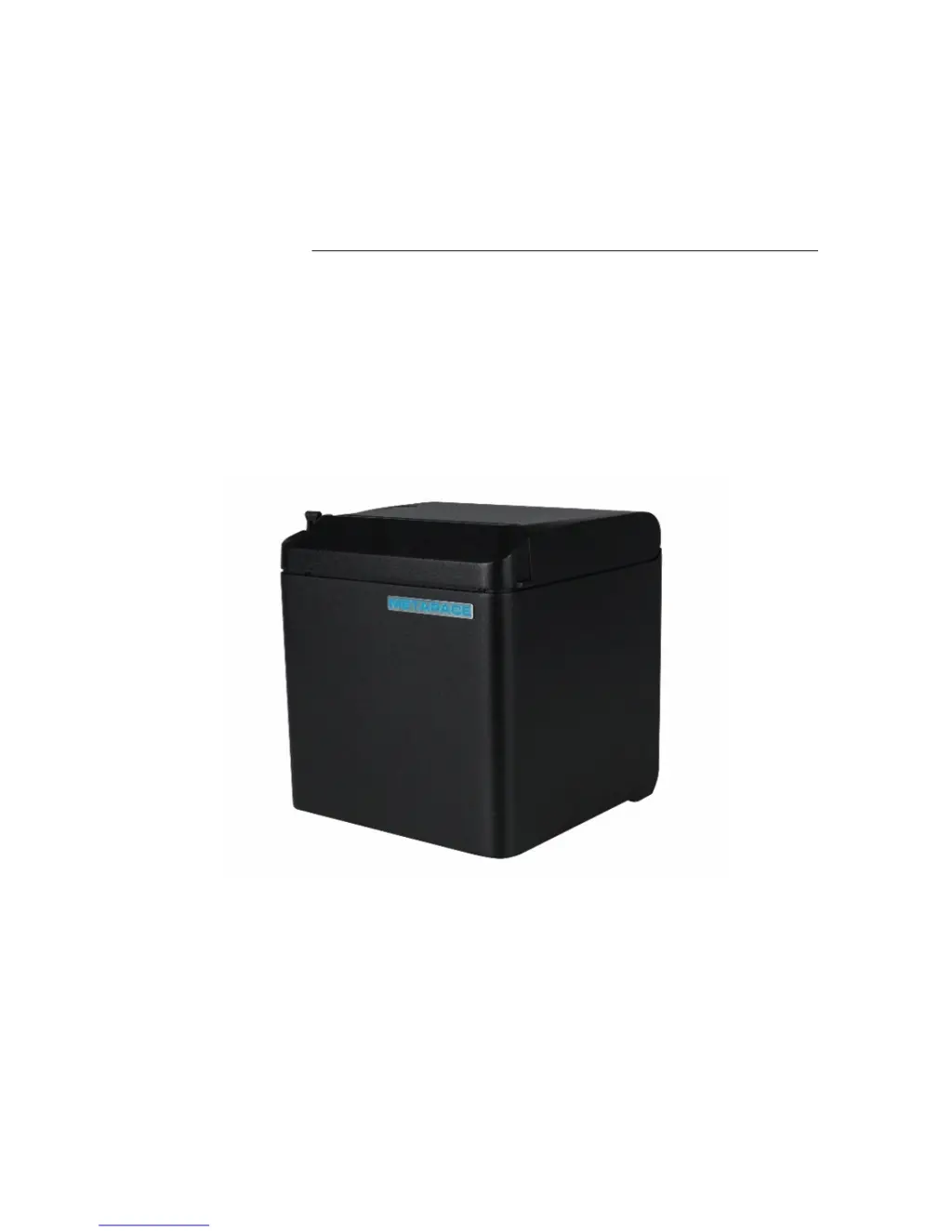
USER’S MANUAL
Thermal Receipt Printer
T-40

Other manuals for Metapace T-40

Questions and Answers

Summary

1 Introduction

1.1 Outline

Overview of the Thermal Receipt Printer T-40's development and connectivity options.

1.2 Features

Highlights key functionalities like low noise, high speed, paper support, and rich interfaces.

2 Specification

2.1 Technical specification

Detailed technical parameters of the printer, including printing, interface, memory, and fonts.

2.2 Cutter parameters

Specifications related to the printer's cutting mechanism, such as method, time, and lifetime.

2.3 Paper specification

Details on paper types, width, thickness, and roll specifications supported by the printer.

3 Appearance and components

3.1 Appearance and modules

Visual identification and labeling of the printer's external parts and internal modules.

3.2 LED and buzzer

Explanation of the functions and status indications provided by the printer's LED lights and buzzer.

4 Installation

4.1 Unpacking

Instructions for checking the printer's contents upon delivery and verifying its condition.

4.2 Printer installation

Guidance on physically placing and setting up the printer in its operating environment.

4.3 Power and communication interface

4.4 Paper roll installation

4.5 Paper near end position adjustment

4.6 Power-on and self-test

4.7 Hexadecimal dumping function

5 Routine maintenance

5.1 Cleaning the print head and the platen roller

Steps for cleaning critical internal components to ensure print quality and longevity.

5.2 Cleaning the mark sensor

Procedure for cleaning the sensor responsible for detecting paper marks.

5.3 Clearing the jammed paper and the cutter error

Methods for resolving common issues like paper jams and cutter malfunctions.

6 Interface signal

6.1 Serial interface

Detailed pin definitions and signal configurations for the RS-232 serial interface.

6.2 Parallel interface

Pin definitions and signal configurations for the IEEE 1284 compatible parallel interface.

6.3 USB interface

6.4 Ethernet interface

6.5 Double communication interface

6.6 Power interface definition

6.7 Cash drawer interface signal definition

7 Troubleshooting

7.1 Printer doesnt work

Common causes and solutions for the printer failing to power on or operate.

7.2 Error LED and buzzer alarm

Interpreting error codes indicated by LED flashes and buzzer beeps.

7.3 Problems during printing

Troubleshooting steps for issues like paper jams, poor print quality, or cutting errors.

8 Power management

9 DUMP mode

Appendix Button configuration

Metapace T-40 Specifications

General IconGeneral
TypePOS printer
Print technologyThermal
Maximum resolution203 x 203 DPI
Maximum roll diameter82.5 mm
Supported paper width57.5/80/82.5 mm
Flash memory4 MB
Internal memory2 MB
Wi-Fi-
Ethernet LANYes
Standard interfacesUSB
Connectivity technologyWired
Product colorBlack
AC input voltage120 - 230 V
DC output voltage24 V
Power source typeAC
Cables includedAC, RS-232, USB
Storage temperature (T-T)-40 - 60 °C
Operating temperature (T-T)5 - 45 °C
Storage relative humidity (H-H)10 - 90 %
Operating relative humidity (H-H)20 - 90 %
Harmonized System (HS) code84433210
Weight and Dimensions IconWeight and Dimensions
Width127 mm
Height134 mm

Related product manuals