8
Dash Disassembly
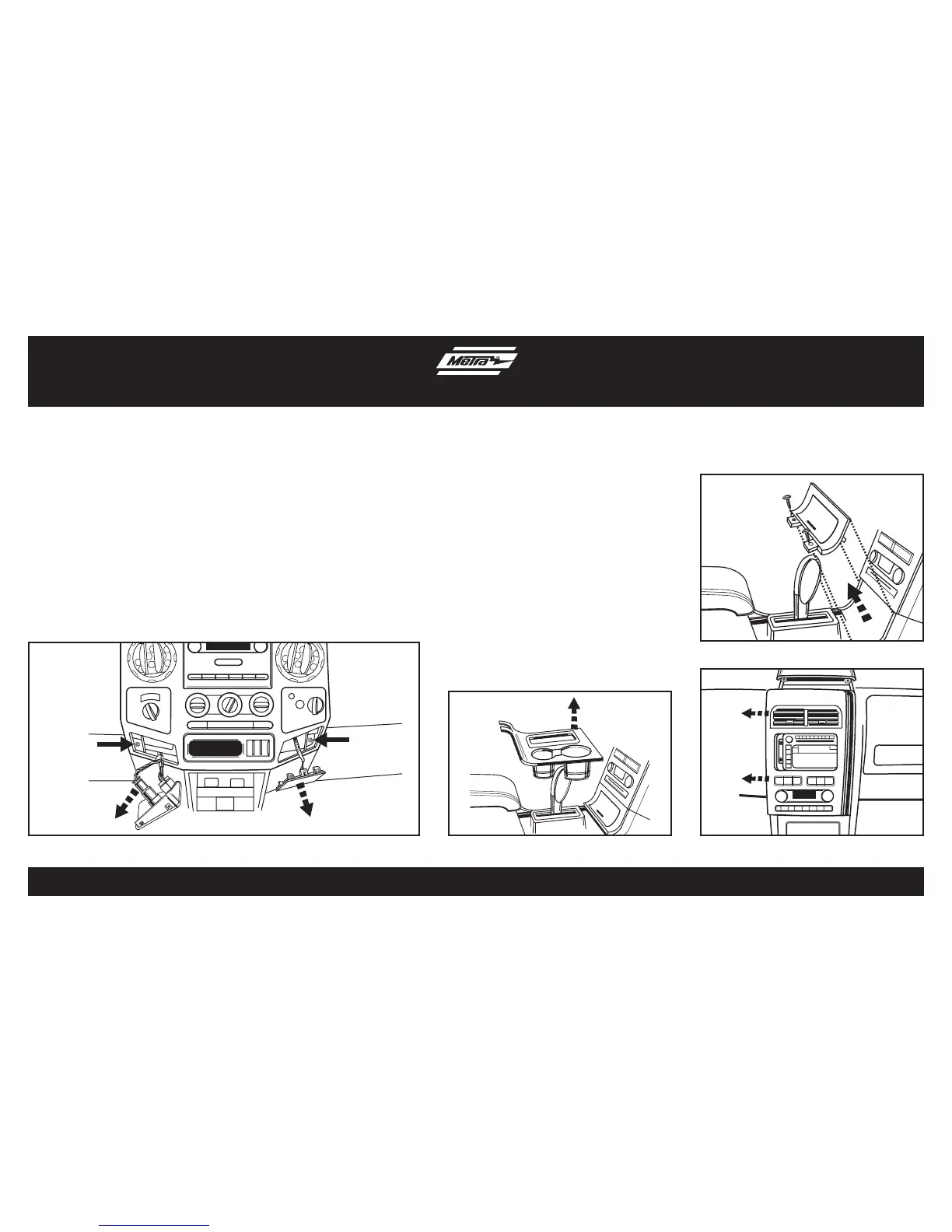
1. Open center console lid and unclip and
remove the center console trim panel
surrounding the shifter. (Figure A)
2. Remove (2) Phillips screws from the
storage bin then unclip and remove the
bin. (Figure B)
3. Unclip and remove the upper and lower
center trim panel as one assembly.
(Figure C)
4. Remove (4) 9/32” screws securing the
radio. Unplug and remove the radio.
Continue to kit assembly
Lincoln MKX 2007-2010
(Factory navigation models only)
Ford Super Duty F-250/F-350/
F-450/F-550 2005-up, Ford Super
Duty F-650/F-750 2011-up
1. Unclip and remove the power
outlet panel and the blank panel
on the left and right side of the
radio trim panel. (Figure A)
2. Remove the (2) 9/32” screws
exposed behind the two panels
previously removed.
3. Unclip and remove the entire
radio trim panel including the
A/C control and vents.
4. Remove (4) 9/32” screws
securing the radio.
Continue to kit assembly
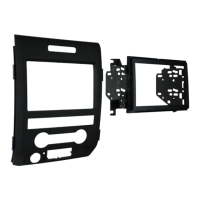
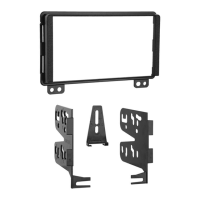
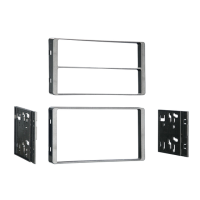
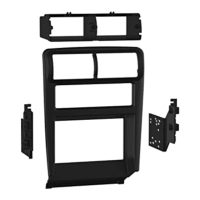
(Figure A) (Figure C)(Figure A)
(Figure B)



 To Next Page