99-3106
4
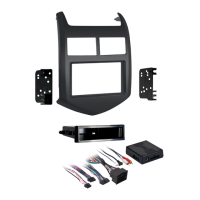
KIT ASSEMBLY
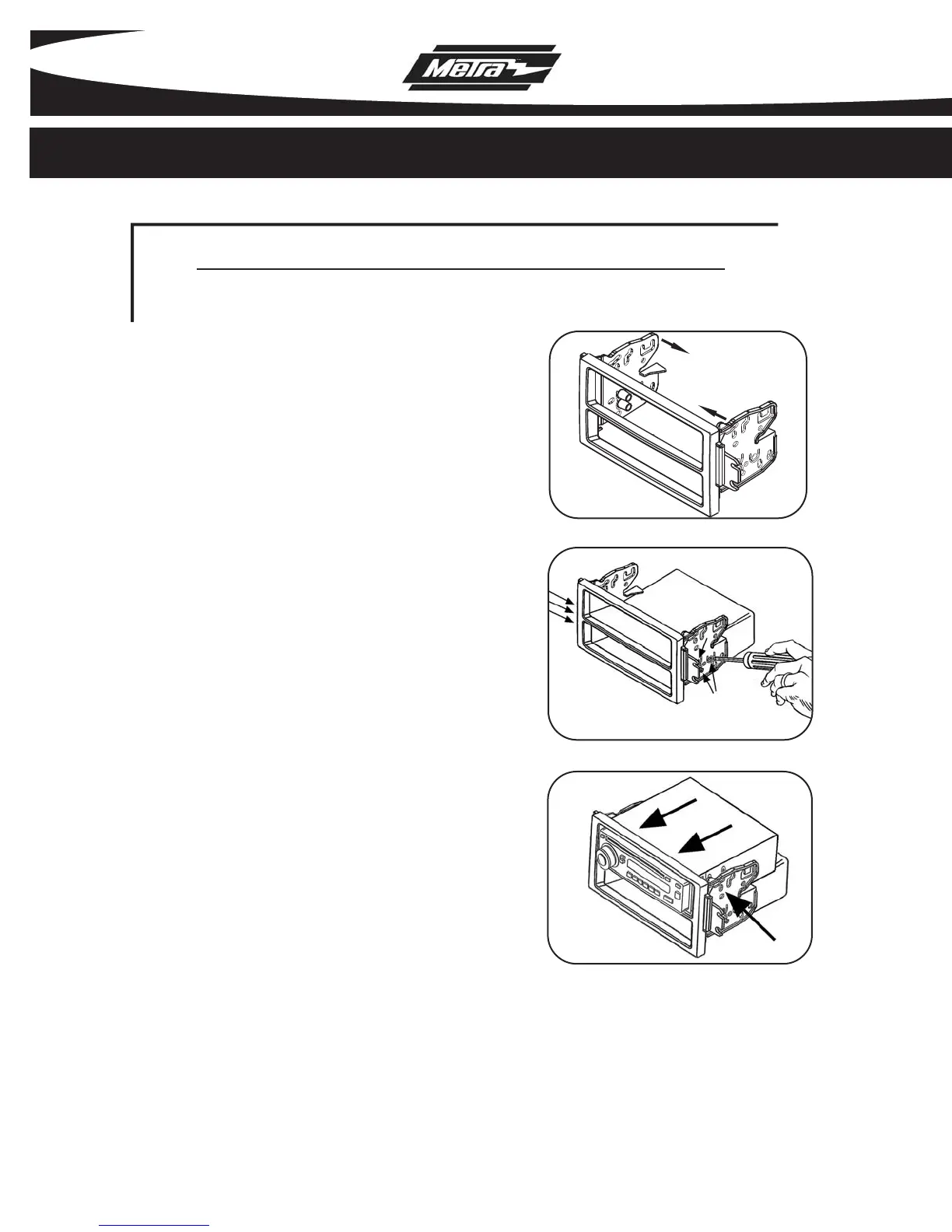
Slide the radio housing brackets
onto the radio housing.
(Figure A)
1
A
Snap the pocket onto the back of the
radio housing, align the holes in the
pocket with the holes in the radio
housing brackets and mount with
the (6) Phillips screws supplied.
(Figure B)
2
ISO DIN HEAD UNIT PROVISIONS
B
Align the holes in the radio housing
brackets with the holes in the ISO-
DIN head unit and secure the brack-
ets to the head unit with the screws
included with the unit.
(Figure C)
3
C



 To Next Page