386.257.1187
|
MetraOnline.com
18
Resetting the interface
Option # 1
1. With everything connected and the car running.
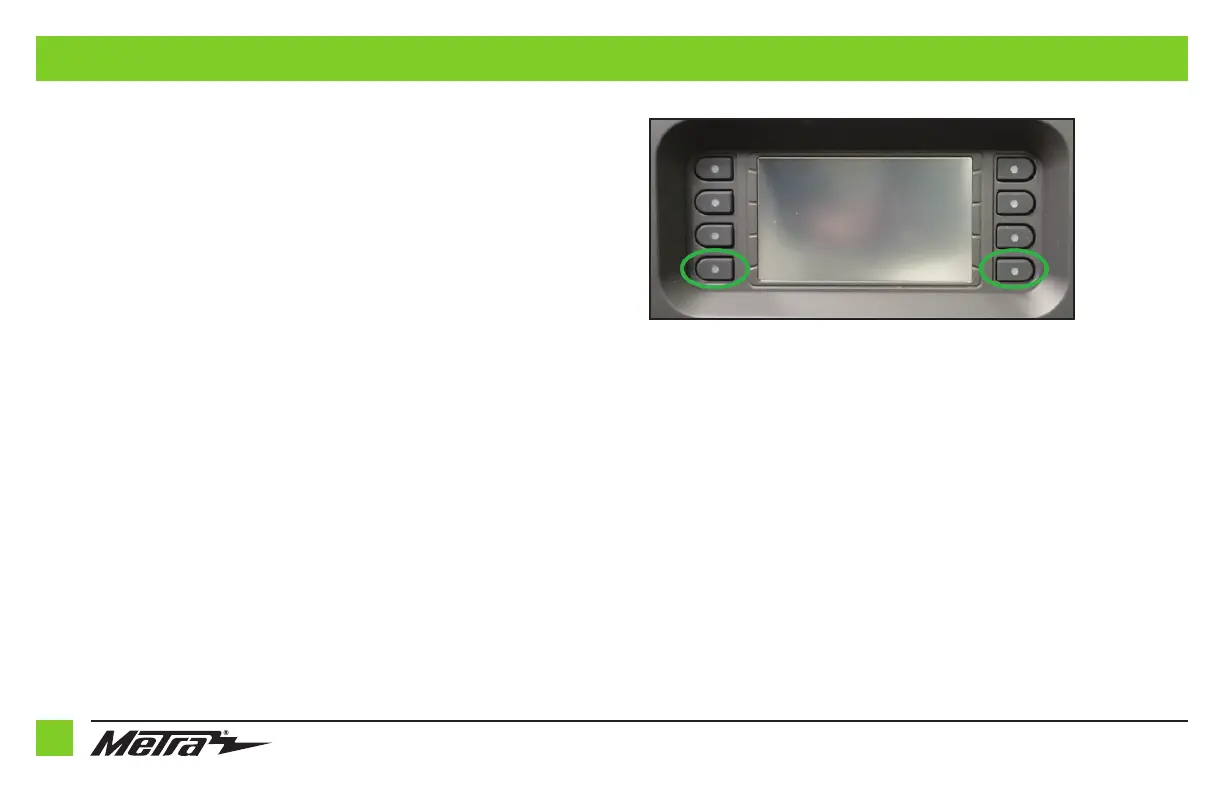
2. Hold the bottom (2) buttons for 3 seconds, then release. (Figure A)
(The screen will turn black and then put you in the vehicle selection screen)
3. Select your vehicle and wait till the “SWC Configured “ appears on the screen.
4. Turn ignition off and start vehicle, then test your interface.
Option #2
1.
With the vehicle running, press the Reset Vehicle Type button mentioned in System Configuration
.
2. Refer to Programming, step 3, from this point.
TROUBLESHOOTING
(Figure A)



 To Next Page