99-6527B
4
Kit Preparation
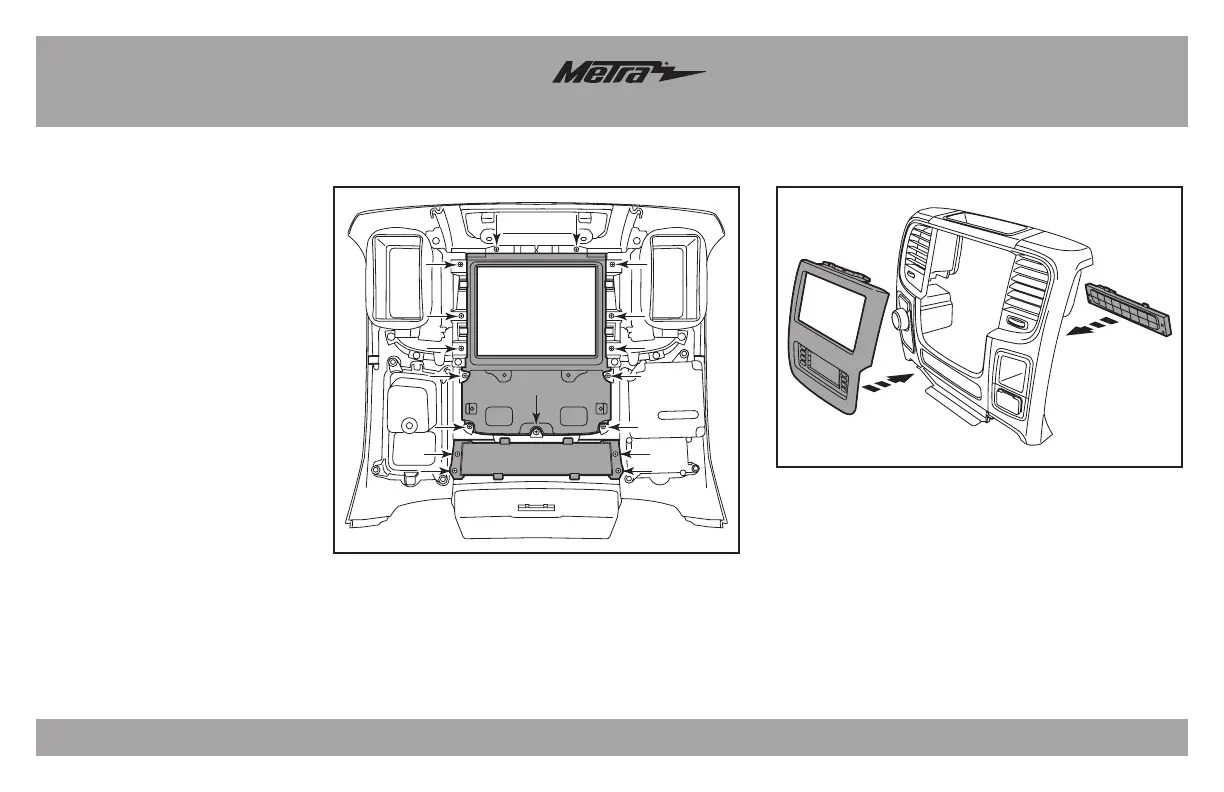
(Figure A)
(Figure B)
From the factory center dash panel:
1. Remove the (4) Phillips screws
securing the lower button panel,
and then remove. (Figure A)
2. Remove the (13) Phillips screws
securing the radio/climate control
panel, and then remove. (Figure A)
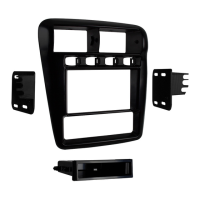
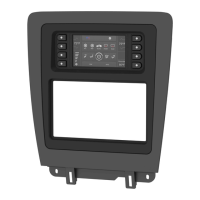
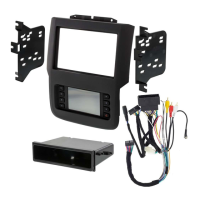
3. Secure the 99-6527B radio trim
panel with touchscreen display
to the panel using the factory
hardware removed in step 2.
(Figure B)
4. Secure the lower button panel
back to the panel using the factory
hardware removed in step 1.
(Figure B)
Continue to Kit Assembly



 To Next Page