Connection
Connecting the electrode
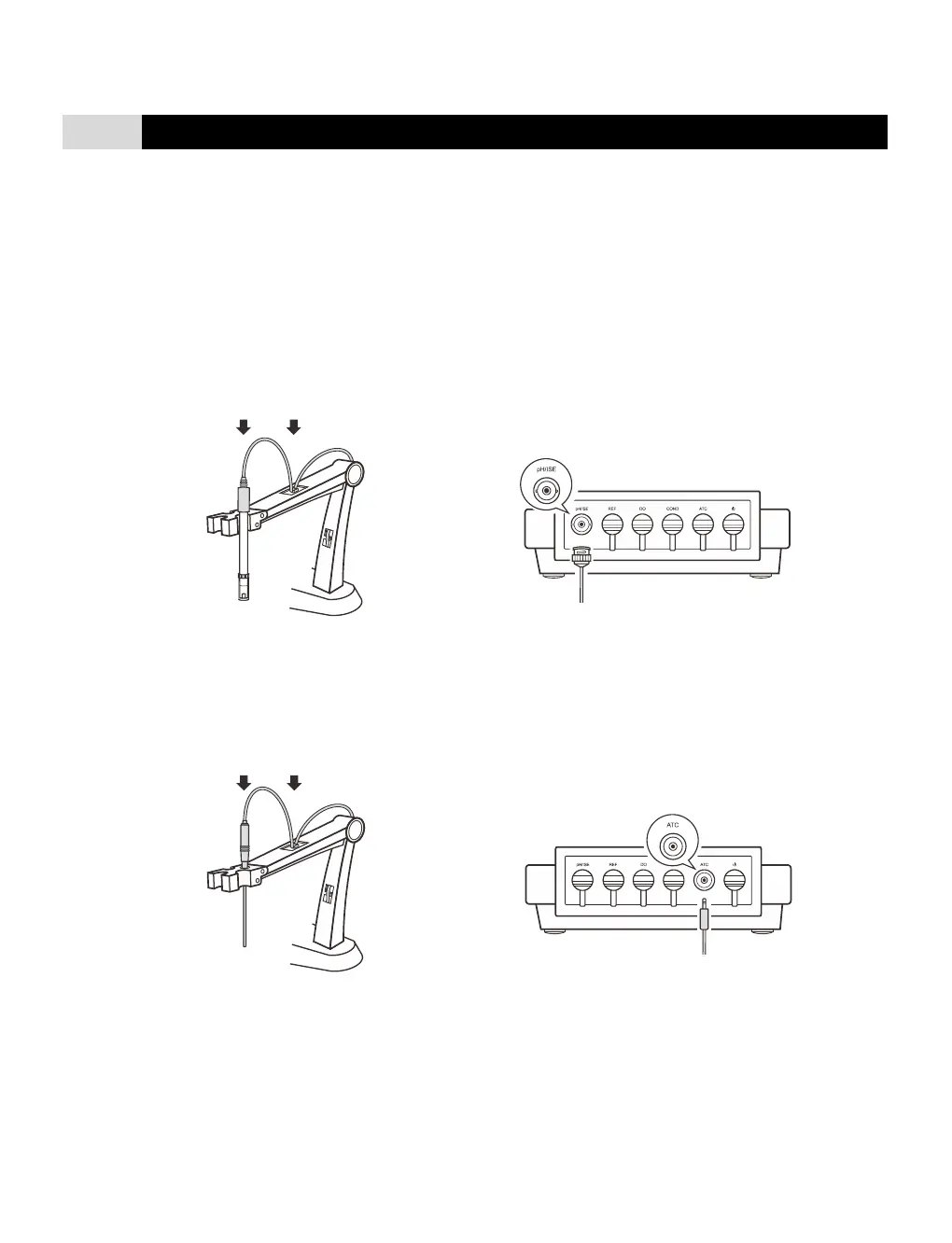
1.1 Take out the pH electrode from the packaging. Follow the steps below to place the electrode into left or right side of the
electrode arm.
1.2 Insert the BNC connector into the connector socket labeled pH/ISE. Rotate and push the connector clockwise until it locks.
After the
connection is completed, DO NOT pull on the cable. Always make sure that the connector is clean and dry.
Connecting the temperature probe
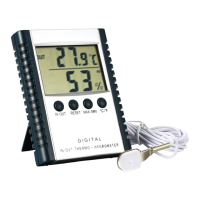
2.1 Place the temperature probe into the circular hole located at the center of the electrode arm.
2.2 Insert the jack plug to the connector socket labeled ATC. Ensure the connector is fully seated.
Switching the Meter On and Off
1. Insert the connector of power adapter to the power socket.
2. Press and release the Meas key to switch on the meter. Press and hold the Meas key for 3 seconds to switch off the meter.


 To Next Page