EasyManua.ls Logo

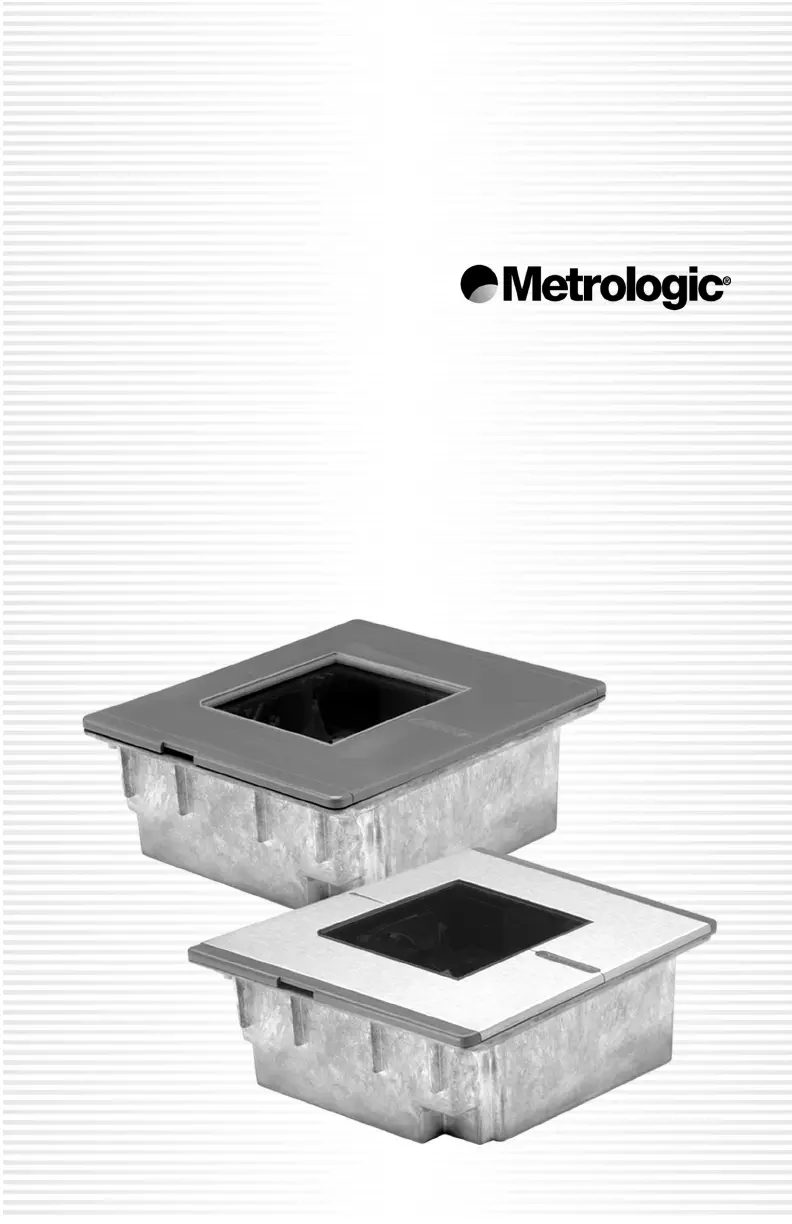
Metrologic MS7600 - User Manual

Metrologic MS7600
60 pages
Print Icon
To Next Page IconTo Next Page
Loading...
METROLOGIC INSTRUMENTS, INC.
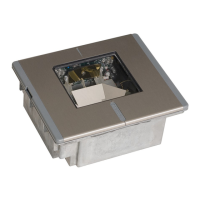
MS7600 Horizon
Series
Installation and User’s Guide

Questions and Answers

  • P
    patriciajohnsonAug 12, 2025
    What to do if my Metrologic Barcode Reader is not configured correctly for some bar codes?
    • D
      Dana SantanaAug 12, 2025
      If your Metrologic Barcode Reader isn't reading certain bar codes correctly, ensure that the check digits are properly configured for that specific bar code type.
  • J
    jenkinsannaAug 19, 2025
    What to do if my Metrologic Barcode Reader is not scanning a particular symbology?
    • B
      Beverly BauerAug 19, 2025
      If your Metrologic Barcode Reader is not reading a particular symbology, the barcode itself may be printed incorrectly. Check for issues with check digits, characters, or borders.
  • S
    Sara ValdezAug 27, 2025
    Why is my Metrologic Barcode Reader dropping characters?
    • W
      William LarsenAug 27, 2025
      If your Metrologic Barcode Reader drops characters, it may be due to insufficient intercharacter delay in the transmitted output. To resolve this, add some intercharacter delay using the MetroSelect® Programming Guide (MLPN 00-02407A-1 & -2).
  • C
    Christopher CastilloSep 4, 2025
    Why is my Metrologic Barcode Reader not displaying some characters correctly?
    • C
      christinegarrettSep 4, 2025
      If your Metrologic Barcode Reader is not displaying a couple of characters correctly, it may be because those characters are not supported by the country’s key lookup table. Try operating the scanner in Alt mode.

Metrologic MS7600 Specifications

General IconGeneral
BrandMetrologic
ModelMS7600
CategoryBarcode Reader
LanguageEnglish

Related product manuals