EasyManua.ls Logo

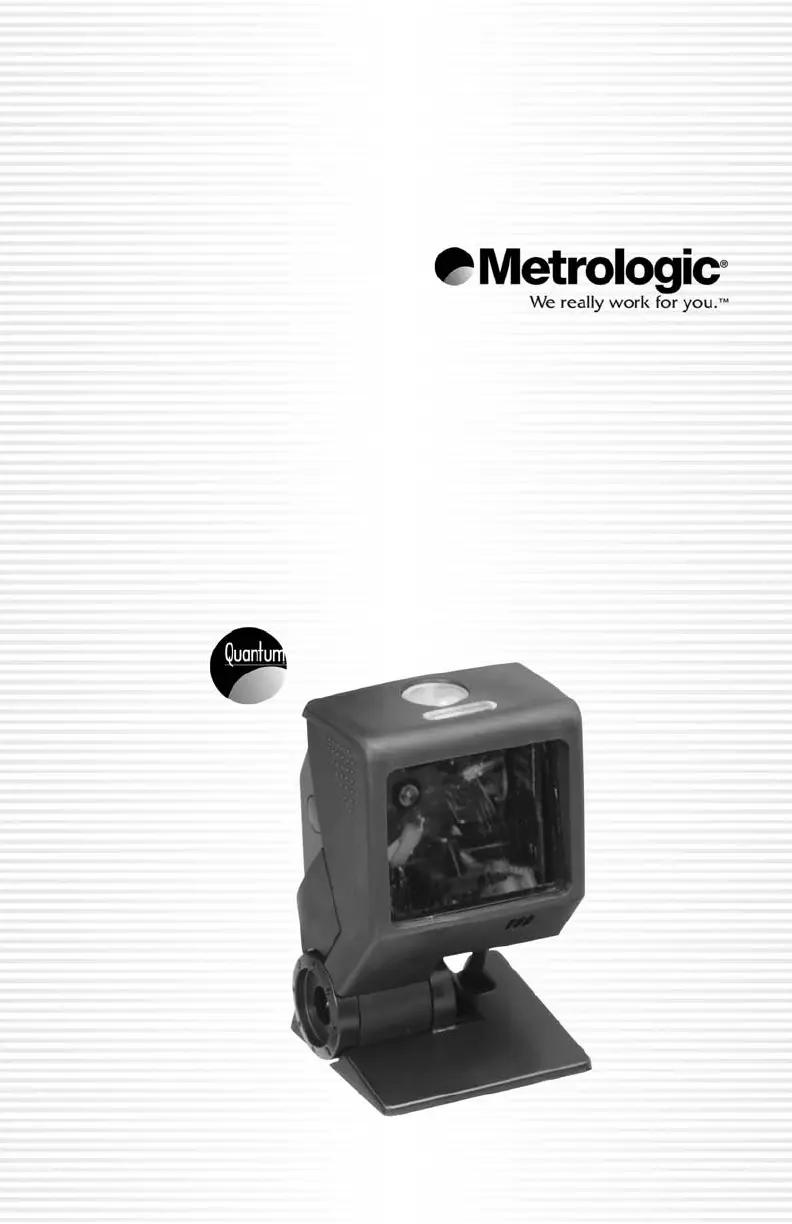
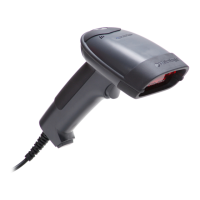
Metrologic Quantum T MS3580 - User Manual

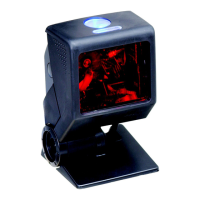
Metrologic Quantum T MS3580
56 pages
Print Icon
To Next Page IconTo Next Page
Loading...
METROLOGIC INSTRUMENTS, INC.
MS3580 QuantumT
Installation and Users Guide
00-05090C_Quark_Cover_for_C_May_2006.qxd 5/5/2006 10:44 AM Page 1

Questions and Answers

Summary

Introduction

Scanner and Accessories

Lists basic and optional accessories for the MS3580 scanner.

Scanner Components

Identifies and labels the physical parts of the MS3580 scanner.

Caution and Serial Number Labels

Details the location and meaning of safety and identification labels on the scanner.

Cable Removal

Provides step-by-step instructions for safely disconnecting cables from the scanner.

Maintenance

Offers guidance on cleaning the scanner's output window for optimal performance.

Mounting Specifications and Stand Assembly

Describes how to assemble and mount the scanner using pedestal or flex stands.

Installation

RS232, TTL, Light Pen, Laser Emulation Installation

Guides the installation for RS232, TTL, Light Pen, and Laser emulation interfaces.

IBM 46 xx or OCIA Installation

Provides installation steps for IBM 46xx and OCIA communication protocols.

Keyboard Wedge Installation

Details the installation process for connecting the scanner via keyboard wedge emulation.

Stand-Alone Keyboard Installation

Explains the installation for using the scanner in a stand-alone keyboard mode.

USB Installation

Outlines the installation procedure for USB connections (full and low speed).

Scanner Operation

Scan Pattern Modes

Explains the two scan pattern modes and how to switch between them.

Configurable Button Functions

Describes the different modes and functions configurable for the scanner's button.

Audible Indicators

Details the various beeps and tones the scanner uses to indicate operational status.

Visual Indicators

Explains the meaning of the blue and white LEDs on the scanner.

Failure Mode Indicators

Lists and explains the error codes indicated by LED and beep patterns.

Depth of Field Specifications

Provides data for the scanner's normal and reduced scan zones.

Depth of Field by Bar Code Element Width

Illustrates how barcode element width affects scan depth.

IR Activation Range

Defines the range for infrared activation in the scanner's power save mode.

Troubleshooting Guide

Common Issues and Solutions

Provides a guide to diagnosing and resolving common scanner problems across interfaces.

Design Specifications

Operational Specifications

Details operational parameters like light source, laser power, and decode capabilities.

Mechanical, Electrical, and Environmental Specs

Covers physical dimensions, electrical requirements, and operating conditions.

Applications and Protocols

Scanner Communication Protocols

Details the various communication protocols supported by different MS3580 models.

Keyboard Type and Country Options

Lists selectable keyboard types and country settings for the scanner.

Default Settings - Communication Parameters

Upgrading the Flash ROM Firmware

Scanner and Cable Terminations

Scanner Pinout Connections

Shows the pin assignments for the 10-pin socket on various MS3580 models.

Cable Connector Configurations (Host End)

Illustrates connector types and pinouts for host-end cables.

Laser and Product Safety

Limited Warranty

Patents

Metrologic Quantum T MS3580 Specifications

General IconGeneral
InterfaceRS232, USB, Keyboard Wedge
Interfaces SupportedRS232, USB, Keyboard Wedge
Scan Rate100 scans per second
Light SourceLaser Diode
Operating Temperature32°F to 122°F
Storage Temperature-40°F to 158°F
Sweep Speed1650 scan lines per second
Operating Power5V DC
Humidity5% to 95% non-condensing
Light LevelsUp to 100, 000 lux
Scan PatternOmnidirectional
Supported BarcodesUPC/EAN, Code 39, Code 128, Interleaved 2 of 5, Codabar
Drop Specification5 ft
Power SupplyExternal Power Supply
Cable Length6 ft
Weight170 g (6.0 oz)
Depth of Field2 to 8 inches

Related product manuals